How to make flashcards: a step-by-step guide (paper, apps and AI)
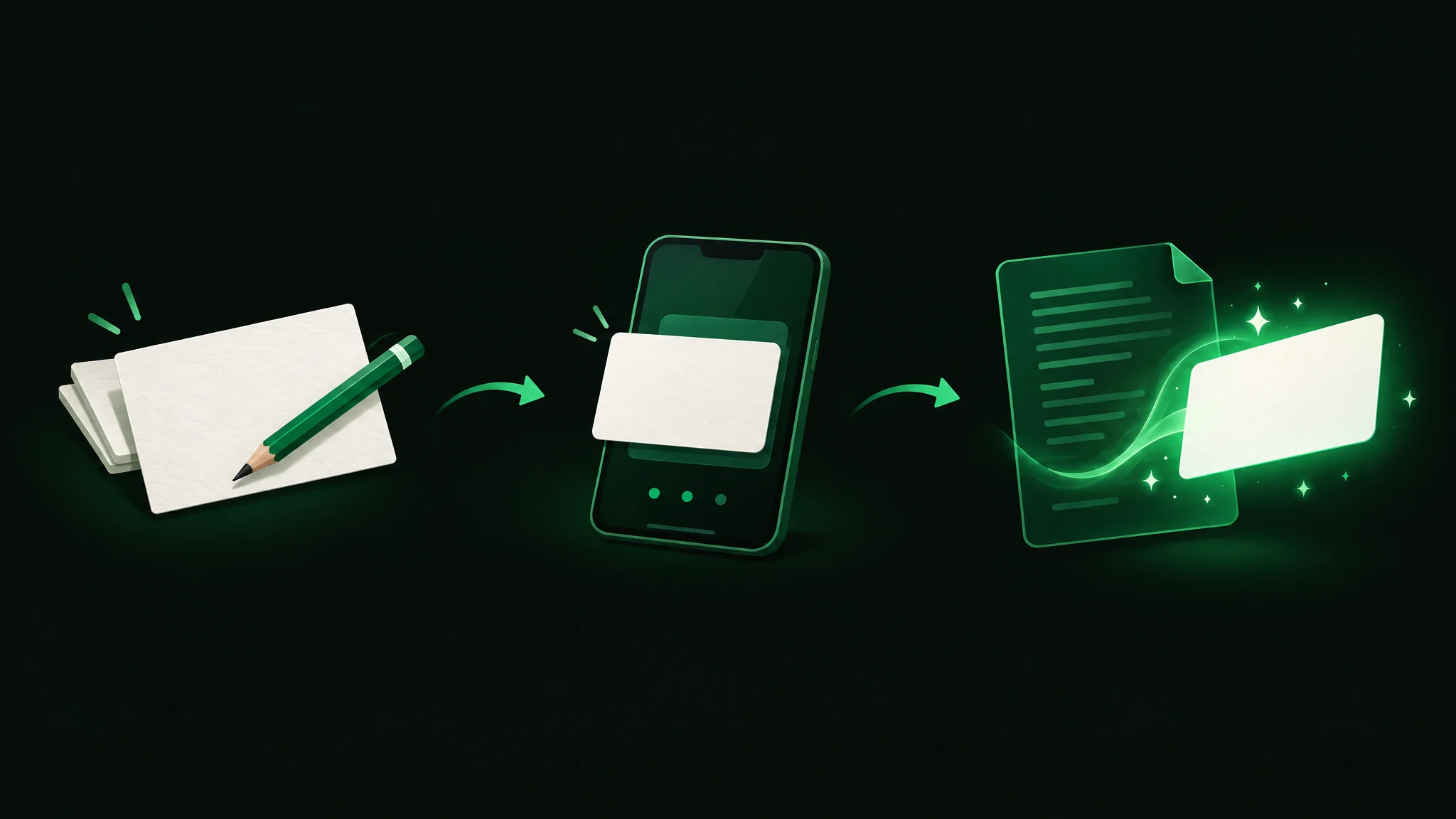
To make flashcards, put one clear question or cue on the front of each card and a short, direct answer on the back, then study by answering from memory before you flip. You can make them on paper index cards, in a flashcard app, or with an AI tool that turns your notes or a PDF into cards in seconds. It’s better to spend your time thinking about the content of your flashcards and regularly using them to test yourself, rather than worrying about how you’ve made them. This guide covers how to make flashcards on paper, in an app and with AI, plus how to write and review them.
| Method | What it is | Best for | Evidence |
|---|---|---|---|
| Paper index cards | Question on one side, answer on the other, written by hand | Diagrams, color-coding by topic and screen-free review | Flashcards use active recall, which trains you to find information you have learned (Birmingham City University) |
| Flashcard app | Digital cards you type in and review on a phone or computer | Large decks you review over weeks | Spaced repetition is usually done with flashcards, showing harder cards more often |
| AI from your notes or a PDF | A tool drafts question-and-answer cards from material you upload | Turning notes into flashcards quickly | Students who made their own cards did not learn more than students given good premade cards, and spent more time |
| Fill-in-the-blank (cloze) cards | A sentence with the key word hidden | Facts that live inside a sentence | SuperMemo's card-writing rules call cloze deletion easy and effective |
| Concept cards | Cards that ask you to compare ideas or recall the steps of a process | Understanding, not just definitions | Conceptual-only cards helped students learn more than detail-only cards in a flashcard study |
Try the Flashcard maker
What the research says about how to make flashcards

Flashcards work because they make you pull an answer out of memory instead of reading it again. That act of retrieval is the point. A review summarized by the Association for Psychological Science ranked the utility of 10 common learning techniques. Practice testing and distributed practice (spacing one’s study sessions out over time) were found to be highly useful, in that they worked well for students of many different ages and abilities. Rereading and underlining were rated low utility.
In a classic experiment by Roediger and Karpicke (2006), students read passages of text. Some then took recall tests, while other students simply restudied the passage. Although the students who restudied felt more confident that they could later remember the passage, students who took multiple recall tests actually remembered substantially more two days and a week later. The act of trying to remember the answer on a flashcard is itself useful for your learning.
One study described by Learning and the Brain found no learning advantage for students who made their own 12 flashcards over students who were given 12 good premade ones, and the card makers took longer. In a second experiment, flashcards that required students to describe processes or compare concepts were more effective for learning than those that asked only for isolated facts. It’s what’s written on the card that matters, not who wrote it.
For the broader context of effective study methods, check out how to study effectively. That guide goes through six study methods backed by evidence, and flashcards relate to two of them.
How to make flashcards on paper
What it is
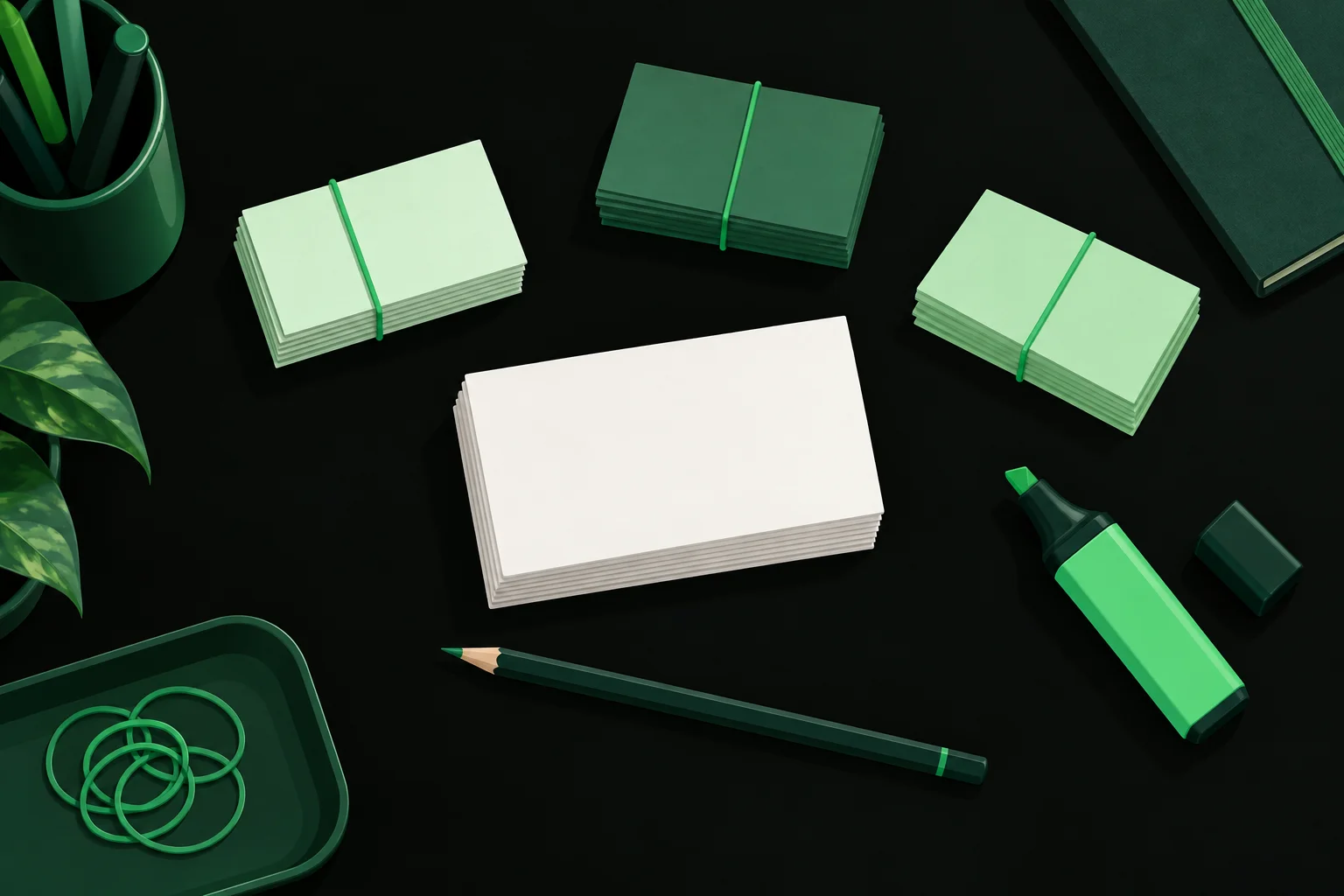
A flashcard is a small piece of card with a cue or question on one side and an answer on the other. Flashcards can be made from plain or colored paper, or you can buy packs of pre-cut cards in most stationery stores. Paper is handy when you want to draw pictures or diagrams, sort flashcards into piles by hand, or stay off your computer or phone.
How to do it
- Pick out the key facts, terms and concepts from a topic or lecture that you need to learn, and make a card for each one.
- Put a question on the front, such as ‘What does the mitochondria do?’, rather than just a word or heading like ‘Mitochondria’.
- On the back, write a short answer, a few bullet points or a diagram.
- Color code your flashcards: use a different colored card or pen for each topic so it’s easy to tell them apart.
- Associate pictures with ideas: put a diagram or picture on one side of the card, and what it represents on the other.
- Add a memory trigger where it fits, such as an acronym that spells out the parts of a list.
For memory aids like acronyms, Birmingham City University’s study guide gives the acronym NCCMM to help students learn the names of the four main parts of an animal cell (nucleus, cytoplasm, cell membrane and mitochondria). Its tips on using flashcards to study also suggest asking a friend or family member to test you, which breaks up a long session.
How to make flashcards in an app
What it is
You can also make flashcards using an app on your phone/laptop/tablet. Some apps use an algorithm to space out showing you flashcards which personalizes your review by adapting to how well you answer the questions, showing you cards you find difficult/new more often, and ones you find easier less frequently. Use your flashcards regularly. Prompt yourself with the question side of the flashcard and actively try to remember the answer, before turning the card over to check.
How to do it
- Use one deck of flashcards for a particular exam or course, and stick to one topic per deck.
- Add a card with a front (question) and a back (answer). For example, in Quizlet, you add a term and a definition, and you can add an image.
- Keep each card to as few words as possible; you can always add more flashcards.
- Use images, formulas or audio where appropriate (for example, Anki allows you to include equations, images, audio and even videos within flashcards).
- Turn on the app's review mode and rate each card honestly so the schedule adapts to you.
Not sure which app to use? We compared the best free flashcard apps for students side by side, and if you are leaving Quizlet, our list of Quizlet alternatives covers free and paid options.
How to make flashcards with AI from your notes
What it is
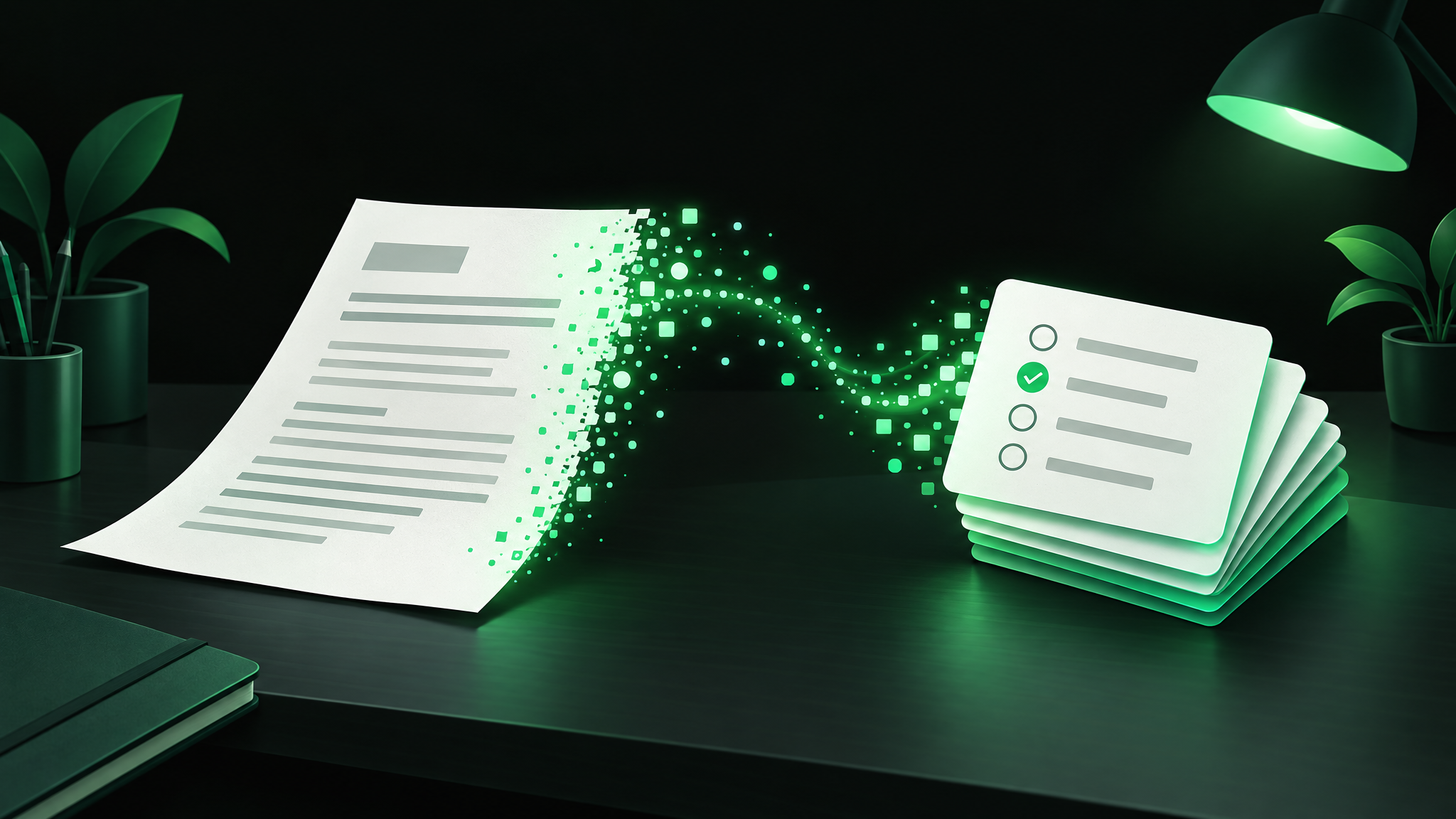
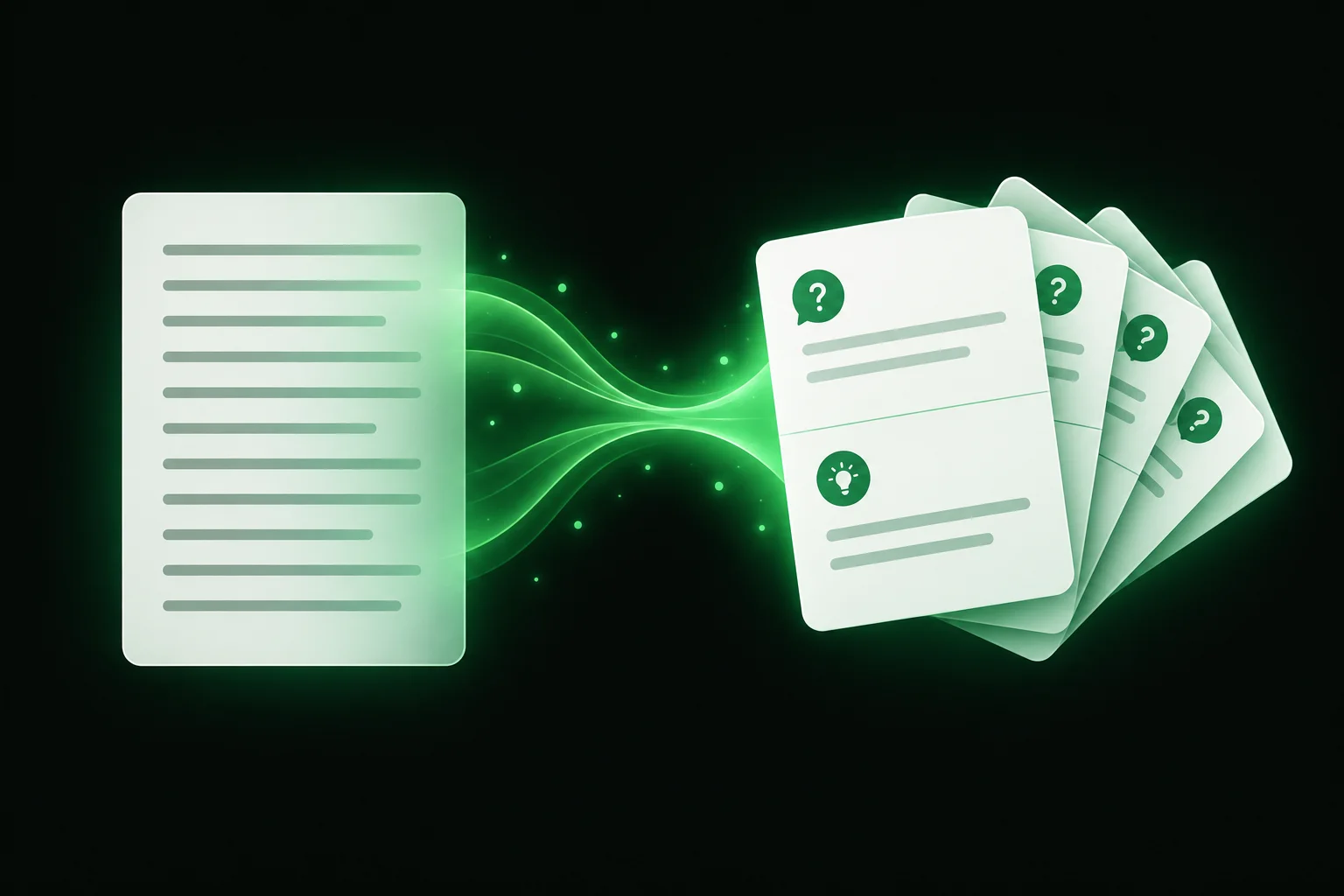
You can also generate digital flashcards automatically using AI from your own notes, readings, PDFs or slideshows. Letting a tool draft them can save time you can spend reviewing. But AI-generated flashcards can contain incorrect information, so check through every card to make sure it’s accurate and refers to things the way your course does.
How to do it
- Use material from the class (notes, PowerPoint slides, assigned reading) to make sure your flashcards reflect what the course covers.
- Paste the text or upload the file. StudySim’s AI flashcard maker takes typed notes or a PDF, Word, PowerPoint, text or Markdown file (max. file size: 3 MB).
- You can also tell some programs what type of flashcards you want, e.g. ‘focus on key terms and short explanations’.
- Read through all of the questions and answers and check they’re accurate and refer to things in the way that your instructors do.
- You still test yourself in the same way, looking at the question/cue side of the card and trying to remember the answer before turning the card over.
If your material is a PDF, you can turn a PDF into flashcards with StudySim's free generator, which makes eight question-and-answer cards. StudySim’s free AI flashcard generator doesn’t accept scanned PDFs or photos, so you will need to type up your notes first if they’re handwritten. There are other programs, like Revisely, that claim to be able to handle handwriting and pictures as well. Read how digital flashcards from your notes are made to see a step-by-step description of StudySim's version.
How to write a good flashcard
What it is
The fourth rule in SuperMemo’s 20 rules of formulating knowledge is the minimum information principle. Remember, the simpler you can keep your flashcards, the better. Complex flashcards containing lots of facts or information will need to be reviewed as frequently as the hardest/most complex piece of information on that card. Whatever type of flashcards you’re using, follow these tips to make them as effective as possible:
How to do it
- Stick to one simple idea or fact per flashcard, and split them up if necessary.
- Instead of a general topic or heading, write a more specific question on the front of the card.
- Keep the answer on the back as concise as possible, which can be just a few words or even bullet points.
- Avoid enumerations and lists (another one of SuperMemo’s rules), and consider breaking them up into multiple flashcards or using a mnemonic instead.
- Where possible, use images. This is known as dual coding (learning using both words and images) and can include diagrams, timelines and graphic organizers.
- Follow the first SuperMemo rule: don’t learn what you do not understand.
Cloze deletion cards for facts inside sentences
What it is
This is a type of flashcard where you turn a statement/sentence into a flashcard by leaving out a key number, term or word, shown as [...]. According to SuperMemo, cloze deletions are simple and effective.
How to do it
- Copy one important sentence from your notes.
- E.g. you could use the following statement from your notes to make a flashcard: ‘The Leitner system was proposed by Sebastian Leitner in [...].’ (1972).
- Try not to delete too many words from each statement; stick to one or two at most.
- You can use a cloze note type in Anki; its manual explains cloze deletion as hiding one or more words in a sentence.
Concept cards: compare, contrast and process steps
What it is
Typical cards are detail-oriented: facts, definitions and dates. Where possible, make some of yours conceptual. In the flashcard study described earlier, participants learned more using conceptual flashcards only compared to those using detail flashcards only. This doesn’t mean you shouldn’t use any detail flashcards, particularly if you’re learning lots of new words or terms; just aim for a balance.
How to do it
- For every few detail cards, add one that asks ‘How is X different from Y?’
- Write process cards, such as ‘What are the stages of mitosis, in order?’ or ‘What are the steps of the scientific method?’
- Link together related concepts, such as suffixes used in medicine or a theme running through different periods in history.
- Pair two vocabulary cards and ask yourself how the two words connect.
How to study your flashcards so they stick

What it is
Try to space out your studying over several days instead of cramming it all at once. Also use active recall, and try to answer the question before you look at the answer. The Leitner system, suggested by German science journalist Sebastian Leitner in 1972, is a low-tech, paper-based way of using spaced repetition with your flashcards: cards you know move to boxes you review less often, and cards you miss go back to the first box.
How to do it
- Say or write your answer before you flip the card. Just reading the cards will not get you very far.
- Sort your flashcards into five boxes, envelopes or bundles held together with paperclips or rubber bands. Everything starts off in Box 1.
- When you get a flashcard answer correct, it moves up a box, and when you get one incorrect, it goes back to Box 1.
- Cards in Box 1 are studied the most often, and as they move up through the boxes, they are studied less and less often.
- If a flashcard deck becomes too easy, try quizzing yourself using a different method, such as a practice quiz.
Prefer video? This short guide from Academic Success at Algonquin College, cited in Google’s answer for this topic, walks through how to create flashcards.
Paper vs apps vs AI: which way to make flashcards
Each method trades setup time for convenience. Use the one that fits the material and how much time you have.
| Method | What you do | Best for | When to use |
|---|---|---|---|
| Paper index cards | Write each card by hand | Diagrams, color-coding, screen-free study | Topics you want to sketch or sort by hand |
| Flashcard app | Type cards or import a deck, then let the app schedule reviews | Large decks with spaced repetition | Courses and exams you review over weeks |
| AI from notes or a PDF | Upload notes or a PDF, then check the cards it drafts | Turning existing notes into a deck fast | When you already have typed notes or a PDF |
| Cloze deletion | Copy a sentence and hide the key word | Facts inside sentences | Definitions, dates and key terms in context |
| Concept cards | Write questions that compare ideas or order steps | Comparisons and process steps | Subjects where you need to explain, not just recall |
What to avoid when making flashcards
- Cramming whole paragraphs onto one card. A card that includes too much information (such as a whole page) will be difficult to use when you are trying to focus on just one specific piece of information. Split it up.
- Topic titles instead of questions. The term “Photosynthesis” on the front doesn’t cue you to remember anything. Ask a specific question.
- Long lists. Instead of lists, try breaking them down into several cards, or use an acronym.
- Memorizing what you do not understand. Understand the concept first, then create the card.
- Flipping too early. Passive review by reading the answer to a question may feel productive, but it’s active recall that really builds memory.
- Trusting AI cards without checking. Review every generated card against your notes before you study it.
- Only detail cards. Integrate process cards and comparison/contrast cards.
A sample plan: your first week with a new deck

For example, a one-week Leitner study schedule for one lecture or chapter, using five boxes, might look like this. It isn’t the only way to use the Leitner system, so tweak the schedule to suit you. Day 5 adds a short quiz, because recognizing the answer on a flashcard doesn’t always mean you really know it.
| Day | Activity | Method used |
|---|---|---|
| Day 1 | Make the deck from one chapter or lecture and check every card against your notes | Card-writing rules |
| Day 2 | First review: say each answer before you flip, and put missed cards in Box 1 | Active recall |
| Day 3 | Review Box 1 only and rewrite any card you keep missing | Leitner system |
| Day 4 | Review the whole deck and move cards you got right to the next box | Spaced repetition |
| Day 5 | Review Box 1 again, then take a short practice quiz on the same material | Practice testing |
| Day 6 | Rest from this deck, or add cards for the next lecture | Spacing |
| Day 7 | Shuffle the full deck and note which cards still go back to Box 1 | Active recall |
Short on time on Day 1? Make flashcards from your PDF or notes first, and use the time you save to double-check the cards and fix them if necessary.
Free printable: flashcard-making checklist and 7-day deck plan (PDF)
We turned the card-writing checklist, this seven-day plan and a Leitner box tracker into a one-page printable. Download the flashcard-making checklist and deck plan (PDF) and tick off each card and each day as you go.
Tools that help
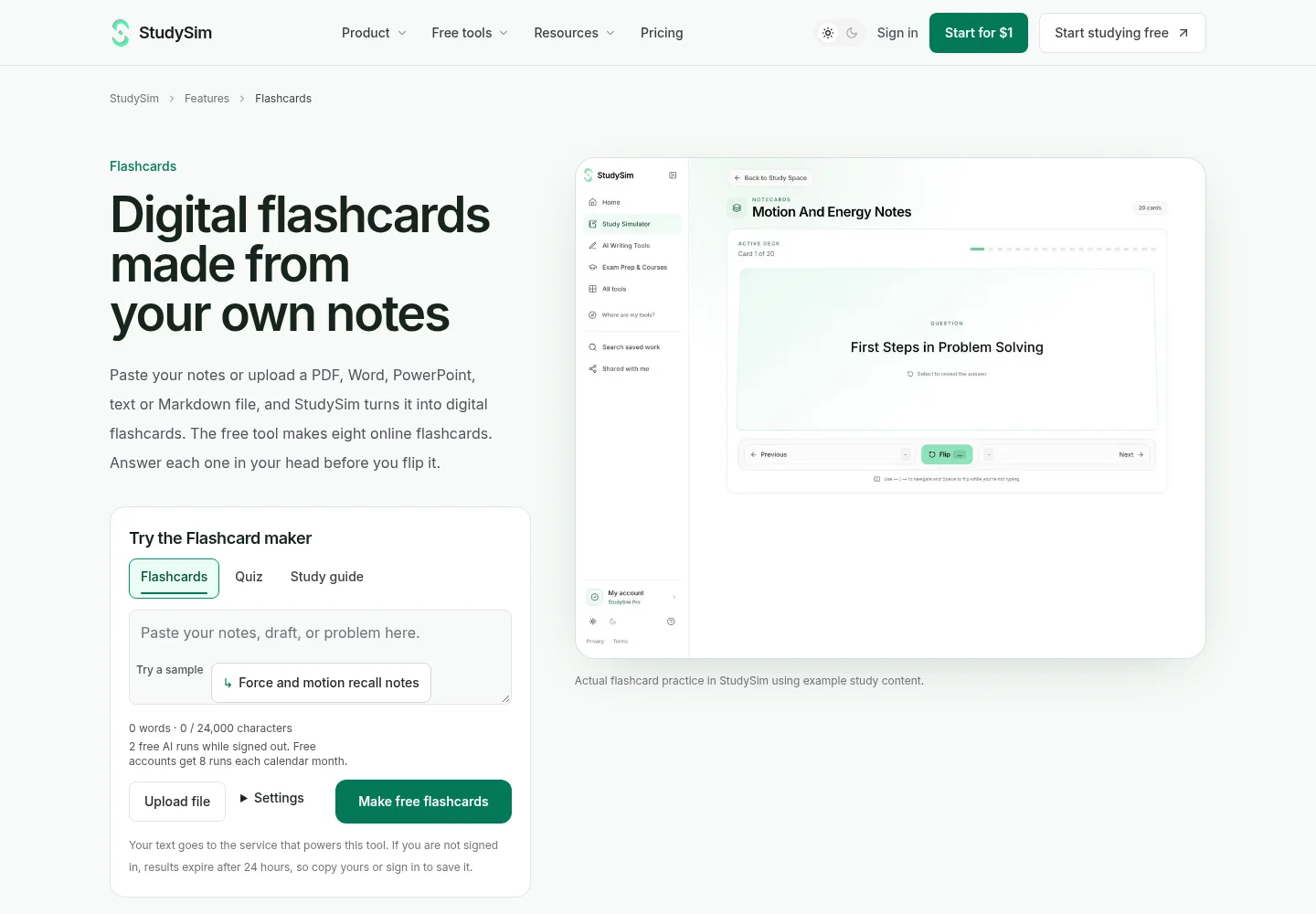
If you want flashcards, quizzes and study guides from the same notes, StudySim is built for that. The free flashcard tool makes eight cards from your notes without an account, and StudySim Pro turns everything saved in a course into flashcards (called Notecards), quizzes and study guides, with up to 15 sources per course.
Once your deck feels easy, switch formats. Our AI quiz generator turns the same notes into a practice quiz, the study guide generator helps when you first need the structure of a topic, and the practice test library has free original practice questions for exams, including an NCLEX practice test and an AP Biology practice test. Check out our guide to AI study tools for a broader overview of this topic, or browse how StudySim compares with other study tools.
FAQ
What should go on the front and back of a flashcard?
Put one clear question, cue or fill-in-the-blank sentence on the front, and a short, direct answer on the back. Keep it to one idea per card.
Are flashcards a good way to study?
Yes, if you answer from memory before you flip. Flashcards are a form of practice testing, which a major review of learning techniques rated high utility, while rereading was rated low utility.
Is there an app for making flashcards?
Yes. Apps like Anki, Quizlet and Knowt let you make and review digital flashcards, and AI tools such as StudySim's PDF to flashcards generator draft cards from your notes or a PDF.
Can ChatGPT make flashcards?
A chatbot can draft question-and-answer text if you ask it to. A dedicated flashcard tool works from your document and shows the cards in a deck you can flip. Either way, check the cards against your notes.
Should I make my own flashcards or use premade ones?
In one study, students who made their own cards did not learn more than students given good premade cards, and they spent more time. Good premade or AI-drafted cards are fine as long as you check them and review them regularly.
How do I turn notes into flashcards?
Pick the key terms, facts and processes from your notes and write one question per card, or paste your notes into an AI flashcard maker and check each card it drafts.
About the author
Jozef Gherman is the founder of XYZAI, the company behind StudySim, where he builds AI tools that help students and writers study smarter and write with confidence. He writes about study techniques, exam prep, and practical ways to use AI for learning.