PhysicsRead tutorial
StudySim features / AI flashcard maker
AI flashcard maker: free flashcard maker from your notes
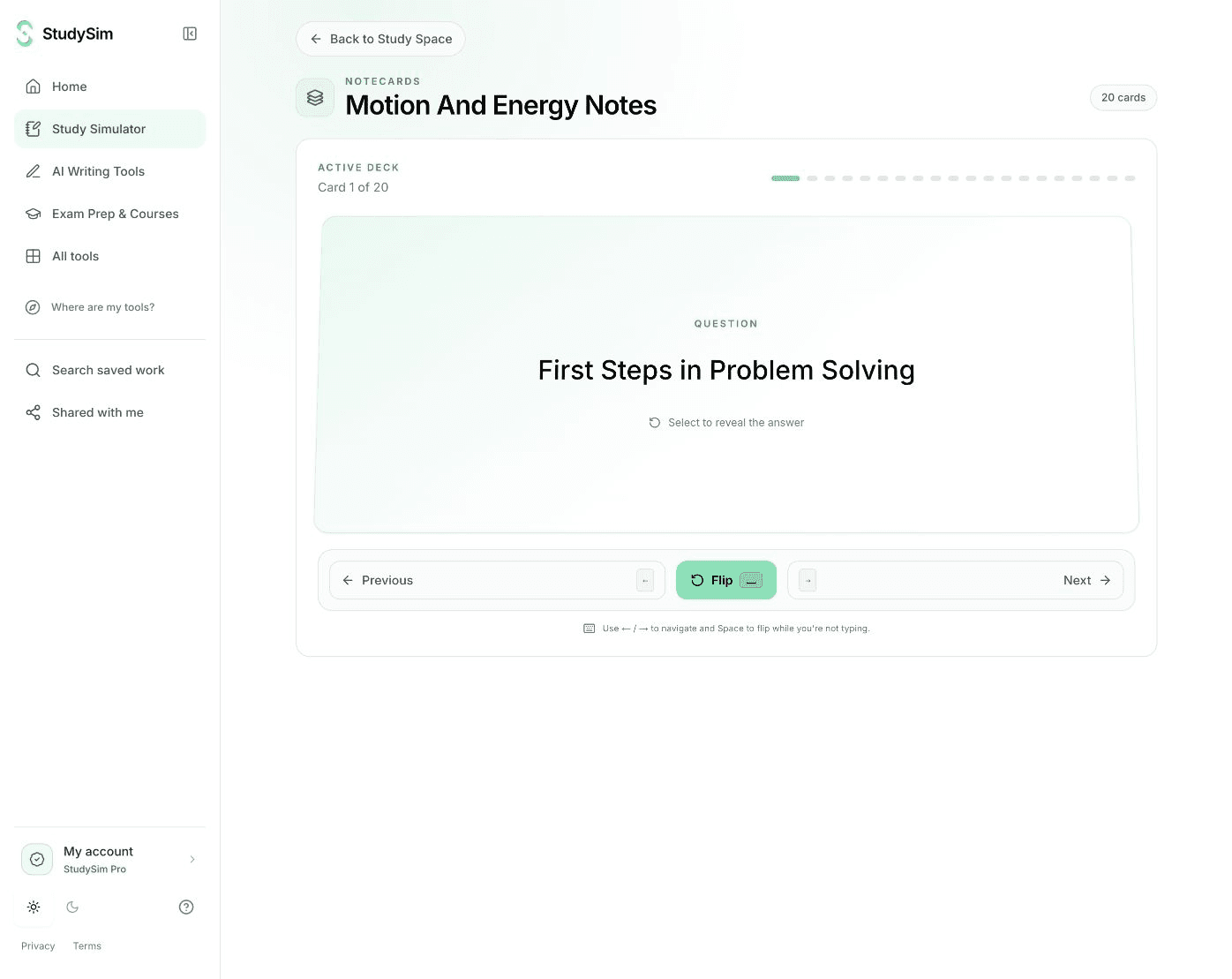
Our AI flashcard maker turns your class notes into eight question-and-answer cards you can flip and review right here. Paste your notes or upload a file, and this flashcard maker works as a flashcard generator for the material your class actually covers.
Free to try. Sign in only if you want to save your result.
- Your own material
- Complete usable output
Start with your own material.
Paste your notes or upload a file, then select Generate. Read, practice, copy or print your result right here.
Flashcard maker examples
Explore a prepared example, follow the steps, and try the controls.
Studying from more than one file? Sign in for a free course preview, or go StudySim Pro to turn a whole course into study sets.
From your material to your next study session.
- Step 1
Paste your class notes
Paste lecture notes, a reading summary or slide text, or upload a PDF, Word, PowerPoint or text file. The current input and upload limits show beside the controls.
- Step 2
Make eight flashcards
Select Generate to get eight complete question-and-answer cards. Add instructions first if you want the cards to focus on certain terms or topics.
- Step 3
Flip, check and keep
Answer each card in your head before you reveal the back. Copy or print the deck, or sign in when you want to save it to a course.
Flashcards from the notes you already wrote
Your own notes use the terms, examples and order your class follows. Starting from them keeps each card tied to something you were taught, instead of a generic deck on the same subject.
Rough notes work too. Paste what you have, then read the cards against your notes and fix anything that does not match how your instructor explains it.
Study the deck so it sticks
Flashcards are a simple form of retrieval practice: you pull the answer from memory before you check it. Say or write your answer first, then flip the card.
Go back to the cards you missed. When the deck feels easy, test yourself with a practice quiz on the same material.
From one deck to a whole course
Sign in to save a deck with a course. With StudySim Pro, a course can hold up to 15 sources, and Notecards settings let you choose a card count and add generation instructions.
Each course tool reuses the sources you have already added, so you can move from flashcards to a quiz or a study guide without uploading again.
AI flashcard maker questions
Is the AI flashcard maker free?
Yes. You can make a complete deck of eight cards without signing up. Input limits, usage limits and availability apply. Sign in only when you want to save the deck.
What can I make flashcards from?
Paste typed notes, or upload a PDF, Word, PowerPoint, text or Markdown file up to 3 MB. Photos and scanned PDFs will not work, so type out handwritten notes first.
How many flashcards does it make?
The free flashcard maker makes eight cards per deck. In the Pro course workspace, Notecards settings let you choose a card count.
Can I export the deck to Anki?
Not from this page. You can copy or print the deck here, or save it to a course and review it inside StudySim.