AI quiz generator: make a practice quiz from your notes or a PDF
StudySim's AI quiz generator makes a free five-question practice quiz from your notes or a PDF, with complete answers and explanations. Use it as a quiz maker before an exam to find out what you can explain without looking at your notes.
Try the Quiz generator
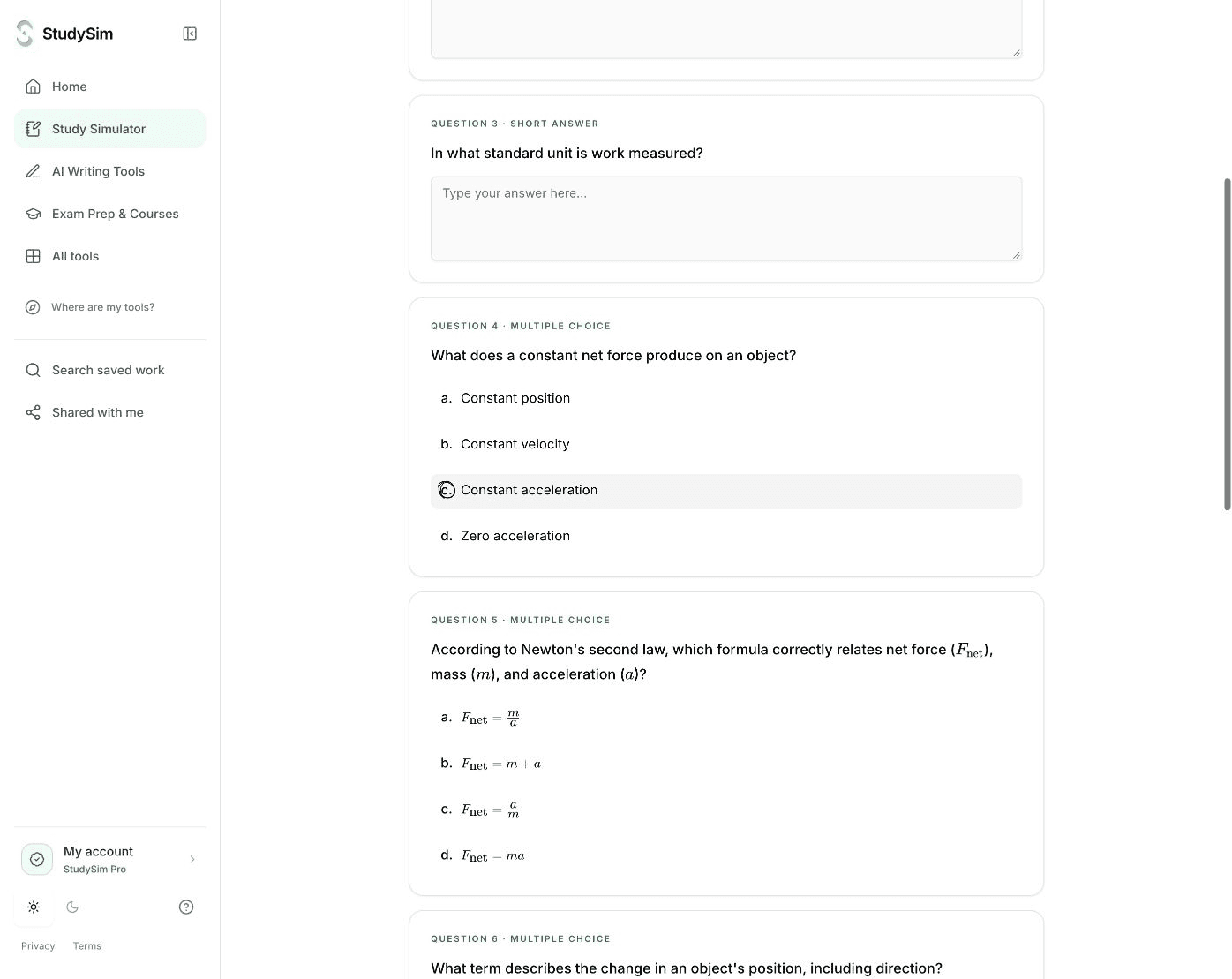
From your material to your next study session.
- Step 1
Add the material you want to test
Paste your notes or upload a supported document above. Choose material that covers the concepts you want to practice.
- Step 2
Create five practice questions
Generate five complete questions with answers and explanations. Add instructions before generating if you want to emphasize a particular topic.
- Step 3
Take the quiz and review your answers
Work through the questions here and use the feedback to decide what needs another pass. Copy or print the quiz, or sign in when you choose to save it with your course.
Practice questions from your own course notes
A generic quiz may cover a different chapter or use terminology your class has not introduced. Generating from your own notes and PDFs gives the questions a specific source set.
For an exam review, add the relevant lectures and readings to one course. Wait for the sources to finish processing before generating. Keep the original material nearby to check explanations and clarify anything the generated questions leave ambiguous.
Choose the kind of recall you want to practice
Multiple-choice questions let you practice distinguishing between plausible answers. Written questions ask you to explain an idea in your own words. StudySim supports multiple-choice, short-answer, and long-answer formats.
Use quiz settings to select the question types, length, difficulty, and timing for the session. You can start with a shorter review, then make another quiz from the same ready sources when you want more practice.
Turn missed questions into a review plan
After a quiz, return to the source for the concepts you could not explain. A study guide can help you rebuild the structure of the topic, while flashcards provide focused prompts for the details.
The quiz, guide, flashcards, and podcast stay connected to the course. This workflow supports self-assessment and exam preparation; it does not predict your exam or replace your instructor’s assessment.
AI quiz generator questions
How does the AI quiz generator work?
Paste notes or upload a supported document in the free generator, then create five practice questions with answers and explanations. The Pro course workspace also generates quizzes from related course sources with more quiz settings.
Can I generate a quiz from a PDF?
Yes. Upload a supported PDF above within the displayed free-tool limit. In a course, PDFs can also be combined with other ready sources, with uploads up to 50 MB each.
Which question types are supported?
The free quiz provides five practice questions with answers and explanations. Pro course quizzes support multiple-choice, short-answer, and long-answer formats, with question types selected in the course quiz settings.
Is the AI quiz generator free?
Yes. The generator on this page creates a complete five-question quiz from your own material without signup, subject to input limits, usage limits, and availability. Answers and explanations are included. Sign in when you choose to save the result.
Can I change difficulty and timing?
Pro course quiz settings include difficulty, length, question types, and timing. The free generator makes a short complete quiz; use its instructions field to guide which concepts it emphasizes.
Can I use this to predict my exam questions?
No. StudySim generates practice from the material you provide. It does not have access to unpublished exam questions or guarantee what your instructor will ask.