Study Simulator
Your quick tools. Your courses. One place to study.
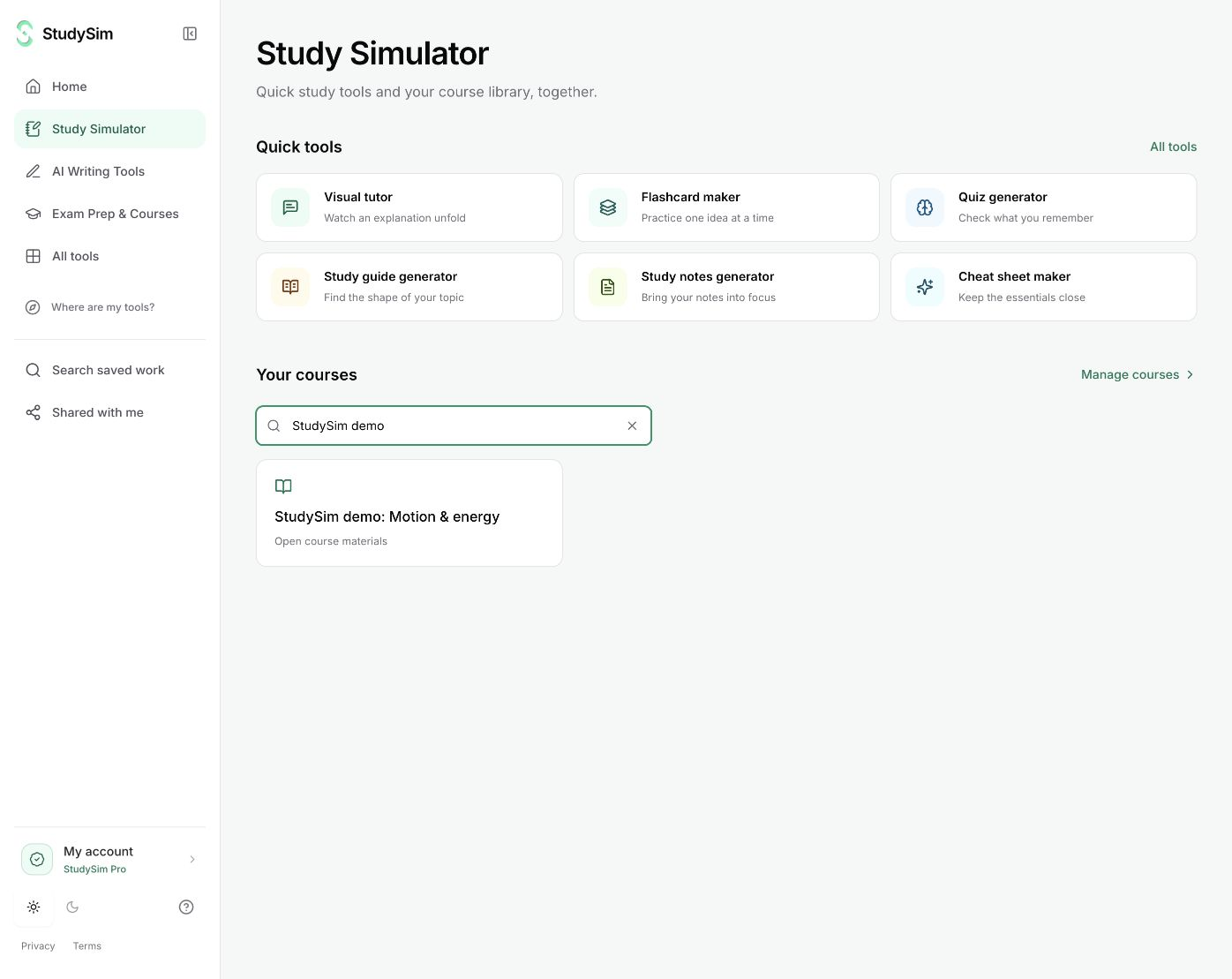
Use a tool for the task in front of you, or open a course to work with the material you have already saved. Study Simulator brings both paths together.
Quick tools work without a course. Sign in to open your saved library.
What you get
A course library you can return to, alongside direct access to study guides, flashcards, quizzes, notes, podcasts, and visual explanations.
From your material to your next step.
Choose a quick task or a course
Start with a standalone tool, or sign in and find an existing course in your searchable library.
Bring the relevant material
Quick tools use the text you submit. A course keeps related sources and saved outputs together for a class or exam.
Return to the work you want to keep
Open the same course and its guides, decks, quizzes, podcasts, and saved lessons without starting over.
Make it part of the way you work.
One assignment
Get a small, complete result from a quick tool without creating a course first.
A whole class
Keep several source materials together and return to their saved study outputs in a course.
Start here. Save what helps.
Quick tools are available before signing in. An account is needed for your saved course library. Full course generation uses the existing StudySim Pro subscription; bounded public tools keep their own limits.
See the current free and Pro offerKnow the scope
The new navigation opens existing course records in place. Saved course links, sources, and study outputs retain their original ownership and access rules.
A few useful details.
Where did My courses go?
Your courses now sit inside Study Simulator. Existing course links still open the same saved work. Use “Where are my tools?” in the sidebar to reopen the navigation guide.
Do I need a course to use a quick tool?
No. You can begin with a single question, draft, or set of notes. A course is useful when you want to keep materials and outputs together.
Keep going.
All featuresStudy guides
Start with your own material and make a focused guide you can read, review, and keep. Use the self-checks to turn the summary into an active study session.
Flashcards
Make question-and-answer cards from pasted notes or a supported document. Try an answer before you flip the card, then keep the deck with your course.
Visual tutor
Turn a question or your notes into a narrated visual lesson. Follow the drawing, read the captions, and pause to work through an idea at your own pace.