Flashcards
Turn your notes into something you can recall.
Make question-and-answer cards from pasted notes or a supported document. Try an answer before you flip the card, then keep the deck with your course.
Try a complete bounded result. Sign in when you want to save it.
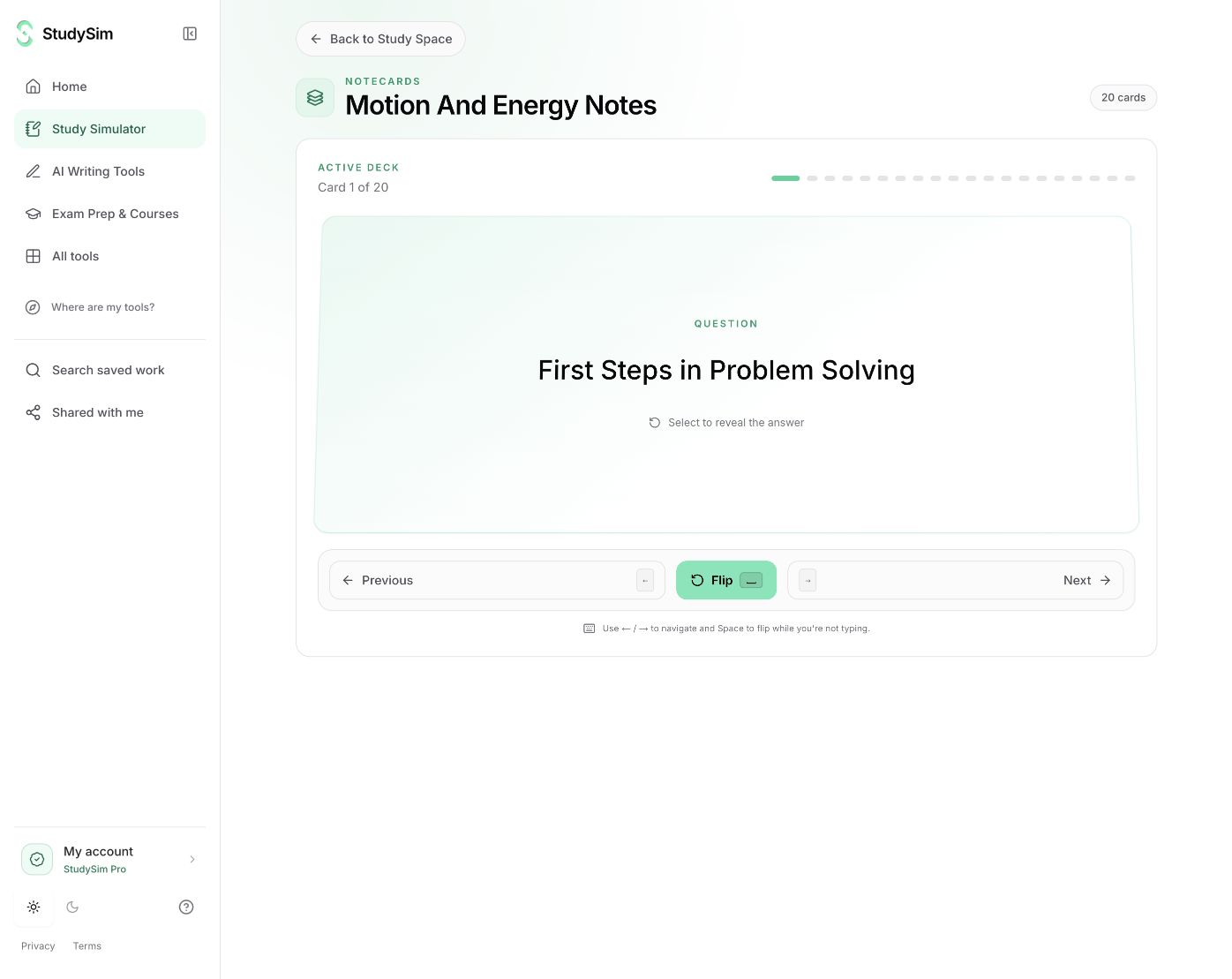
What you get
Eight complete cards in the free tool, with reveal, previous/next navigation, and an option to view the full set.
From your material to your next step.
Add the material you need to remember
Use your notes or review extracted text from a supported document before creating cards.
Practice before revealing
Read the prompt, form your answer, then reveal the back of the card.
Keep a useful deck
Save the completed set to a course when you want to return to it later.
Make it part of the way you work.
Terms and definitions
Turn a vocabulary-heavy topic into short recall prompts.
Steps and distinctions
Practice the difference between related concepts rather than repeatedly rereading the same paragraph.
Start here. Save what helps.
Try a complete small result before signing up. AI tools share a daily browser allowance and show their input limits before submission. Sign in when you want to save a useful result to a course. Pro course generators have their own existing access and allowances.
See the current free and Pro offerKnow the scope
Start with pasted text or a supported document upload. Review extracted text before generating. The public tool does not read photos or scanned PDFs; input, document, and daily generation limits apply.
Open the standalone toolA few useful details.
Are Flashcards and Notecards the same thing?
Yes. Existing saved course decks may be labeled Notecards. The quick flashcard tool makes the same kind of question-and-answer study material.
Can I read all the cards without signing in?
The bounded free result contains complete cards. Signing in to save them is optional.
Keep going.
All featuresQuizzes
Create a short quiz from your own study material. Choose your answers, check the result, and read the explanation behind each question.
Study guides
Start with your own material and make a focused guide you can read, review, and keep. Use the self-checks to turn the summary into an active study session.
Study Simulator
Use a tool for the task in front of you, or open a course to work with the material you have already saved. Study Simulator brings both paths together.