Quizzes
A practice test maker for your own class notes
Use StudySim as a practice test maker for the material your class covers. Paste notes or upload a document, answer five questions, then read the explanation behind each answer.
Try the Quiz generator
Free to try. Sign in to save your result.
What you get
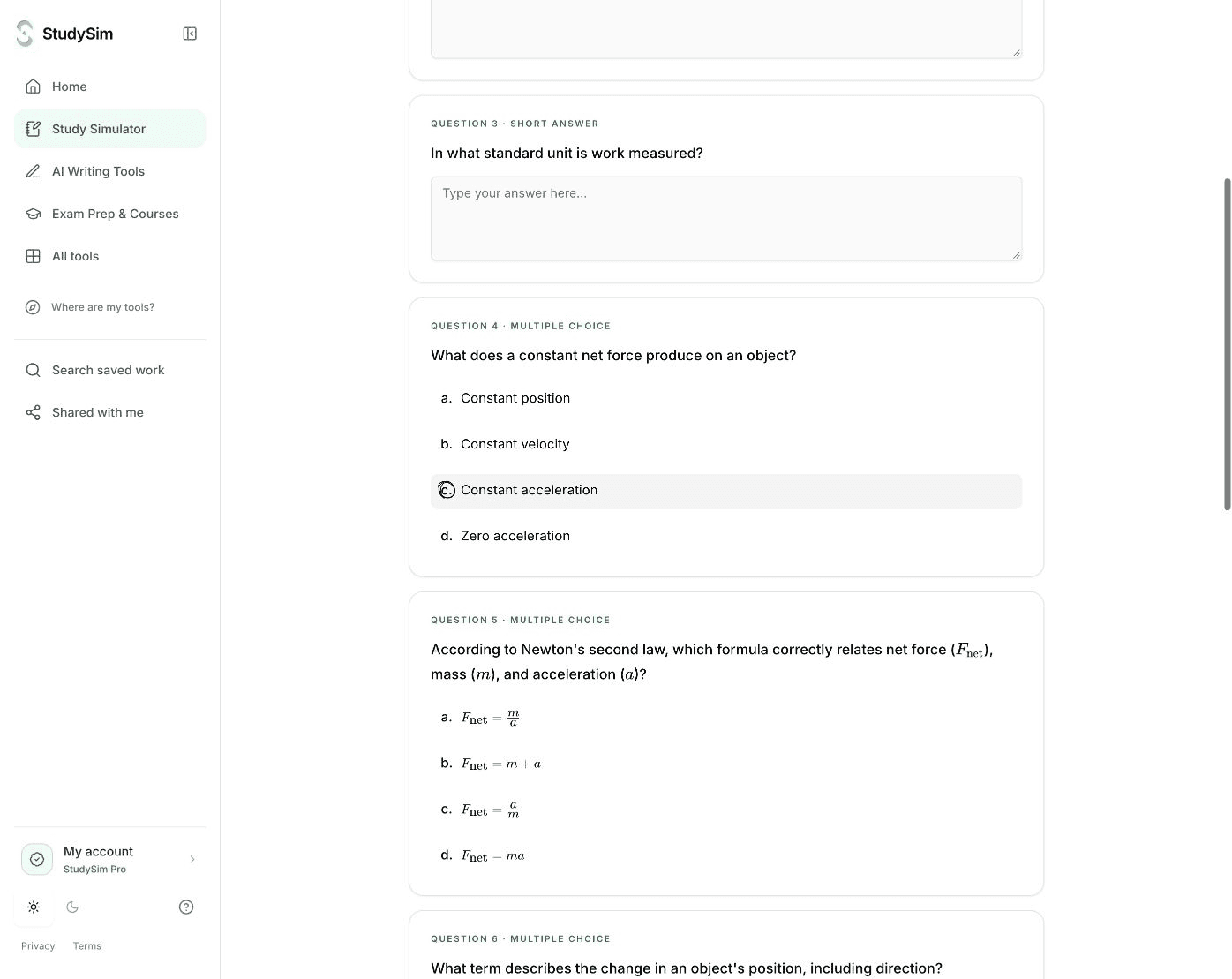
Five questions with answer choices, an answer key, explanations, and a restart option in the free tool.
From your material to your next step.
Follow an exampleChoose the source
Paste the notes for the topic you want to test, or review a supported document extraction.
Answer before checking
Work through the questions without using the explanations as a first hint.
Review and retry
Check the answers, read the reasoning, and restart the quiz when you want another attempt.
Make it part of the way you work.
After a study session
Check whether the guide or lesson turned into understanding you can retrieve.
Before an exam
Identify ideas worth reviewing again, using questions grounded in the material you submitted.
Start here. Save what helps.
Try it free, no sign-up needed. Sign in to save a result to a course. Go Pro to build study sets from everything in a course.
Compare free and ProKnow the scope
Paste text or upload a PDF, Word, PowerPoint or text file (up to 3 MB). Photos and scanned PDFs won't work. Generated questions are practice material, not official exam questions or a predicted exam score.
A few useful details.
How can I turn my notes into a quiz?
Paste your notes or upload a PDF, DOCX, PPTX, TXT or Markdown file up to 3 MB. StudySim writes five questions with answer choices, an answer key and an explanation for each one. Pick your answers, check the result, and restart if you want another pass.
Can AI make a quiz for me?
Yes. StudySim builds the quiz from the material you give it, so the questions follow your notes rather than a generic topic. AI-written questions can still be wrong or miss a nuance, so check any answer that surprises you against your source.
Is there a free practice test maker?
Yes. Your first five-question quiz doesn't need an account. Without one, the result expires after 24 hours, so sign in if you want the quiz saved to a course. Usage limits apply. To build one from your class notes, try the practice test generator.
Can I make a practice test from a PDF?
Yes, if the PDF has selectable text. The tool reads PDF, DOCX, PPTX, TXT and Markdown files up to 3 MB. It doesn't read photos or scanned PDFs. You can also start from a file in the AI quiz generator.
What is the best free quiz app?
There isn't one answer. Some apps focus on ready-made sets, others on quizzes from your own files. Our guide to turning a PDF into a quiz walks through the options. For standardized exams, StudySim also has free practice tests with original sample questions.
Keep going.
All featuresFlashcards
Make question-and-answer cards from pasted notes or a supported document. Try an answer before you flip the card, then keep the deck with your course.
Exam prep
Free subject practice and Pro mock exams with section timers, saved attempts, worked explanations and writing rubrics.
Study guides
Start with your own material and make a focused guide you can read, review, and keep. Use the self-checks to turn the summary into an active study session.