Exam prep
Exam prep with practice, full mocks, and saved progress
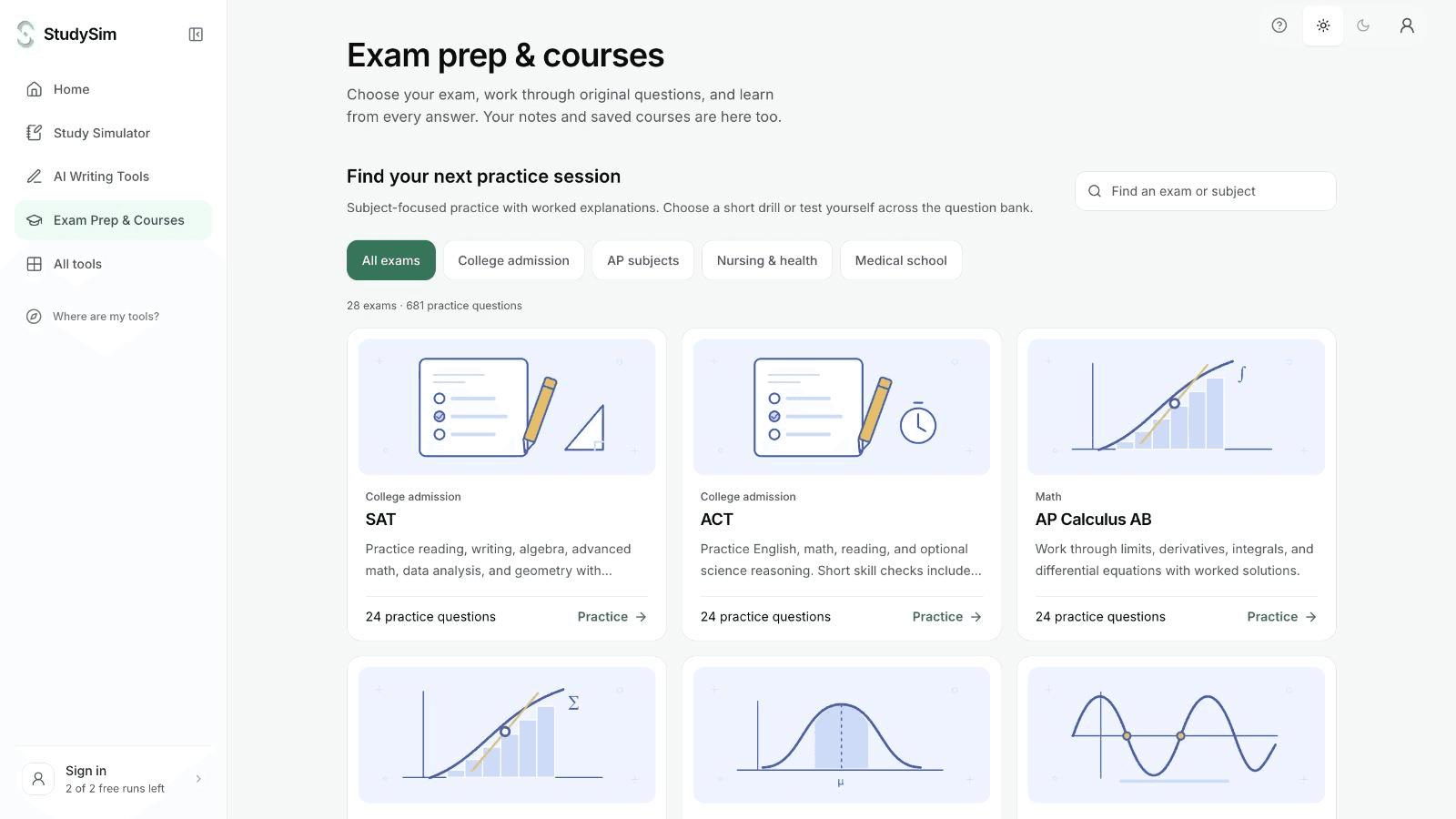
StudySim's exam prep app combines free subject practice with full mock exam profiles for Pro subscribers. Save your attempts, resume unfinished sessions, and use your results to plan what to study next.
Try the Quiz generator
Explore the available original sample tests.
What you get
Free practice, Pro mock exams, and an account history that shows what to revisit.
From your material to your next step.
Follow an exampleChoose your exam and mode
Browse the subject catalog for a free drill or a full Pro mock. Review the profile’s sections and timing before starting.
Work through the questions
Answer objective questions, write extended responses where required, and sketch diagrams. Mock sections have timers and save your progress.
Review your progress
Read worked explanations, use writing rubrics, revisit weak topics, and compare your saved attempts.
Make it part of the way you work.
A focused practice session
Choose a topic and difficulty, then study with feedback or check your answers at the end. Prepared practice is free.
A full mock exam
Pro includes prepared papers with complete sections, standard or extended timing, source passages, and written tasks where the profile requires them.
Your saved exam history
Sign in to resume sessions on another device and review objective accuracy, writing self-assessments, and topics to revisit. Existing course quiz submissions stay in your courses.
Your class or unit
Use the separate quiz generator when the source needs to be your own lecture notes or course materials.
Start here. Save what helps.
Prepared practice is free; full mock exams are included with Pro. Sign in to save attempts and progress. Prepared exam attempts do not consume AI generation credits; making quizzes from your own notes follows the existing generation allowance.
Compare free and ProKnow the scope
Original independent practice follows the written profile shown for each exam. Fixed forms do not reproduce proprietary adaptive scoring or hands-on certification tasks. Results are practice scores, with written rubric points labeled as self-assessed.
A few useful details.
Are full mock exams included with Pro?
Yes. Pro subscribers can open the available full mock profiles from exam prep. Each profile shows its question count, section timing, response formats, and any differences from the official exam. Free subject practice remains available without a subscription.
Does StudySim save exam progress?
Signed-in exam sessions save answers, position, flags and results to your account. Resume unfinished sessions from your progress, or review completed attempts and weak topics. Timed section clocks keep running while a section is open. Earlier course quiz submissions remain in their original courses.
How are written responses graded?
Objective responses are scored automatically. Written responses include a model answer and a point rubric for self-assessment after you submit. Those rubric points are stored separately from objective accuracy and do not represent an official exam grade.
Is there a free exam prep app?
Yes. StudySim's sample practice tests are free to browse and use. Making a quiz from your own material counts toward the AI usage limits. Start with the free practice tests, such as the NCLEX practice test, or build one from your notes with the practice test generator.
Where can I download past exam papers?
Official past papers come from exam boards and test publishers, so check their sites first. StudySim doesn't offer official past papers. Its questions are original practice material, not official exam items, and they don't predict your score.
Keep going.
All featuresQuizzes
Create a short quiz from your own study material. Choose your answers, check the result, and read the explanation behind each question.
Flashcards
Make question-and-answer cards from pasted notes or a supported document. Try an answer before you flip the card, then keep the deck with your course.
Problem solver
Bring a problem and the context needed to solve it. Read a worked answer, inspect the steps, and use the explanation as a starting point for your own attempt.