PhysicsRead tutorial
StudySim features / Practice test generator
Practice test generator: practice tests from your own class notes
Our practice test generator turns your notes into a practice test with answers and explanations. Take five multiple-choice questions before your exam, check the answer key, then spend your next session on what you missed.
Free to try. Sign in only if you want to save your result.
- Your own material
- Complete usable output
Start with your own material.
Paste your notes or upload a file, then select Generate. Read, practice, copy or print your result right here.
Quiz generator examples
Explore a prepared example, follow the steps, and try the controls.
Studying from more than one file? Sign in for a free course preview, or go StudySim Pro to turn a whole course into study sets.
From your material to your next study session.
- Step 1
Add the material your exam covers
Paste the notes for the unit or upload a PDF, Word, PowerPoint or text file. Pick material that matches what the exam will cover.
- Step 2
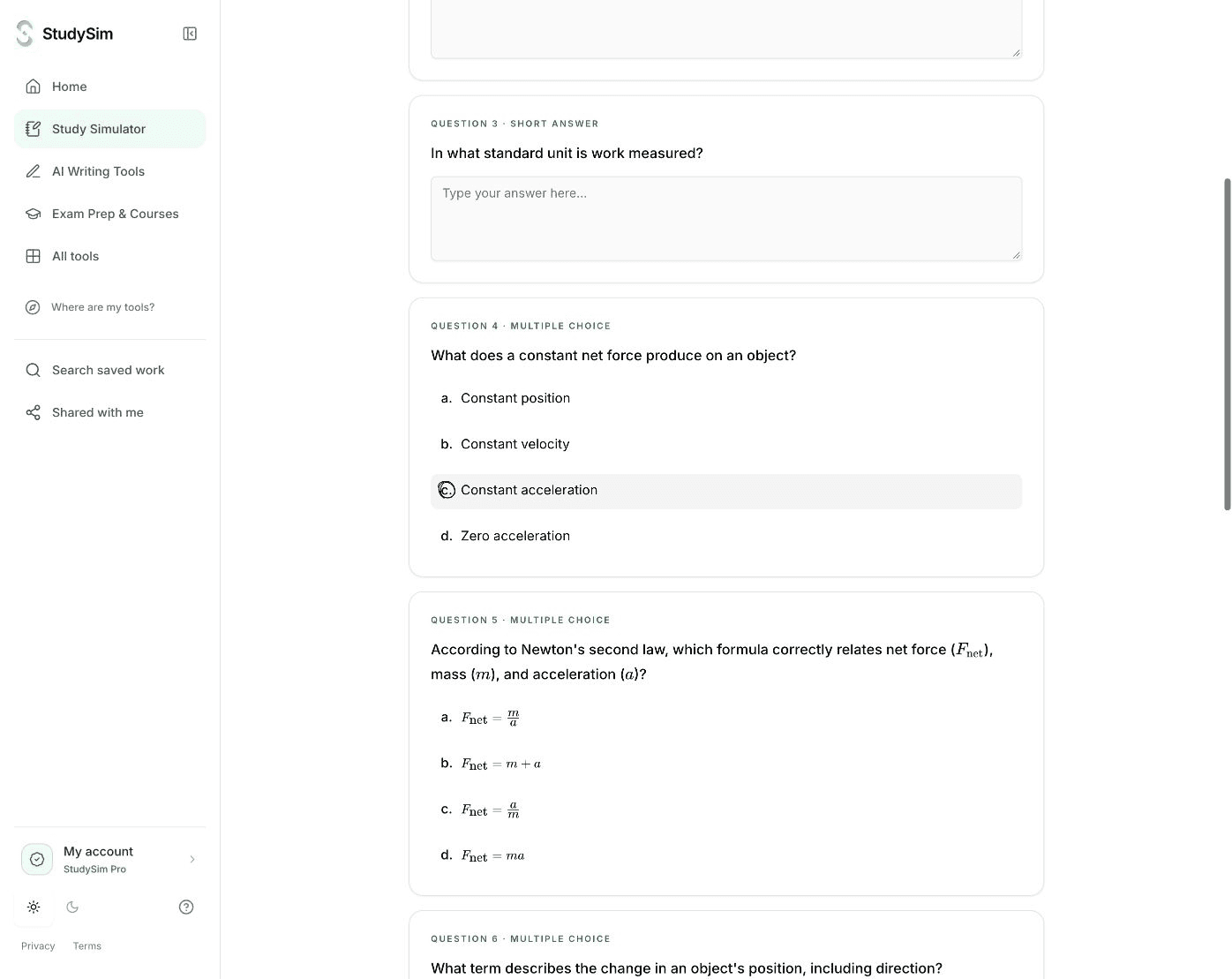
Generate a five-question practice test
Get five questions with answer choices, an answer key and an explanation for each. Add instructions if you want the test to focus on certain topics.
- Step 3
Take it like the real thing
Answer every question before you read the explanations. Then check your result, restart for another attempt, or sign in to save it to a course.
Rehearse the exam before exam day
A practice test shows what you can answer without your notes in front of you. Close the source, work through every question, and only then check the answer key.
Questions come from the material you add, so they follow your class rather than a generic topic. AI-written questions can still be wrong or miss a nuance, so check any answer that surprises you against your notes.
Build a longer practice test in a course
With StudySim Pro, course quizzes support multiple-choice, short-answer and long-answer questions. Quiz settings let you choose the question types, length, difficulty and timing for the session.
Add the lectures and readings for the exam to one course, wait for the sources to finish processing, then generate. You can make another test from the same sources when you want more practice.
Studying for a standardized exam?
StudySim also has original sample practice tests for exams such as the PSAT, MCAT, NCLEX and AP subjects. They are original practice questions, not official exam items, and they do not predict your score.
Use this generator when the test needs to come from your own class notes.
Practice test generator questions
Is the practice test generator free?
Yes. Your first five-question practice test does not need an account. Without one, the result expires after 24 hours, so sign in if you want to save it to a course. Usage limits apply.
Can I make a practice test from a PDF?
Yes, if the PDF has selectable text. Upload a PDF, Word, PowerPoint, text or Markdown file up to 3 MB. Photos and scanned PDFs are not supported.
Can I set the length, difficulty or timing?
In the Pro course workspace, quiz settings cover question types, length, difficulty and timing. The free generator makes a five-question test; use its instructions field to guide which concepts it covers.
Will the practice test match my real exam?
No. StudySim writes practice questions from the material you provide. It has no access to unpublished exam questions and cannot guarantee what your instructor will ask.