
AI study tools: the complete guide for students
AI study tools turn your notes, slides, PDFs and lecture recordings into flashcards, practice quizzes, study guides and summaries, so you spend less time making materials and more time actually studying. The ones worth using are the ones that make you practice retrieving information, because research rates practice testing and spaced-out review as the most effective study techniques. In this guide we’ve grouped AI-powered study tools based on the specific function they perform, explained which learning strategy each one can help you with, and even laid out an example week of using these tools together.
| Tool type | What it does | Best for | Evidence |
|---|---|---|---|
| AI quiz generator | Turns your notes or a PDF into practice questions with answers | Checking what you know before an exam | Practice testing was rated high utility (Dunlosky et al., 2013) |
| AI flashcard maker | Turns notes into question-and-answer cards | Terms, definitions and formulas | Practice testing and distributed practice were both rated high utility |
| AI note taker | Turns lecture recordings and documents into organized notes | Long lectures and dense readings | Supports review indirectly; summarization alone was rated low utility |
| PDF to quiz tool | Builds questions from a reading or slide deck | Assigned readings and textbook chapters | Repeated testing beat restudying on delayed tests (Roediger and Karpicke, 2006) |
| AI study guide generator | Organizes your material into key concepts and self-checks | A first pass over a new unit | Rereading alone was rated low utility, so pair the guide with self-testing |
What the research says about AI study tools

AI-powered study tools are new, but the learning strategies they automate are not. Instead of doing active recall and spaced repetition manually, you can let software do much of the setup for you. So, when using AI-powered study tools, keep this in mind: will it make me actively try to remember something, or is it just going to present me with more information to consume?
A widely cited review of 10 common learning techniques, published by the Association for Psychological Science, rated practice testing and distributed practice as high utility because they helped learners of different ages and abilities. The same review rated rereading, highlighting, summarization, the keyword mnemonic and using imagery for text learning as low utility, and it recommended practice testing instead of rereading.
A classic experiment by Roediger and Karpicke found the same pattern. Compared to restudying the material, students who took recall tests on prose materials remembered significantly more two days and one week later, even though restudying felt more effective to students.
The Learning Scientists list six strategies that have research to back them up, with particular emphasis on the amount of evidence in support of retrieval practice and spacing. AI can help you with active recall by making quizzes and flashcards for you. For the full set of methods, read our guide on how to study effectively.
1. AI quiz generators for practice testing
What it is
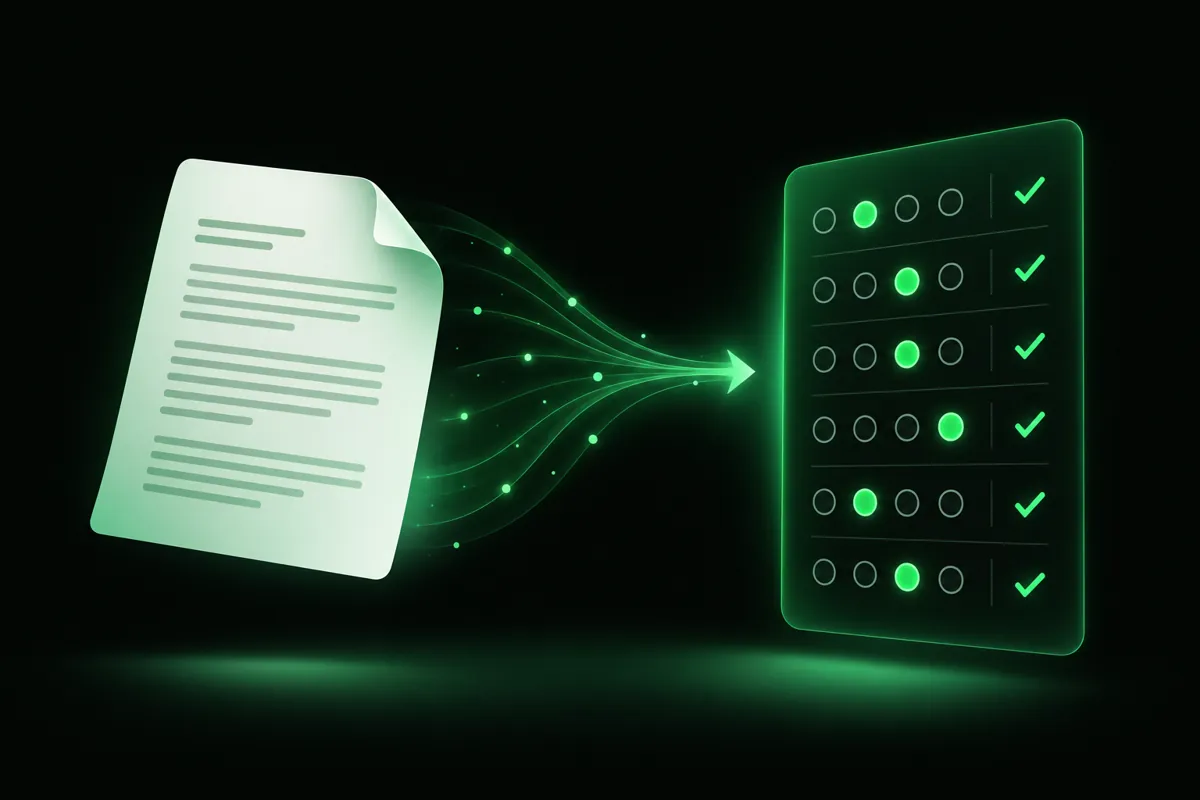
Quiz generators are AI-powered study tools that analyze a document (like your notes) and then generate practice questions on that material, often complete with answer keys and explanations. This is a straightforward way to use AI to implement practice tests, since you’ll be actively recalling information by answering each question before checking the answer.
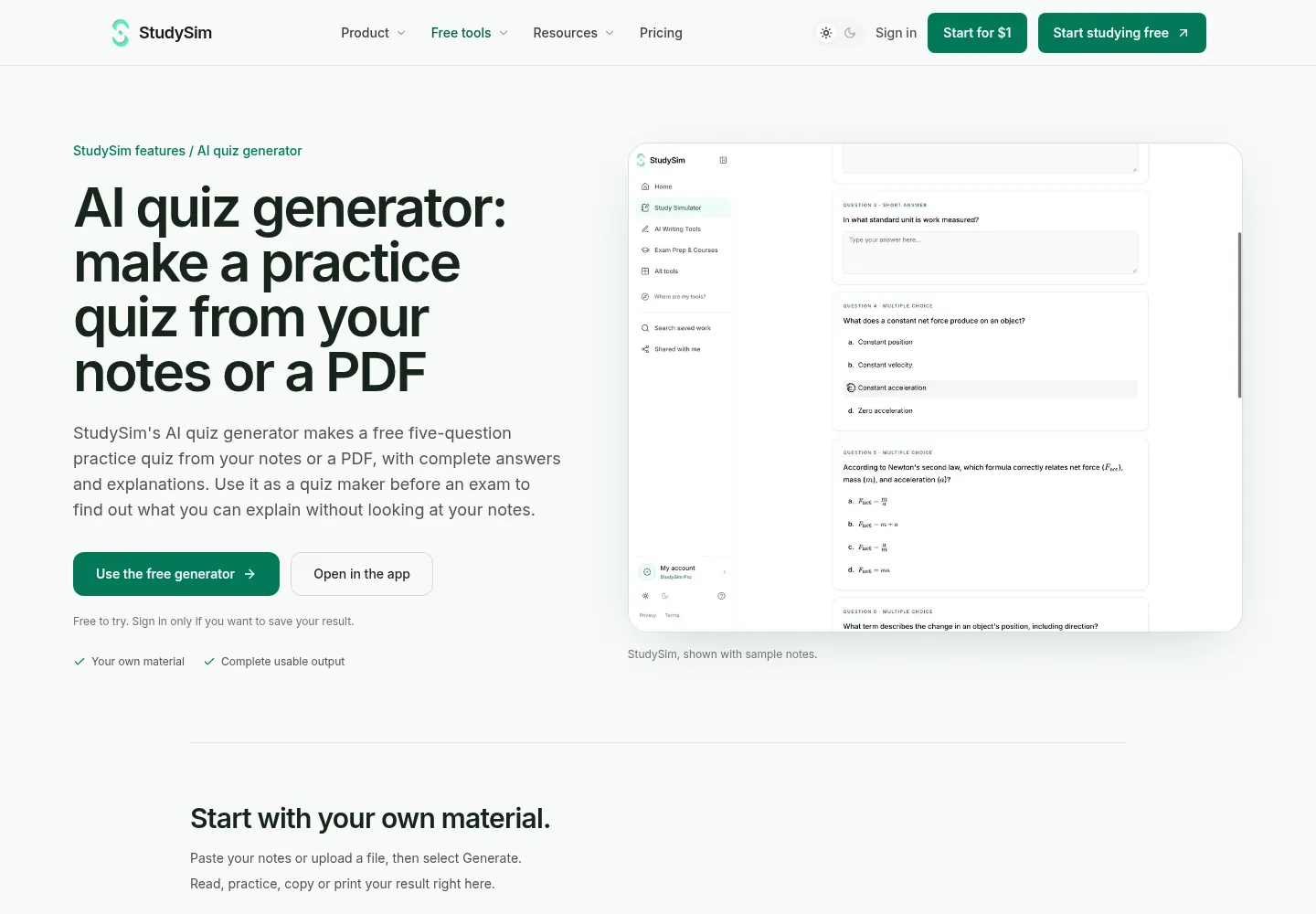
StudySim’s free AI quiz generator turns your notes or PDFs into a five-question practice quiz with complete answers and explanations, and doesn’t require you to sign up. In StudySim, you can ask the AI to generate multiple choice, short answer, and even long-form answer questions.
How to use it
- Quiz yourself using the exact chapter or set of lecture notes that will appear on the exam.
- Attempt each question before looking at the answer/explanation.
- Keep track of the questions you got wrong (write them down), and review the relevant materials.
- A day or two later, generate another quiz, focusing on your areas of weakness.
If you are preparing for a standardized exam, start with original sample questions, such as an AP Biology practice test, an SAT practice test or an NCLEX practice test. We compared six options in our roundup of the best AI quiz generators.
2. AI flashcard makers for spaced review
What it is
Flashcard makers are another type of AI-powered study tool. These tools scan a document for key pieces of information and then turn those into question-and-answer flashcards for you. Flashcards can help you practice active recall, since every time you see the question side of a flashcard, you’re taking a mini practice test. Flashcards are also a way to implement spaced repetition, if you return to review them over multiple days.
Apps like Anki take care of the scheduling for you. You just rate how well you remembered each card, and Anki works out when you’re most likely to forget each card and schedules reviews accordingly. StudySim's free PDF to flashcards tool makes eight question-and-answer cards from a PDF or pasted notes.
How to use it
- Limit each card to a single concept (e.g. a definition, process step, comparison, etc.)
- Go through the cards the AI has generated for you and make any necessary edits or deletions.
- Attempt to answer out loud or on a piece of paper before flipping the card over.
- Come back to review them spaced out: the next day, and then a few days after that.
For a side-by-side look at free options, see our guide to the best flashcard maker apps, and read our explainer on active recall to make each review count.
3. AI note takers for lectures
What it is
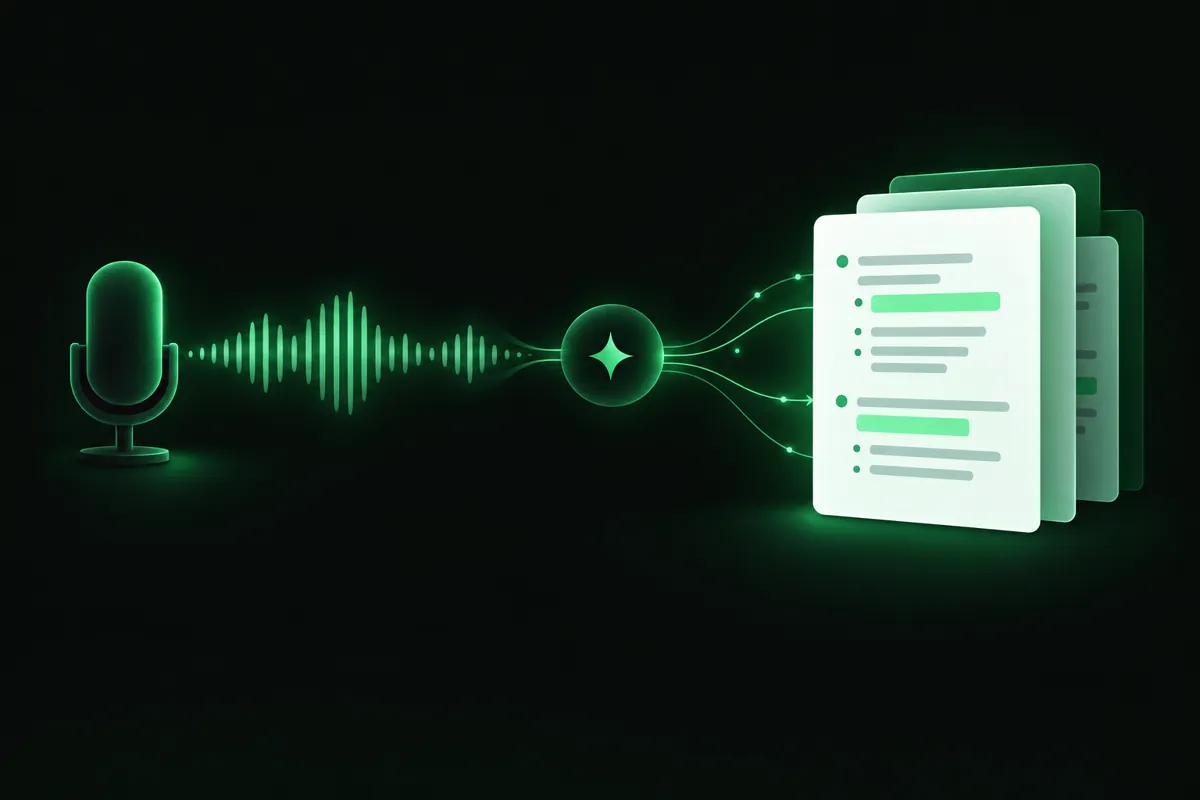
AI note takers analyze a video, lecture, or document and generate organized notes. This can be helpful if you’re struggling to keep up in real time, or if you want to combine materials from your lecture, slides, and assigned readings into a single document.
Notes are a starting point, not the finish line. Summarization was rated low utility in the review above, so the value of AI notes comes from what you do next: turning them into questions and cards. StudySim's AI note taker generates study notes from text or a document. Alternatively, you can upload audio and video files to a course to generate a guide, flashcards, quizzes or audio review. It does not record live lectures.
How to use it
- Right after your lecture, upload your slides/recording to an AI note taker.
- Skim through the notes, making edits in areas that don’t align with what your professor said.
- The same day, use those notes to generate flashcards or a quiz for active recall.
We compared six tools in our guide to the best AI note takers for students.
4. PDF to quiz tools for your readings
What it is
Chapters in your textbook, exported PowerPoints, assigned articles: chances are, a lot of your course materials are in PDF form. Instead of rereading, try using an AI-powered PDF to quiz tool to analyze the chapter/article and generate a quiz for you.
How to use it
- Try quizzing yourself one chapter/slide at a time, so the questions remain focused.
- Request a combination of question types (e.g. multiple choice and written answer), if available.
- For questions you get wrong, refer to the explanation and/or PDF to better understand the answer.
Our step-by-step guide shows how to turn a PDF into a practice quiz, including how to review the questions before you rely on them.
5. AI study guide generators
What it is
Study guide generators analyze notes, chapters, and other materials and organize the primary concepts. These AI-powered study tools can be helpful to get an initial understanding of how ideas tie in together, or to get an idea of what areas to focus on. Once you’ve collected all of your notes/PDFs for a unit, ask an AI-powered study guide generator to make you a guide.
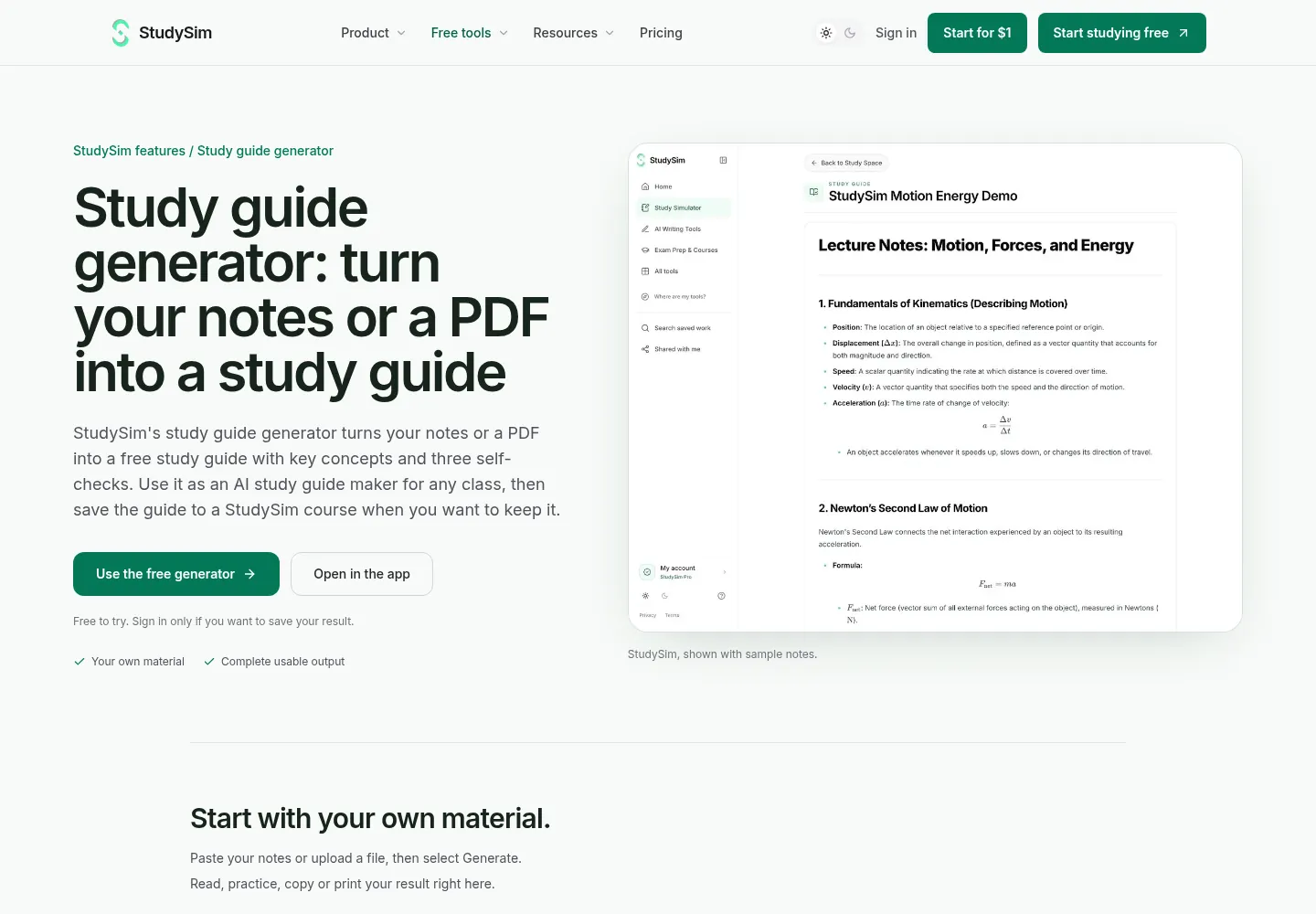
With StudySim’s free study guide generator there’s no need to sign up to get started. Upload some notes or a PDF and it will create a concise guide with the key concepts as well as three self-check questions. Keep in mind that research has found rereading to be a low-utility learning technique, though, so you should still supplement your studying with active recall using a quiz or flashcards.
How to use it
- Generate the guide after you have gathered all the notes and readings for the unit.
- Hide the guide and try to answer the self-check questions it gives you.
- Check important definitions against your original material, especially when your instructor uses a specific method.
6. Flashcard apps beyond Quizlet
What it is
Quizlet’s App Store listing describes study guides and flashcards built from your notes and even lecture recordings. It also lists an adaptive “Learn” mode, practice tests, and spaced repetition. The app is free with in-app purchases, and Quizlet Plus is listed from $9.99. Other flashcard apps also offer AI-powered features.
RemNote combines flashcards, notes, and an exam scheduler and utilizes spaced repetition. Its free plan includes 250 AI credits a month. Knowt offers a free Basic plan. Its Ultra plan has an AI summarizer that works with PDFs and lecture recordings, an AI podcast generator, and an AI voice tutor.
How to use it
- Choose the app you like best and stick to it so you don’t fall behind on reviews!
- Prioritize making AI-generated flashcards for content you still need to learn for your next exam.
- Turn on spaced repetition or reminders if the app has that feature.
Our guide to Quizlet alternatives compares eight options on free plans, set import and price.
Popular AI study tools compared
Here is how the tools that come up most often compare, based on each tool's own product and pricing pages, checked on October 27, 2026.
| Tool | What its site says it does | Free option | Paid from |
|---|---|---|---|
| Gemini Notebook (formerly NotebookLM) | Flashcards, quizzes, Audio Overviews, mind maps and cited answers from your uploaded sources | Standard plan for personal projects (price not shown on its plans page), up to 50 sources per notebook | Higher limits with Google AI Plus, Pro or Ultra |
| Quizlet | Flashcards and study guides from notes or recordings, Learn mode, practice tests, spaced repetition | Free with in-app purchases | Quizlet Plus from $9.99 (US App Store) |
| Knowt | AI summarizers for PDFs and lecture recordings, AI podcast generator, AI voice tutor | Basic plan is free | Ultra $12.99/month billed annually, or $24.99 monthly |
| RemNote | Notes and flashcards with spaced repetition, exam scheduler, AI cards and quizzes from PDFs | Free plan with 250 AI credits a month | Pro $8/month billed yearly; Pro with AI $18/month billed yearly |
| Anki | Flashcards with review scheduling | Free on computers; AnkiDroid is free | AnkiMobile for iOS $24.99 |
| Mindgrasp | AI notes, summaries, flashcards, quizzes and an AI tutor from lectures and readings | Free study session to start | Not listed on its homepage |
| StudyFetch | Sparky AI tutor, lecture recording, flashcards, quizzes and a study plan | Start for free | Not listed on its homepage |
| StudySim | Free quiz, flashcard and study guide generators from your notes or a PDF; Pro builds guides, flashcards, quizzes and podcasts from a whole course | Free tools, 2 runs signed out and 8 runs a month with a free account | $1 for the first 3 days, then $20/month or $120/year |
If you are trying to decide whether to choose StudySim over one of these, visit our StudySim alternatives page, which has side-by-side comparisons, including StudySim vs NotebookLM.
Comparison of AI study tool types
You likely won’t need all of the AI tools described above. Use this table to help decide which one or two would work best for you.
| If you need to | Tool type | Study method it supports |
|---|---|---|
| Find out what you actually know before a test | AI quiz generator | Practice testing |
| Memorize terms, formulas or definitions over weeks | AI flashcard maker with spaced review | Retrieval practice and distributed practice |
| Keep up with long lectures | AI note taker | Capturing material to quiz from later |
| Turn a reading or PDF into questions | PDF to quiz tool | Practice testing |
| See the big picture of a unit | AI study guide generator | First-pass organization |
What to avoid with AI study tools
While AI-powered study tools can definitely help you save time, try to avoid these time-wasting mistakes.
- Reading instead of recalling. While a neat AI summary can make you feel productive, both summarization and rereading were rated low utility. Don’t stop at AI-generated study guides/summaries, quiz yourself afterwards!
- Trusting every answer. AI can make mistakes. Refer back to your notes or the PDF to make sure important terms are defined in a way your professor will accept.
- Studying generic content. Note that sample questions on general topics may not be applicable to your particular class. Use AI-powered tools on your own notes, slides, and assigned readings to stay on top of exactly what you need to learn for your class/exam.
- Cramming everything in one night. Distributed practice was rated high utility, so try to space your studying out by reviewing your notes and using flashcards/quizzes on different days rather than doing it all at once.
- Collecting tools. Switching between many apps scatters your reviews. Try not to use more than one flashcard app and quiz generator!
A sample week with AI study tools

Here’s an example schedule you can follow to use AI-powered study tools to prepare for your next exam in 7 days. Notice how the first day focuses on organizing your notes and materials, and most days incorporate practice quizzes and spaced repetition.
| Day | Activity | Method used |
|---|---|---|
| Day 1 | Gather notes, slides and readings, then make a study guide for the unit | First-pass organization |
| Day 2 | Make flashcards from the key terms and do a first review from memory | Retrieval practice |
| Day 3 | Take a short practice quiz and list every miss | Practice testing |
| Day 4 | Review flashcards again and reread only the sections behind your misses | Distributed practice |
| Day 5 | Take a new quiz on weak topics and explain each answer out loud | Practice testing and self-explanation |
| Day 6 | Take a mixed practice test across the whole unit | Practice testing |
| Day 7 | Do a light flashcard review of misses only, then rest | Distributed practice |
On days 3 and 5, paste the notes for your weak topics into a free practice quiz generator to get more practice questions.
Free printable: AI study tools picker and 7-day plan (PDF)
We turned the tool-matching table, a pre-trust checklist and this seven-day plan into a one-page printable. Download the AI study tools picker and plan (PDF) and check off each day as you go.
Tools that help
Want AI-generated quizzes, flashcards, and study guides from the same set of notes, slides, or PDFs? Try StudySim’s AI-powered flashcard, quiz, and study guide generators for free (no sign-up required!) or explore all that StudySim Pro has to offer, including generating flashcards, quizzes, study guides, and two-speaker study podcasts from everything you save in a course (up to 15 sources).
Start with StudySim, see the full toolkit on StudySim for students, or browse more guides on the StudySim blog.
FAQ
What are AI study tools?
AI study tools are apps that use AI to turn your notes, PDFs, slides or lecture recordings into study materials such as flashcards, practice quizzes, study guides and summaries.
Which AI study tool is best for exams?
An AI quiz generator is the best fit for exam prep, because it turns your material into practice tests, and practice testing was rated one of the two highest-utility study techniques.
Are there free AI study tools?
Yes. StudySim's quiz, flashcard and study guide generators are free to try without signing up, and Knowt and RemNote both have free plans.
Can AI make flashcards from my notes?
Yes. Tools like StudySim's PDF to flashcards generator, RemNote and Quizlet can make flashcards from notes or documents. Check each card for accuracy before you study it.
Is it OK to rely on AI summaries to study?
Use summaries for a first pass, not as your main study method. Summarization and rereading were rated low utility, so follow every summary with a quiz or flashcard review.
About the author
Jozef Gherman is the founder of XYZAI, the company behind StudySim, where he builds AI tools that help students and writers study smarter and write with confidence. He writes about study techniques, exam prep, and practical ways to use AI for learning.