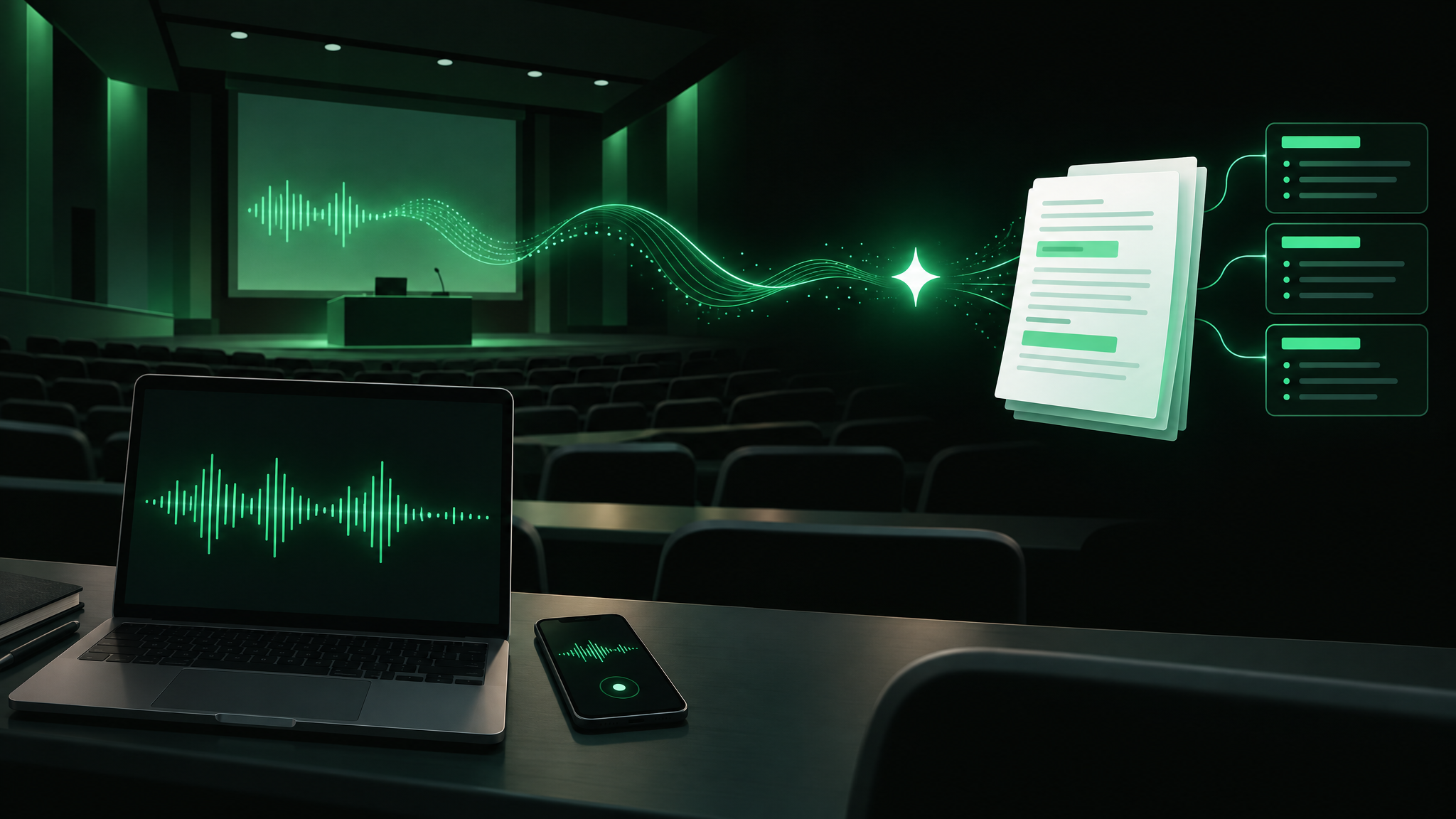
AI Note Taker for Students: 6 Best Tools Compared
The best AI note taker for students depends on how your class happens. Otter.ai is the strongest pick for live, in-room lecture transcripts, StudySim is built for turning recorded lectures, slides and PDFs into study guides, flashcards and quizzes, NoteGPT is the easiest free option for uploaded files, and Fireflies.ai, Notta and Granola fit online classes and meetings. We compared six tools using their own product and pricing pages, checked on October 20, 2026.
| Use case | Tool | Price from |
|---|---|---|
| Live transcripts of in-person and online lectures | Otter.ai | Free (300 minutes a month, 30 minutes per conversation); Pro $16.99/month, 20% off with a .edu email |
| Turning recorded lectures, slides and PDFs into study material | StudySim | $1 for the first 3 days, then $20/month or $120/year |
| Free notes from uploaded audio, video and PDFs with no sign-up | NoteGPT | Free; paid plans from $9.99/month |
| Online classes on Zoom, Google Meet or Teams | Fireflies.ai | Free forever plan; Pro $10/seat/month billed annually |
| Bilingual classes and an education discount | Notta | Free (120 minutes a month); Pro $8.17/month billed annually |
| Bot-free notes on your own device | Granola | Free Basic plan; Business $14/user/month |
What an AI note taker does (and what it doesn't)
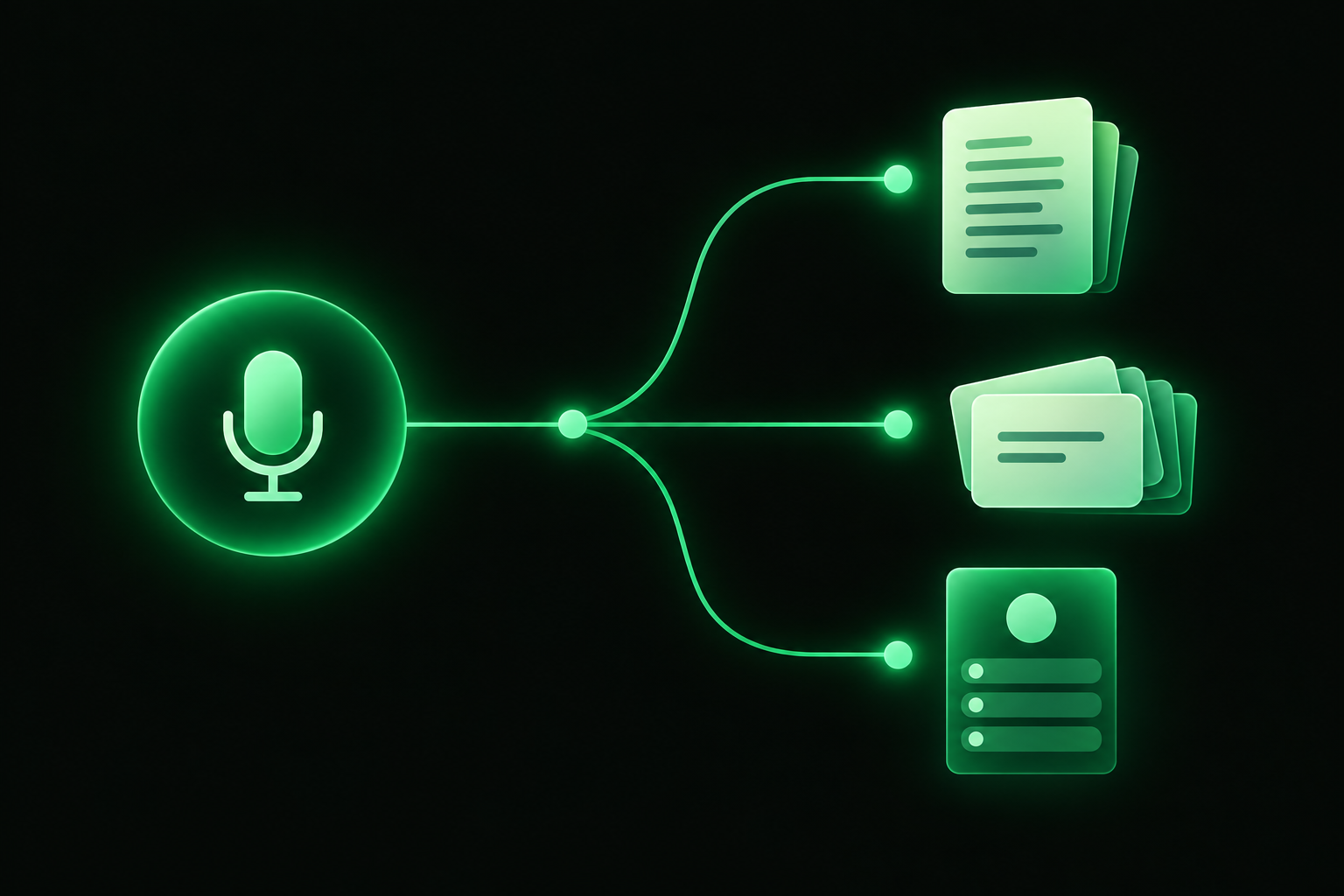
An AI note taker is an app or website that transcribes and summarizes meetings and other audio and video content. Some AI note takers can join a call or meeting virtually as a participant, while others are intended for in-person conversations. Some can also analyze files, such as presentation slides and PDFs. AI note takers can produce summaries, meeting notes, transcripts, and other outputs to help users review meetings and lectures and study course material.
AI note takers may help you stay organized and remember what was covered in lecture, but don’t expect them to do your studying for you. According to an Association for Psychological Science article summarizing research on note-taking, students who take notes on laptops tend to take more notes, transcribe more of the lecture verbatim, and do worse on conceptual questions than students who take notes by hand. The students who did best overall took more notes, but transcribed less of the lecture verbatim. Use AI note takers to your advantage by creating outputs that will help you study, like flashcards, quizzes, and other materials that will help you test yourself, rather than simply transcribing lectures.
Three ways these tools capture a class
Method of note-taking: Some AI note takers record conversations that take place in person using the microphone on your laptop or phone. Others join online meetings virtually to record conversations on video conferencing platforms like Google Meet, Zoom, and Teams. Still others can only take notes after-the-fact by analyzing files that you upload, like audio and video recordings, PDFs, and presentation slides. We considered whether and how each tool can take notes from lectures and meetings.
How we picked these AI note takers
What we looked for
We considered these criteria when looking for the best AI note takers for students:
- Free plan: If available, we noted limitations on each AI note taker’s free plan, including any limits on the number of minutes each user can record per month, the maximum length of any one recording, and whether and how the plan allows users to upload files.
- Study-related features: We noted which AI note takers can create flashcards, quizzes, and other outputs that might help students review course material.
- Special pricing for students: We noted which AI note takers advertise discounts for students on their websites.
We did not sign up for paid plans or use any of these AI note takers ourselves, so this is not an accuracy comparison.
We checked each vendor's product page and pricing page on October 20, 2026, and we only list features and prices those pages state.
Note: For the “In 50-minute lectures” column, we calculated how many 50-minute lectures each free plan would allow, based on advertised limits on the number of minutes of content each plan includes.
AI note taker comparison table
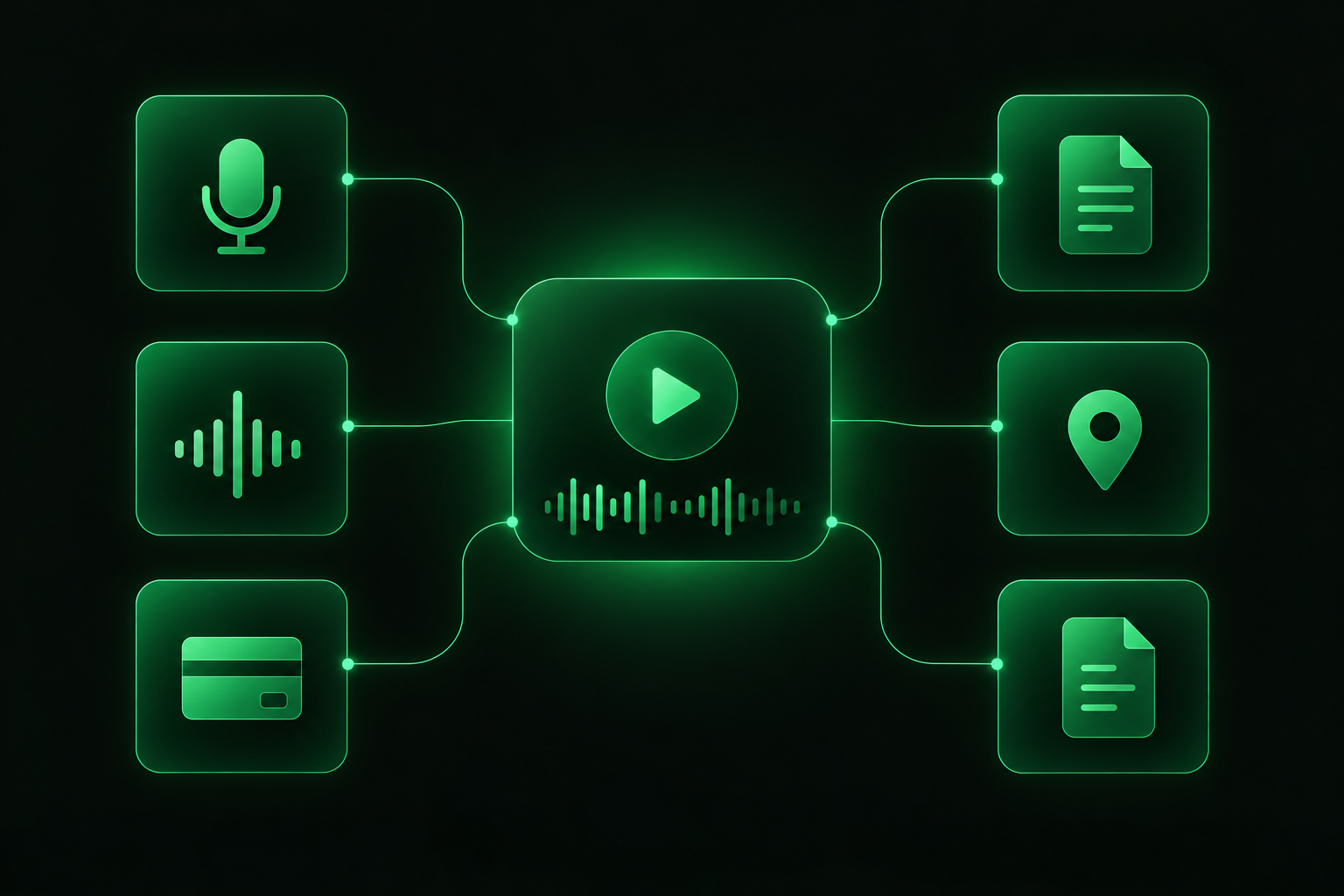
Below is a comparison of the tools based on how they capture data, their free plans, and their study features.
| Tool | Capture | Free plan | Study features | Paid from |
|---|---|---|---|---|
| Otter.ai | Live recording, Zoom, Teams and Google Meet | 300 transcription minutes a month, 30 minutes per conversation, 3 lifetime file imports | Summaries, highlights and AI chat | $16.99/month ($13.59 with .edu) |
| StudySim | Uploads: PDF, DOCX, PowerPoint, audio, video and YouTube links | Preview only: one key idea, three notes, one practice question | Study guides, flashcards, quizzes and two-speaker podcasts | $20/month or $120/year |
| NoteGPT | Uploads: audio, video, PDF, YouTube and webpages | Free, no sign-up needed | Notes, summaries and transcripts | $9.99/month |
| Fireflies.ai | Zoom, Google Meet, Teams, file uploads | Unlimited transcription (asterisked), limited AI summaries, 400 minutes of storage per team | Summaries and AI assistant | $10/seat/month billed annually |
| Notta | Real-time, uploads, YouTube links, bot-free desktop recording | 120 minutes a month, up to 3 minutes per conversation | AI summaries, bilingual transcription | $8.17/month billed annually |
| Granola | Bot-free, device-audio capture | Basic plan with limited meeting history | AI meeting notes and AI chat | $14/user/month |
What the free plans cover in lectures
| Tool | Published free limit | In 50-minute lectures |
|---|---|---|
| Otter.ai Basic | 300 transcription minutes a month, 30 minutes per conversation | About 6 lectures a month, but each lecture needs two recordings |
| Notta Free | 120 minutes a month, up to 3 minutes per conversation | Not enough for one full lecture in a single recording |
| Fireflies.ai Free | Unlimited transcription (asterisked), 400 minutes of storage per team | About 8 lectures in storage |
Otter.ai: best AI note taker for live lectures
Otter.ai advertises itself as an AI notetaker for students and faculty that offers “real-time captions and notes for in-person and virtual lectures,” as well as lecture summaries.
Standout features
- Automatically transcribes live conversations with speaker identification
- Lets you highlight and add comments to transcriptions, and add images to notes
The Basic plan is free and includes 300 transcription minutes per month, with a 30-minute limit per conversation, and three one-time uploads of audio or video files. Otter.ai Pro costs $16.99 per month when paid for monthly, and includes longer transcriptions (up to 90 minutes per meeting). Students and educators can get 20% off Pro (bringing the price down to $13.59 per month or $79.99 per year) by signing up with a .edu email address.
StudySim: best for turning lectures into study material
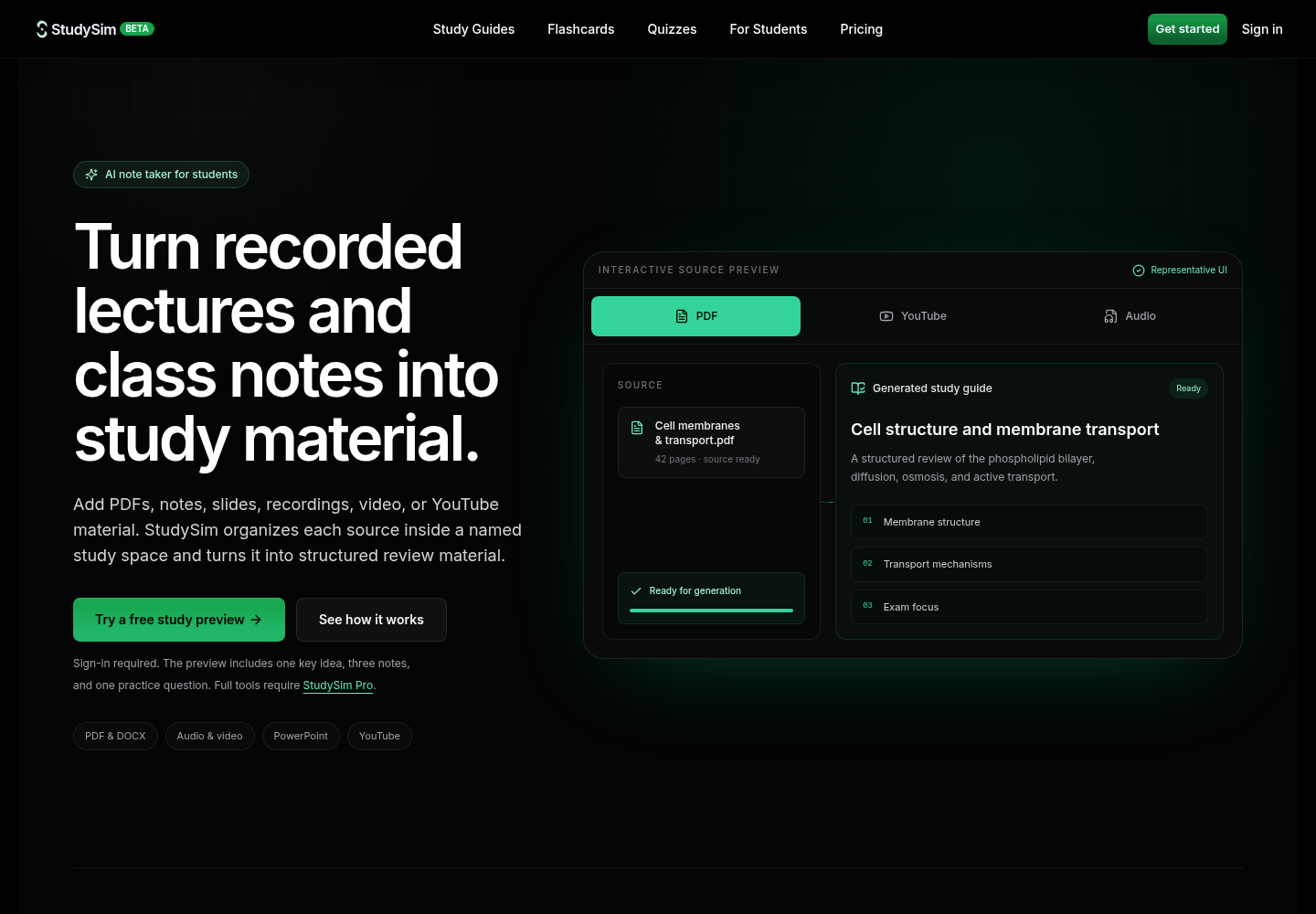
Disclosure: StudySim is our own product.
While StudySim can’t take notes during live conversations, our AI note taker for recorded lectures can turn audio files, video files, slides, PDFs, and other materials into notes and other helpful study resources in organized study spaces dedicated to each of your classes.
Standout features
- Can analyze PowerPoint presentations, PDFs, TXT files, DOCX files, Markdown files, and YouTube videos (as long as they’re set to “public”)
- Lets you upload up to 15 sources to each study space, and uses all of them to generate content
- Creates study guides, notecards, practice questions, and even a podcast featuring two AI speakers that discuss the course material
You can try out StudySim for free to generate one key idea, three notes, and one practice question from your course materials. StudySim Pro costs just $1 for the first three days, and then $20 per month or $120 per year after that. You can upload files up to 50 MB in size.
NoteGPT: best free AI note taker for uploads
You can use NoteGPT’s AI Note Taker to upload files and generate notes, summaries, and more, with no sign-up required! Plus, NoteGPT doesn’t permanently store the files you upload.
Standout features
- Accepts YouTube videos, images, webpages, long-form text, PDFs, and audio and video files
- Summarizes conversations, generates notes, and more
NoteGPT’s free plan doesn’t require an account or any downloads to get started. NoteGPT’s paid plans, which offer more features, start at $9.99 per month when paid for monthly or $108 per year, and include 1,000 basic quotas and 100 premium transcription minutes per month.
Fireflies.ai: best for online classes
Fireflies.ai takes notes during conversations, either by joining Zoom, Google Meet, and Microsoft Teams meetings or by analyzing audio and video files you upload.
Standout features
- Offers real-time notes and live transcription
- Available as a web app, desktop app, mobile app, and Chrome extension
- Supports transcription in over 100 languages
Fireflies.ai’s Free plan is free forever and includes transcription that its pricing page lists as unlimited (with an asterisk), limited AI meeting summaries, 400 minutes of storage per team, and 20 AI credits. Pro costs $18 per seat per month when paid for monthly or $10 per seat per month when paid for annually.
Notta: best for bilingual classes
Notta offers real-time transcription, processes uploaded files, and can transcribe YouTube videos. Notta’s transcription can be bilingual, transcribing conversations in two languages simultaneously. This could be helpful if you’re taking language classes or seminars that switch back and forth between two languages.
Standout features
- Can transcribe meetings in real time without adding a bot (Mac and Windows)
- Offers an on-device transcription option
- AI summaries and transcript export on paid plans
Notta’s Free plan includes 120 transcription minutes per month (with a maximum of three minutes per conversation), 50 file uploads, and 10 AI summaries. Pro costs $97.99 per year or $8.17 per month when paid for annually and includes 1,800 transcription minutes. Notta also offers a 50% education discount.
Granola: best bot-free note taker
Granola is an AI note taker that records audio from your device rather than sending a bot into meetings. It might be a good fit if you take notes during study groups, office hours, or online seminars and don’t want a bot to join your calls.
Standout features
- Bot-free AI note taking
- Note templates and multilingual support
- AI chat within and across meetings, as well as desktop, iOS, and Android apps
Granola’s Basic plan is $0 and offers limited access to past meetings. Business costs $14 per user per month and includes unlimited meeting notes and history. Granola also offers a student program.
Watch: AI note takers compared
This video from Jasper Tech is titled “Best AI Note Takers — 2026”:
How to pick the right AI note taker
Consider where you’ll be using it (in person or online, what conferencing app, etc.) and what you’ll use the notes for. Transcripts are helpful for picking up anything you may have missed, but you’ll get more out of your notes if you review them, for example, by turning them into active recall questions or generating a quiz from them.
| If you need to | Pick |
|---|---|
| Transcribe in-person lectures as they happen | Otter.ai |
| Turn recordings, slides and PDFs into study guides, flashcards and quizzes | StudySim |
| Get free notes from a file without making an account | NoteGPT |
| Capture online classes on Zoom, Google Meet or Teams | Fireflies.ai |
| Transcribe a class taught in two languages | Notta |
| Take notes without a bot joining the call | Granola |
Check the recording rules first
Ask your instructor before recording a class and check your syllabus. Check your local laws too. (In the U.S., for example, federal law only requires at least one party’s consent to record a conversation, but about 11 states mostly require all-party consent.)
Turn notes into review
Here’s how I’d review after a class using AI notes:
- Record the class session or upload the recording to an AI note taker.
- Skim the AI-generated summary the same day the class took place.
- Review the summary or transcript and generate questions based on important information. Try answering the questions yourself (without peeking at your notes!)
- Turn any important formulas and definitions into flashcards. (Alternatively, try this PDF to flashcards converter.)
To learn more, read about evidence-based studying. Want to quiz yourself on new material? Try practice tests.
FAQ
Which is the best AI note taker for students?
For live lectures, Otter.ai is the strongest pick because it transcribes in-person and virtual classes in real time and offers 20% off Pro with a .edu email. If you already have recordings, slides or PDFs and want study guides, flashcards and quizzes, StudySim is built for that step.
Is there a free AI note taker?
Yes. NoteGPT's AI Note Taker works without signing up, Otter's Basic plan includes 300 transcription minutes a month with a 30-minute cap per conversation, and Fireflies.ai has a free forever plan with limited AI summaries and transcription its pricing page lists as unlimited, with an asterisk.
Is AI note-taking legal?
Using an AI note taker is legal, but recording a class or conversation is governed by consent laws and school rules. Federal law requires one party's consent, and about 11 states primarily require all parties to consent, so ask your instructor before recording a lecture.
Can ChatGPT take notes from a lecture?
Yes, with limits. OpenAI's help center says ChatGPT's record mode can transcribe and summarize audio recordings, but it is only available in the macOS desktop app for Plus, Pro, Business, Enterprise and Edu workspaces, and sessions are capped at 4 hours. OpenAI also notes that transcriptions can contain mistakes, so check important details.
Do AI notes help you learn?
They help you capture more, but research described by the Association for Psychological Science found that verbatim laptop notes led to worse performance on conceptual questions. Use AI notes as a starting point and review them with self-testing and spaced practice.
About the author
Jozef Gherman is the founder of xyzai.io, the company behind StealthGPT and StudySim, where he builds AI tools that help students and writers study smarter and write with confidence. He writes about study techniques, exam prep, and practical ways to use AI for learning.