Anki vs Quizlet (2026): Which Flashcard App Is Better?
Anki vs Quizlet comes down to how long you need to remember things and how much setup you will put up with. Pick Anki if you want free, fine-tuned spaced repetition for big decks you will keep for months, as in medical school or language learning. Pick Quizlet if you want a polished app that builds sets from your notes and turns them into games and practice tests. We make StudySim, so we cover it as a third option at the end of this comparison.
| Need | Winner | Why |
|---|---|---|
| Lowest cost | Anki | Free on Windows, Mac, Linux and Android; the official iPhone app is a one-time $24.99 |
| Long-term memory for big decks | Anki | Schedules every card from your answer ratings, with an optional FSRS scheduler, and handles decks of 100,000+ cards |
| Fast setup from your notes | Quizlet | Builds a study set from notes you type, paste or upload, and can turn a recorded lecture into flashcards |
| Games and practice tests | Quizlet | Free games and activities; Learn and Practice Tests come with a paid plan |
| Images, audio and diagrams on cards | Anki | Supports audio, images, video, scientific markup, cloze deletion and image occlusion |
Try the Flashcard maker
Anki vs Quizlet at a glance
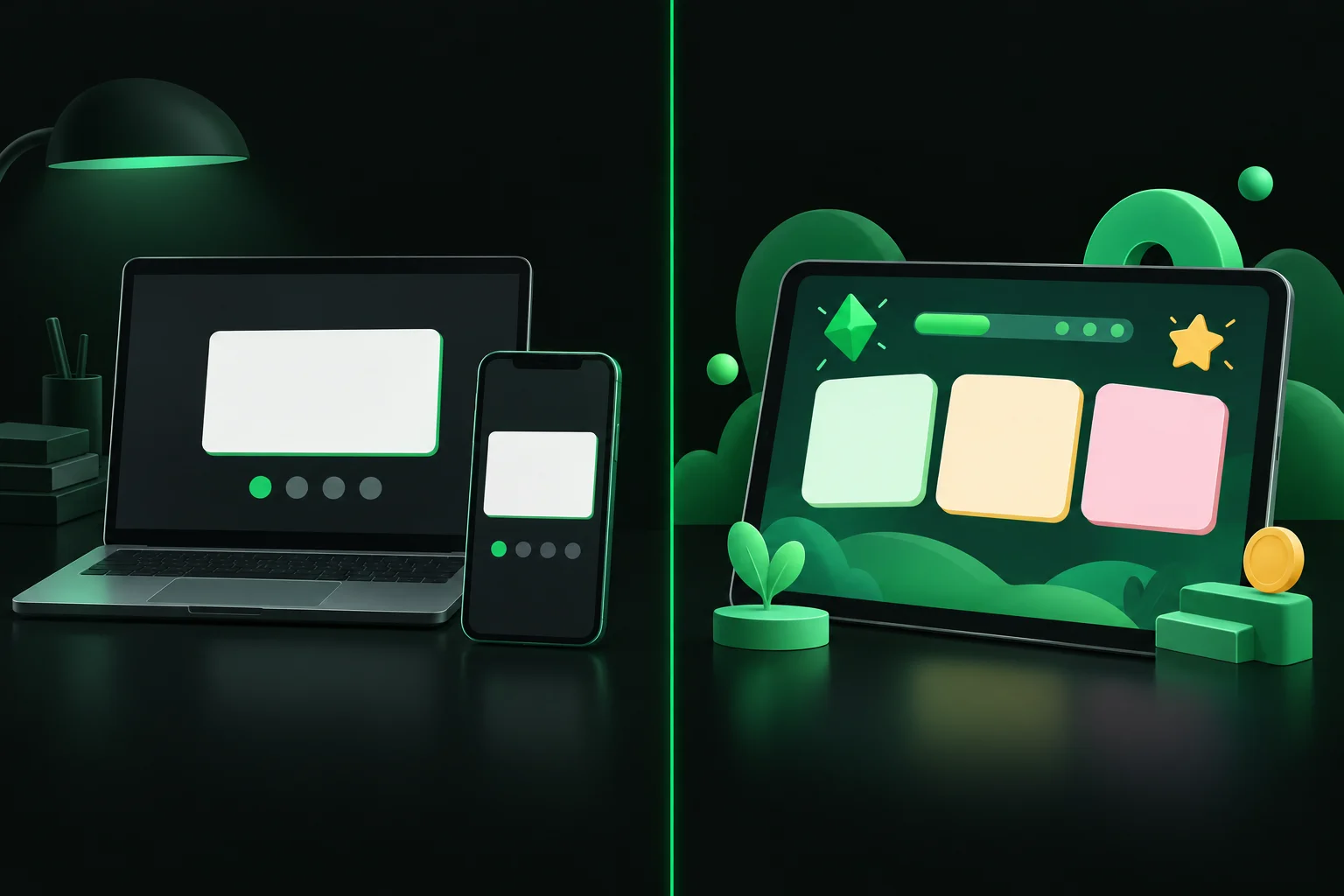
Anki and Quizlet are both flashcard apps but take different approaches to learning with flashcards. Anki is a free and open source app that’s all about one thing: flashcards that appear at just the right time, right before you’d be about to forget the answer. Quizlet’s app also centers around flashcards but includes AI-generated study sets, practice tests, games, podcasts and other features. Anki asks you how well you remembered the answer to a flashcard, then uses spaced repetition to show the card again just before you’d be expected to forget it.
The table below lines up the details that matter most to students.
| Dimension | Anki | Quizlet |
|---|---|---|
| Price | Free on desktop and Android (AnkiDroid); AnkiMobile for iOS is $24.99 one-time | Free account; Quizlet Plus is an auto-renewing subscription, listed on the App Store from $9.99 |
| Spaced repetition | Core feature: rate each card Again, Hard, Good or Easy and Anki schedules the next review; FSRS or the legacy SM-2 algorithm | The app says it resurfaces what you need to review; adaptive Learn mode is part of the paid plans |
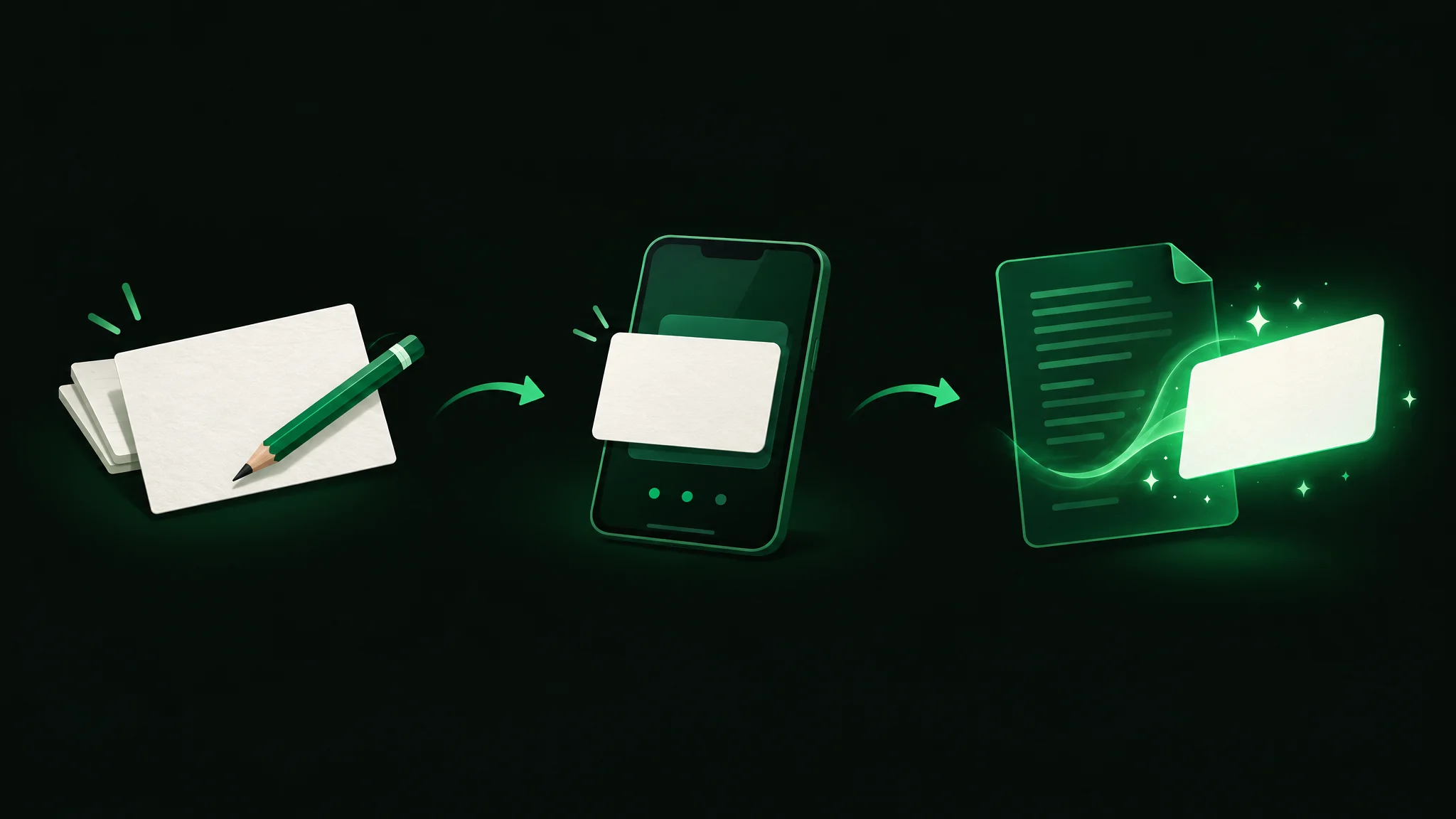
| Card creation | Type cards yourself, import text files separated by commas, semicolons or tabs, or download shared decks | Type, paste or upload notes and Quizlet builds a study set; can record or upload a lecture |
| Study modes | Review sessions; cloze deletion and image occlusion card types; add-ons for extra features | Flashcards, games and activities free; Learn, Test, Study Guides and Expert Solutions with a subscription |
| Platforms | Windows, macOS, Linux, Android, iOS and the web via AnkiWeb | Web, iPhone, iPad and Android (the Android app contains ads) |
| Syncing and offline | Free AnkiWeb account syncs across devices and lets you study online | Offline studying needs a Quizlet Plus or Plus Unlimited subscription |
| Paid plan limits | None; the desktop and Android apps are free | Quizlet Plus includes 3 practice tests, 3 Q&A and textbook solutions and 20 rounds of Learn per month |
Anki vs Quizlet: key differences
Let’s break it down.
Price
Anki is free, except the AnkiMobile app for iPhone/iPad, which is a $24.99 one-time purchase. The desktop app is free on Windows, macOS and Linux; AnkiDroid (made by a team of volunteers) is free on Android. Purchases of AnkiMobile for iPhone/iPad support Anki development.
Flashcards, practice questions, diagrams with interactive labels and activities are available for free. Learn, Test, Study Guides, Expert Solutions and offline access require Quizlet Plus ($9.99+ on App Store in US, auto-renews). Quizlet Plus Unlimited adds custom study paths, progress tracking, smart grading and removes usage limits found in Quizlet Plus plan.
Spaced repetition and scheduling
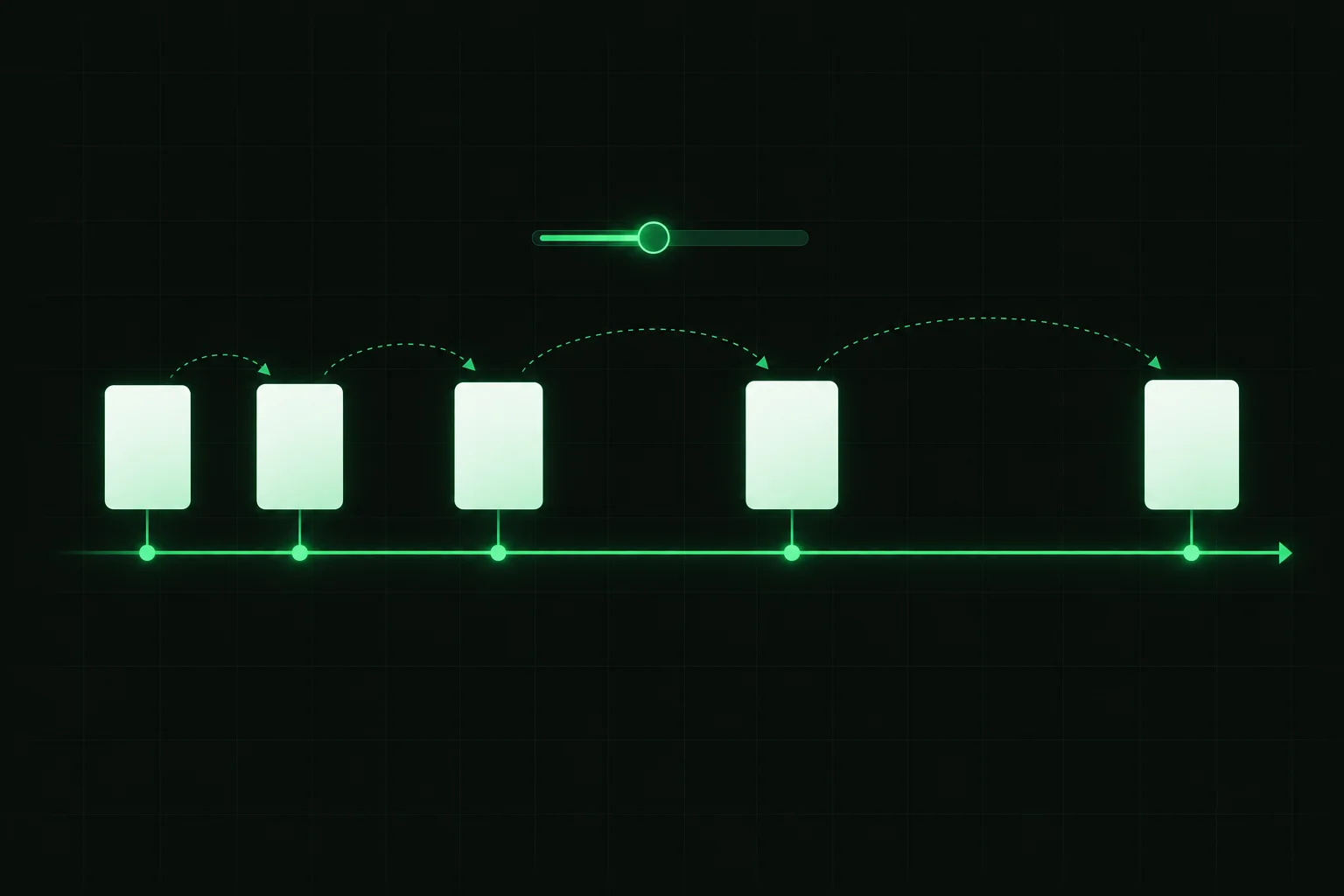
In Anki, you can see when each card will next appear based on your answer choices. Anki also offers the Free Spaced Repetition Scheduler (FSRS) as an alternative to its older SM-2 algorithm, and the Anki manual says it can help you remember more material in the same amount of time.
Quizlet’s app says it brings back flashcards when it thinks you need extra review, and its Learn mode claims to adjust to your skill level. Anki’s review timing, by contrast, is customizable. If this all seems a little strange, see our spaced repetition review guide for a description of why this works well.
Making cards
You’ll enter flashcards on your own (or import your own .txt file with cards separated by tabs, commas or semicolons, or download a pre-made Anki deck). This process may take a bit more time, but hand-crafting your own flashcards helps you learn the information that’s most important.
Quizlet makes it easier to get started with flashcards: enter/upload/paste your own notes and Quizlet will make flashcards for you. Record/upload class lectures and Quizlet will generate flashcards and Study Guides. There are also millions of pre-made Quizlets on a variety of topics. If you want a step-by-step method for either app, see how to make flashcards.
Study modes and features
Flashcards, cloze deletions (fill in the blank) and image occlusion (hide/show portions of an image) are the bread and butter of Anki. Cards can include images, audio, videos, scientific notation, etc. There are also add-ons available to give Anki even more features.
Quizlet offers even more ways to practice: games and activities (available for free) or Learn, Practice Tests (3/month limit), Study Guides, Expert Solutions, etc. (Quizlet Plus/Unlimited; Learn limited to 20 rounds a month on Quizlet Plus). Turn your Quizlets into podcasts! Study together with friends! Offline access is only available with Quizlet Plus/Unlimited.
Platforms and syncing
Sync flashcards between Windows, macOS, Linux, Android (free AnkiDroid app), iPhone/iPad (AnkiMobile) using AnkiWeb (free). Can also use Anki from your web browser. Quizlet works on the web, with free apps for Android (includes ads), iPhone and iPad.
Learning curve
Quizlet is easier on day one. Anki has more settings to learn about (FSRS settings, deck options, learning steps, etc.) and doesn’t have the prettiest interface. (You can get by with just two answer options: Good and Again.)
Anki vs Quizlet pros and cons

Here is a quick summary of the strengths and trade-offs of each app, based on the official pages above.
| Anki pros | Anki cons |
|---|---|
| Free on Windows, Mac, Linux, Android and the web | The official iOS app costs $24.99 |
| Per-card spaced repetition with visible intervals and an optional FSRS scheduler | Many settings to learn, such as learning steps and deck options |
| Cloze deletion, image occlusion, audio and video on cards | You make or import your own cards |
| Add-ons and shared decks | No games or practice-test mode in its core feature list |
| Quizlet pros | Quizlet cons |
|---|---|
| Builds study sets from notes you type, paste or upload | Learn, Test and Study Guides need a paid plan |
| Free games and activities | Quizlet Plus caps practice tests at 3 and Learn at 20 rounds a month |
| Millions of existing flashcards across subjects | Exports are text only, and only for sets you created |
| Polished apps for web, iOS and Android | Subscriptions renew automatically |
When to choose Anki or Quizlet

Choose Anki if
You need to retain information for exams/tests that are months/years away (think: med school, pharmacology, law school, learning a new language, certification/exam prep, etc.). Anki is free to use (except for AnkiMobile), has customizable spaced repetition and is built to last (it can handle decks of 100,000+ flashcards). That suits medical students, who need to retain so much information for such a long time. You like the idea of image occlusion flashcards (great for memorizing anatomy and other diagrams) or adding audio to flashcards (handy for language learning).
Choose Quizlet if
You want to start studying in minutes, you learn better with games and practice tests, or your class already shares Quizlet sets. It suits high school courses, shorter units and group study. Note: If you plan on using Practice Tests and/or the Learn feature, you’ll likely need Quizlet Plus/Unlimited (keep an eye out for any limits/features you’ll use frequently!).
Still not sure which one to pick? Check out this video where WesRx compares Quizlet vs Anki and talks about which one you should use!
How to move your Quizlet sets to Anki
If you use Quizlet now but want to switch to Anki’s spaced repetition, you can export your own Quizlets as text, save it as a .txt file and import it into Anki:
- Go to Your library → Flashcard sets on Quizlet and select one of your Quizlets
- Select ⋮ menu → Export → Choose your delimiter → Copy text
- Copy/paste the exported text into a .txt file and save
- Import the .txt file into Anki (you can preview your flashcards and Anki will try to figure out your delimiter, comma, semicolon, tab, etc.)
- Make sure your flashcard fronts and backs went into the correct fields!
Quizlet won’t export images and you can’t export Quizlets you’ve copied/saved from someone else’s Quizlet. Our free Anki vs Quizlet decision worksheet and move checklist (PDF) lets you score your needs and track each set as you move it.
Can you use both?
Of course! Some students use Quizlet for quick and easy flashcards to study with friends and/or for specific classes and use Anki for long-term learning with spaced repetition. Answer from memory, then turn the card over to check your answer (active recall). Practice testing and spaced practice were the two techniques rated high utility in a 2013 review of 10 learning techniques published by the Association for Psychological Science.
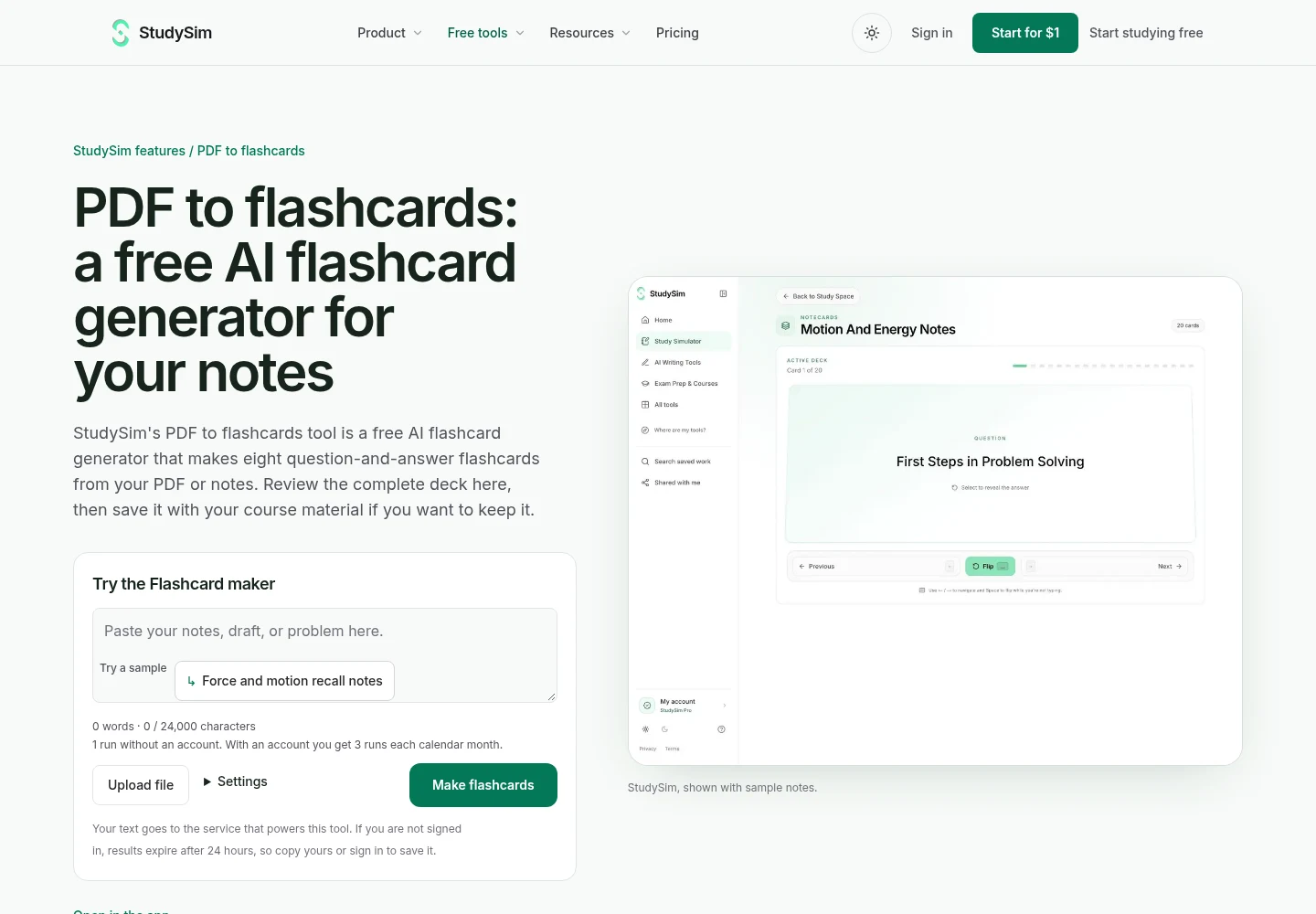
If making cards isn’t your thing, you can have StudySim turn a PDF into flashcards for you free of charge, eight Q&A cards in fact. Print them or copy them, either way you’ll be able to take them with you for review on the go. Want more apps like these? Check out our full list of Quizlet alternatives, our free flashcard apps roundup, or our StudySim comparisons hub page.
FAQ
Is Anki better than Quizlet?
For long-term memory, usually yes. Anki schedules every card from your own ratings and is free on most devices. Quizlet is better for quick setup, games and practice tests. The right pick depends on how long you need to remember the material.
Why do med students use Anki instead of Quizlet?
Medical school means memorizing a huge volume of facts for years. Anki handles decks of 100,000+ cards, supports image occlusion for diagrams, lets you tune review timing, and is free on desktop and Android.
Is Anki worth the $25?
The $24.99 is only for AnkiMobile, the official iPhone and iPad app, and it is a one-time purchase that helps fund Anki's development. Anki is free on Windows, Mac, Linux, Android and the web, so you can try it before paying.
Is Quizlet free?
Yes, a free account includes flashcards, practice questions, interactive diagrams and games. Learn, Test, Study Guides, Expert Solutions and offline studying need a Quizlet Plus or Plus Unlimited subscription.
Can you import Quizlet sets into Anki?
Yes, for sets you created. Export the terms and definitions from Quizlet as text, save them in a text file, and import it into Anki. Images do not transfer, and sets copied from other users cannot be exported.
About the author
Jozef Gherman is the founder of XYZAI, the company behind StudySim, where he builds AI tools that help students and writers study smarter and write with confidence. He writes about study techniques, exam prep, and practical ways to use AI for learning.