Study notes
Organize notes from class into study notes you can reread
StudySim helps you organize notes from lectures, readings and slides into readable study notes with review prompts. Keep the explanation plain, or pick a supported conversational style before you generate.
Try the Study notes generator
Free to try. Sign in to save your result.
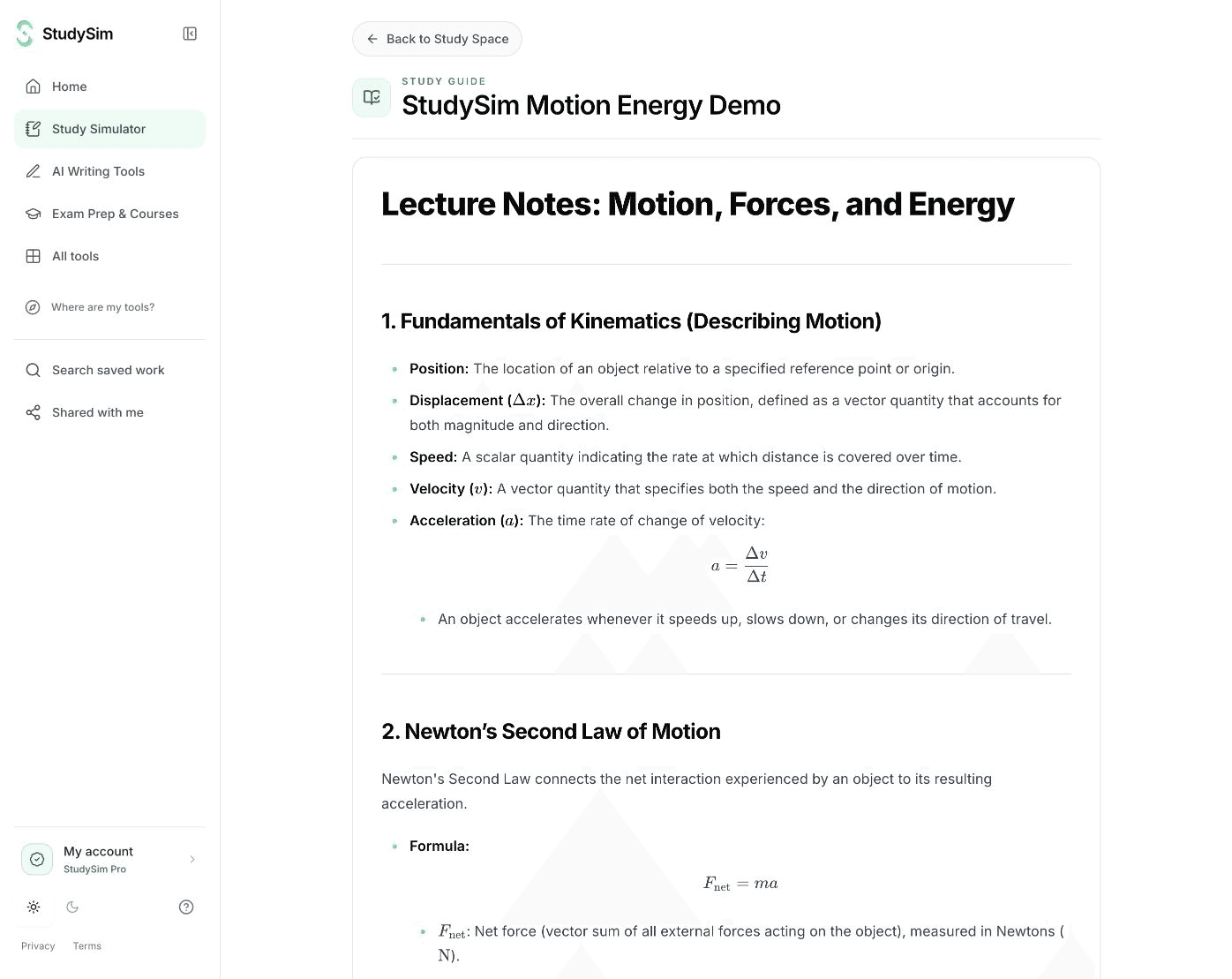
What you get
Structured study notes with prompts you can use to review the topic.
From your material to your next step.
Follow an exampleAdd the source
Paste the material you want to organize or review an extracted document source.
Choose the telling
Keep the standard style or choose a supported style such as a conversational gossip recap.
Review and continue
Read the notes, use the review prompts, and move to another study activity when you are ready.
Make it part of the way you work.
Rough class notes
Turn an untidy first draft of notes into a more readable review.
A new way into a topic
Try a different explanation style without replacing the source facts you need to learn.
Start here. Save what helps.
Try it free, no sign-up needed. Sign in to save a result to a course. Go Pro to build study sets from everything in a course.
Compare free and ProKnow the scope
Paste text or upload a PDF, Word, PowerPoint or text file (up to 3 MB). Photos and scanned PDFs won't work.
A few useful details.
What is the best way to organize notes?
Group notes by topic rather than by date, give each main idea a heading, and keep examples under the idea they support. End each section with a question you can answer from memory. StudySim follows a similar pattern, turning your material into structured notes with review prompts. When you're ready for more, turn notes into a study guide.
What is the best app to organize notes?
It depends on whether you want to capture notes, store them or study from them. We compared options in our AI note taker roundup. StudySim is built for the study step: it turns material you already have into notes you can review.
What are the 5 R's of note-taking?
The 5 R's come from the Cornell note-taking method: record, reduce, recite, reflect and review. You record notes in class, reduce them to key points and questions, recite the answers from memory, reflect on how the ideas connect, and review on a regular schedule. StudySim's review prompts help with the recite and review steps.
How can I make notes using AI?
Paste your material or upload a supported file, choose a plain or conversational style, and generate. Read the notes against your source, since AI can drop or misstate a detail. For a lighter take, the gossip style tells the topic as a story, and you can turn the same notes into a podcast to review on the go.
Can I summarize a PDF into notes?
Yes. Upload a text-based PDF up to 3 MB, check the extracted text, and StudySim organizes it into study notes with review prompts. It doesn't read scanned PDFs or photos. Input and usage limits apply.
Keep going.
All featuresStudy guides
Start with your own material and make a focused guide you can read, review, and keep. Use the self-checks to turn the summary into an active study session.
Cheat sheets
Make a compact reference from your study material. Bring key concepts, formulas, and common mistakes into a format you can scan while reviewing.
Study podcasts
Turn your material into a short narrated study review with a transcript. Listen when reading another page is not the way you want to review.