PhysicsRead tutorial
AI notes generator: turn class material into study notes
StudySim's AI notes generator turns lectures, readings and slides into readable study notes with three review prompts.
Study notes generator examples
Explore a prepared example, follow the steps, and try the controls.
Study notes in StudySim
Bring your notes back into focus.
Structured study notes with prompts you can use to review the topic.
Explore study notes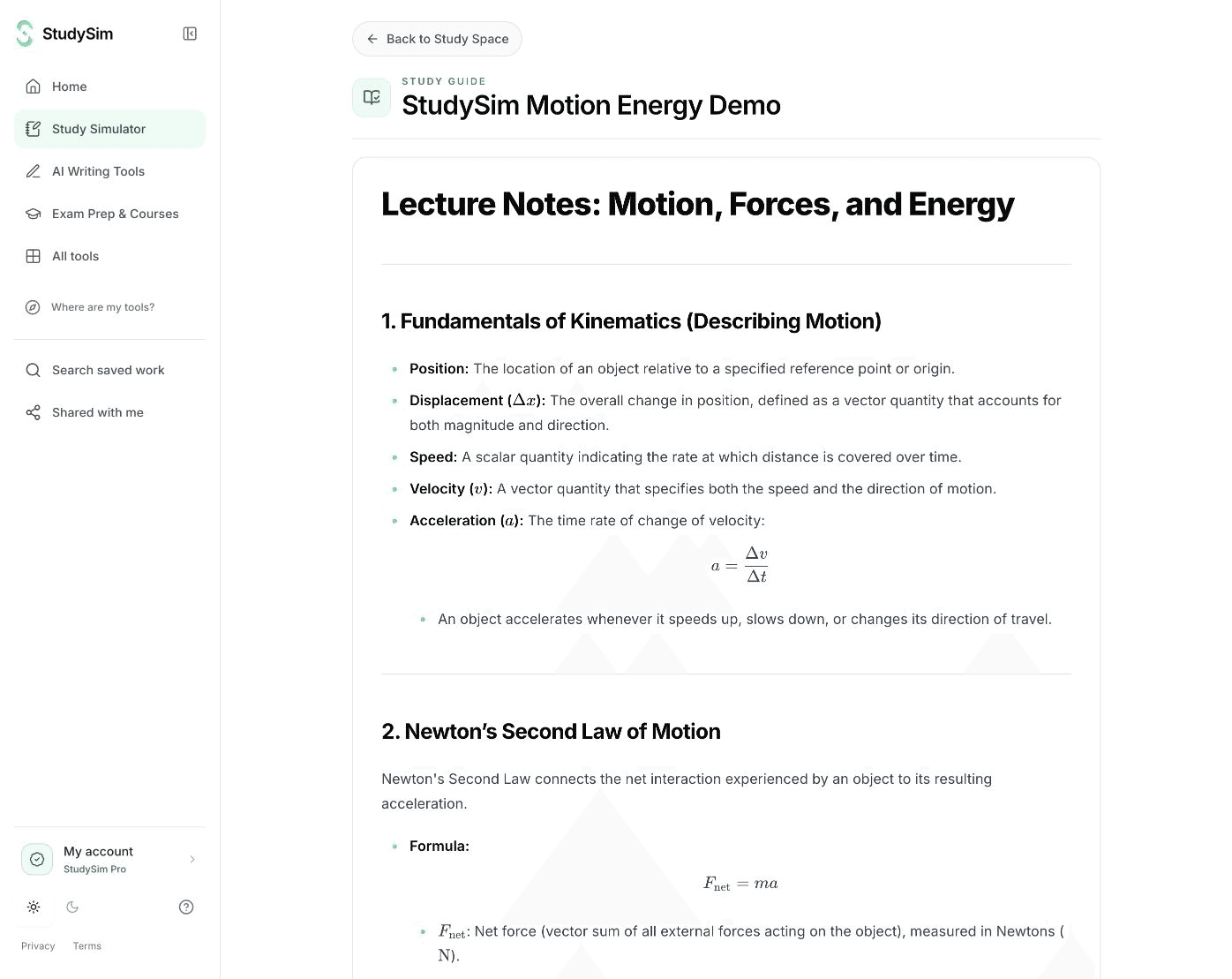
Step 1
Add the source
Paste the material you want to organize or review an extracted document source.
Step 2
Choose the telling
Keep the standard style or choose a supported style such as a conversational gossip recap.
Step 3
Review and continue
Read the notes, use the review prompts, and move to another study activity when you are ready.
Access and saving
Try it free, no sign-up needed. Sign in to save a result to a course. Go Pro to build study sets from everything in a course.
What to keep in mind
Paste text or upload a PDF, Word, PowerPoint or text file (up to 3 MB). Photos and scanned PDFs won't work.
Is this live lecture transcription?
No. The tool organizes material you submit. Voice input records a note for transcription and review before sending; it is not an always-listening lecture recorder.
Can I move from notes to flashcards?
Yes. The app offers a next activity while keeping your source. Nothing runs until you select Generate.
Is the AI notes generator free?
Yes. You can make structured notes with three review prompts without signing up. Input limits, usage limits and availability apply.
Can I choose a style?
Yes. Keep the standard style or pick a supported conversational style, such as a gossip-style recap, before you generate.
Choose your next step
Study guide generator
A concise guide and three self-checks
Quiz generator
Five questions with answers and explanations
Flashcard maker
Eight complete question-and-answer cards
Cheat sheet maker
A complete compact reference sheet
Step-by-step solver
A worked answer with steps
Visual tutor
A short visual lesson with a checkpoint
Study podcast generator
A short narrated review and its transcript