PhysicsRead tutorial
Cheat sheet maker for formulas, key concepts and common mistakes
StudySim's cheat sheet maker organizes key concepts, formulas and common mistakes into a compact reference.
Cheat sheet maker examples
Explore a prepared example, follow the steps, and try the controls.
Cheat sheets in StudySim
Keep the essentials within reach.
A complete compact reference sheet based on the source you submit.
Explore cheat sheets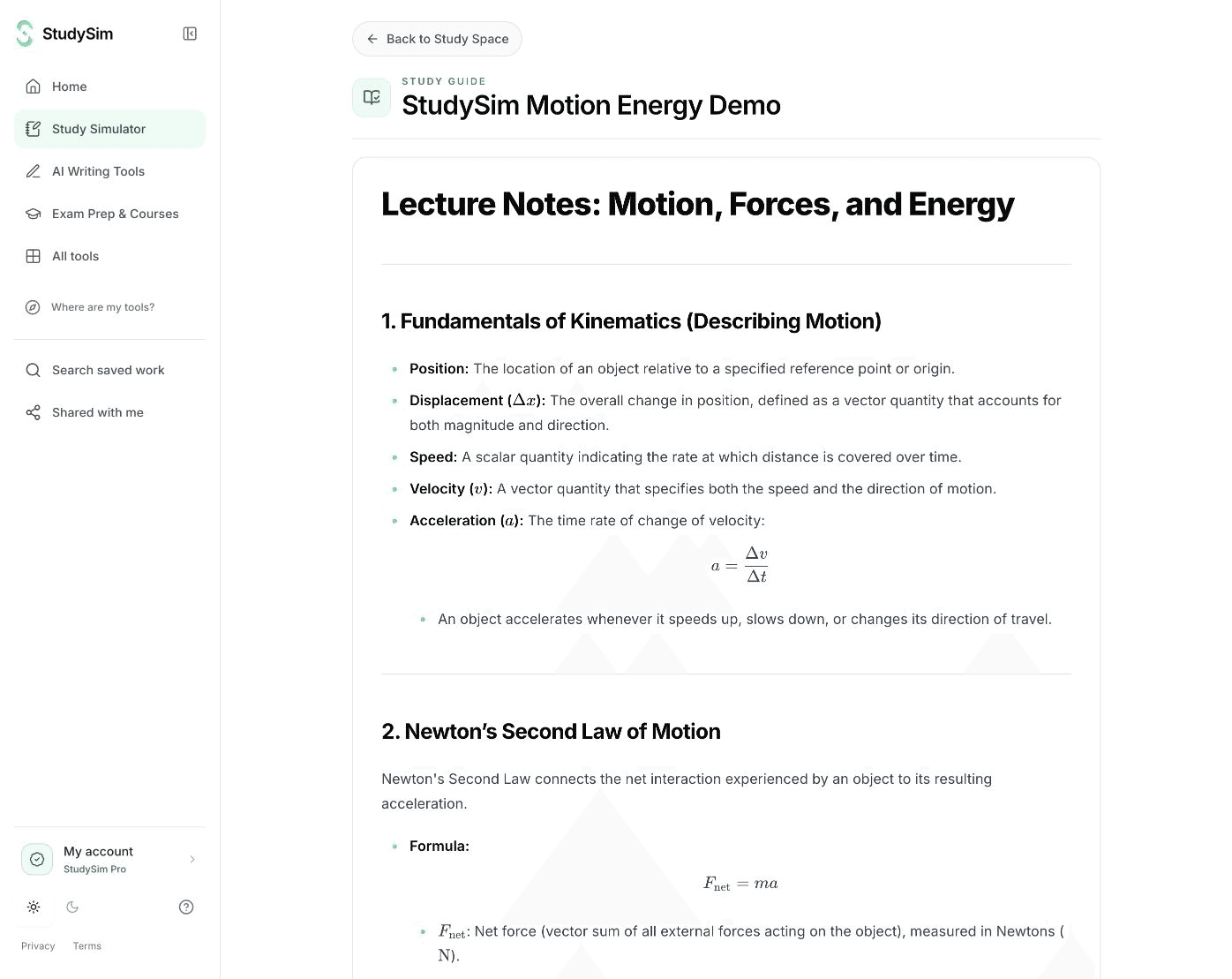
Step 1
Choose a focused source
Start with the notes for one topic, unit, or kind of problem.
Step 2
Make the compact reference
Make your sheet, then check the concepts and formulas against your notes.
Step 3
Use it for review
Copy or print the result, or save it to a course when you want to return to it.
Access and saving
Try it free, no sign-up needed. Sign in to save a result to a course. Go Pro to build study sets from everything in a course.
What to keep in mind
Paste text or upload a PDF, Word, PowerPoint or text file (up to 3 MB). Photos and scanned PDFs won't work. Follow your class and exam rules for any reference material you use.
Can I print the sheet?
Yes. Select Print, then choose "Save as PDF".
Does this replace reading the source?
No. A compact sheet is a review aid. Check important details against the original material.
Is the cheat sheet maker free?
Yes. You can make a complete compact reference sheet without signing up. Input limits, usage limits and availability apply.
What can I upload?
Paste text or upload a PDF, Word, PowerPoint or text file up to 3 MB. Photos and scanned PDFs will not work.
Choose your next step
Study guide generator
A concise guide and three self-checks
Quiz generator
Five questions with answers and explanations
Flashcard maker
Eight complete question-and-answer cards
Study notes generator
Structured notes and three review prompts
Step-by-step solver
A worked answer with steps
Visual tutor
A short visual lesson with a checkpoint
Study podcast generator
A short narrated review and its transcript