Web similarity checker
Find web matches worth reviewing.
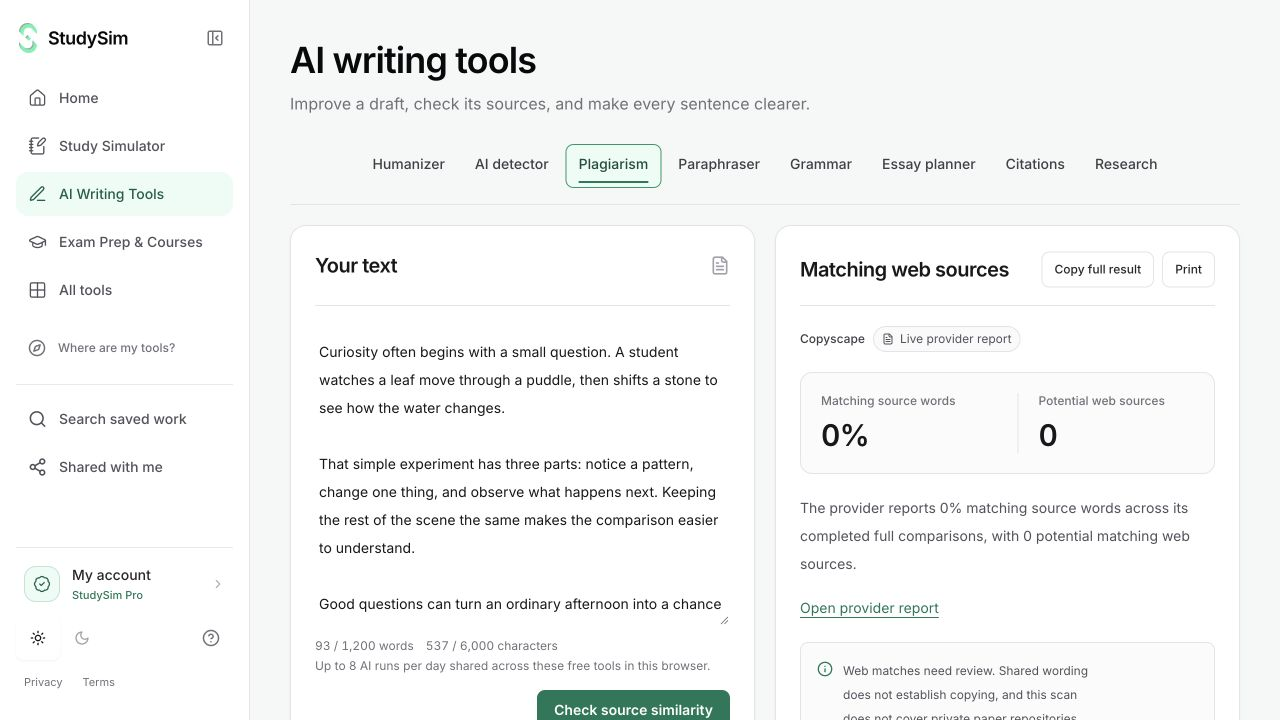
Compare a passage against public web sources through Copyscape. Read the reported similarities and open the available source links before drawing a conclusion.
Try a complete bounded result. Sign in when you want to save it.
What you get
A web-similarity report with available matching-source metrics, source links, and coverage information.
From your material to your next step.
Add the passage
Use the text you want to review, within the displayed 1,200-word and 6,000-character bounds.
Check the public web
Submit the passage and follow the request status while Copyscape checks for matching sources.
Review each match
Open available source links and check quotation, attribution, and context for yourself.
Make it part of the way you work.
Check attribution
Find passages worth comparing with an original web source and review whether they need a quotation or citation.
Understand a result
Read available full-comparison coverage rather than treating missing data as zero similarity.
Start here. Save what helps.
Use a complete bounded result before signing up. Your draft stays in the editor when you change tools, and each tool keeps its own result. AI tools share a daily browser allowance; signing in or subscribing does not automatically remove that allowance.
See the current free and Pro offerKnow the scope
This checks the public web, not Turnitin or a private student-paper repository. Shared wording and legitimate quotations can match. Missing comparison data is unknown, and a match does not establish copying or misconduct.
Open the standalone toolA few useful details.
Is this a Turnitin report?
No. StudySim uses Copyscape to check public web sources. It does not claim access to Turnitin’s private repositories.
What does an unavailable percentage mean?
It means a full-comparison similarity percentage was not available for that result. It does not mean the passage has 0% similarity.
Keep going.
All featuresCitation generator
Look up a DOI or publication title and use the returned metadata to draft a reference. Open the original source and check the details before submitting your work.
Research assistant
Search for scholarly publication records related to a question or topic. Use the titles, metadata, and source links to decide which originals are worth opening.
AI writing detector
Send a passage for an AI-likelihood report and read the result with its limitations. The score is one signal to review, not proof of who or what wrote the text.