Source checksRead tutorial
Free plagiarism checker: find passages that need a citation
StudySim's free plagiarism checker compares your draft with web sources and flags passages that may need a citation.
Your text
Source matches
Your report will appear here
Add your text on the left, then choose “Check source similarity”.
Plagiarism checker examples
Explore a prepared example, follow the steps, and try the controls.
Web similarity checker in StudySim
Find web matches worth reviewing.
A web-similarity report with available matching-source metrics, source links, and coverage information.
Explore web similarity checker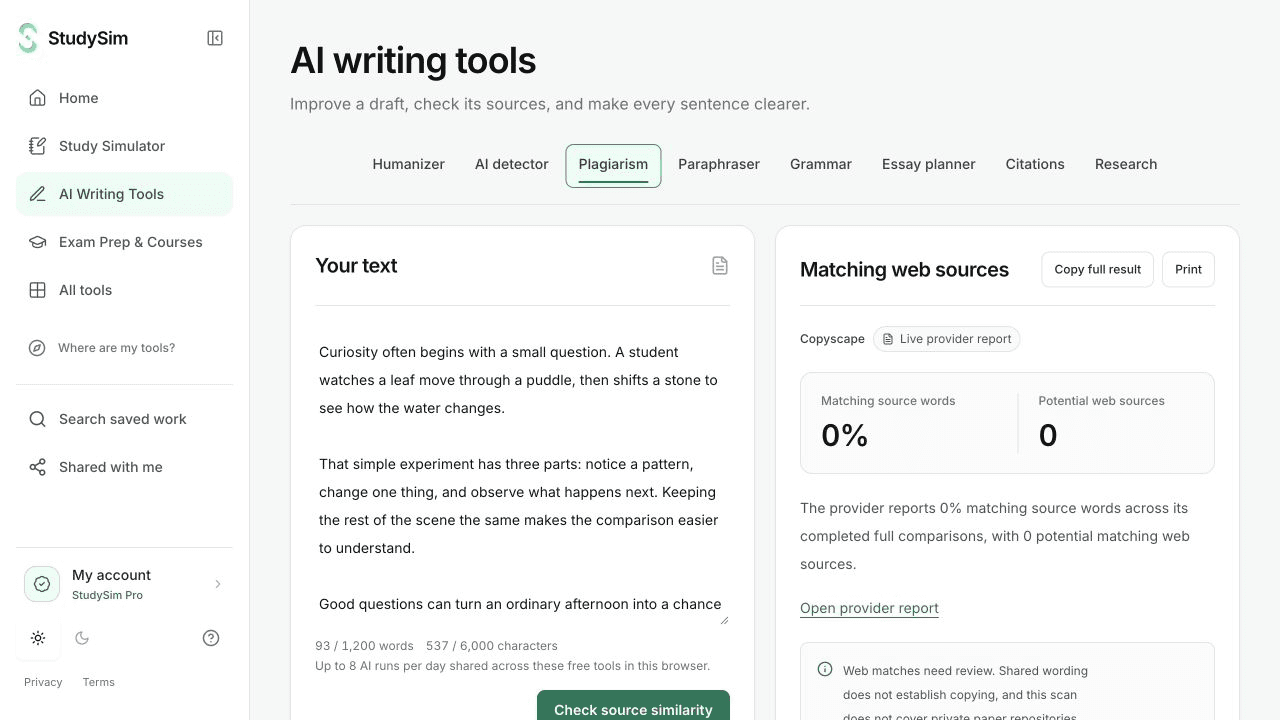
Step 1
Add the passage
Use the text you want to review, within the displayed 1,200-word and 6,000-character bounds.
Step 2
Check the public web
Submit your text and Copyscape checks it against the web.
Step 3
Review each match
Open available source links and check quotation, attribution, and context for yourself.
Access and saving
Try it free, no sign-up needed. Your draft stays put when you switch tools, and each tool keeps its own result.
What to keep in mind
This checks the public web, not Turnitin or a private student-paper repository. Shared wording and legitimate quotations can match. Missing comparison data is unknown, and a match does not establish copying or misconduct.
Is this a Turnitin report?
No. StudySim uses Copyscape to check public web sources. It does not claim access to Turnitin’s private repositories.
What does an unavailable percentage mean?
It means a full-comparison similarity percentage was not available for that result. It does not mean the passage has 0% similarity.
Choose your next step
Natural writing editor
A full rewrite of up to 300 words
Paraphraser
A complete short paraphrase
Grammar checker
Corrections, explanations and revised text
Essay planner
An outline and source-based drafting prompts
AI writing detector
An AI-likelihood score with clear caveats
Citation generator
Source metadata and formatted references