Grammar checker
See the correction and the reason.
Review grammar and sentence-level suggestions alongside your draft. Read the explanation before you decide whether a change belongs in your writing.
Try a complete bounded result. Sign in when you want to save it.
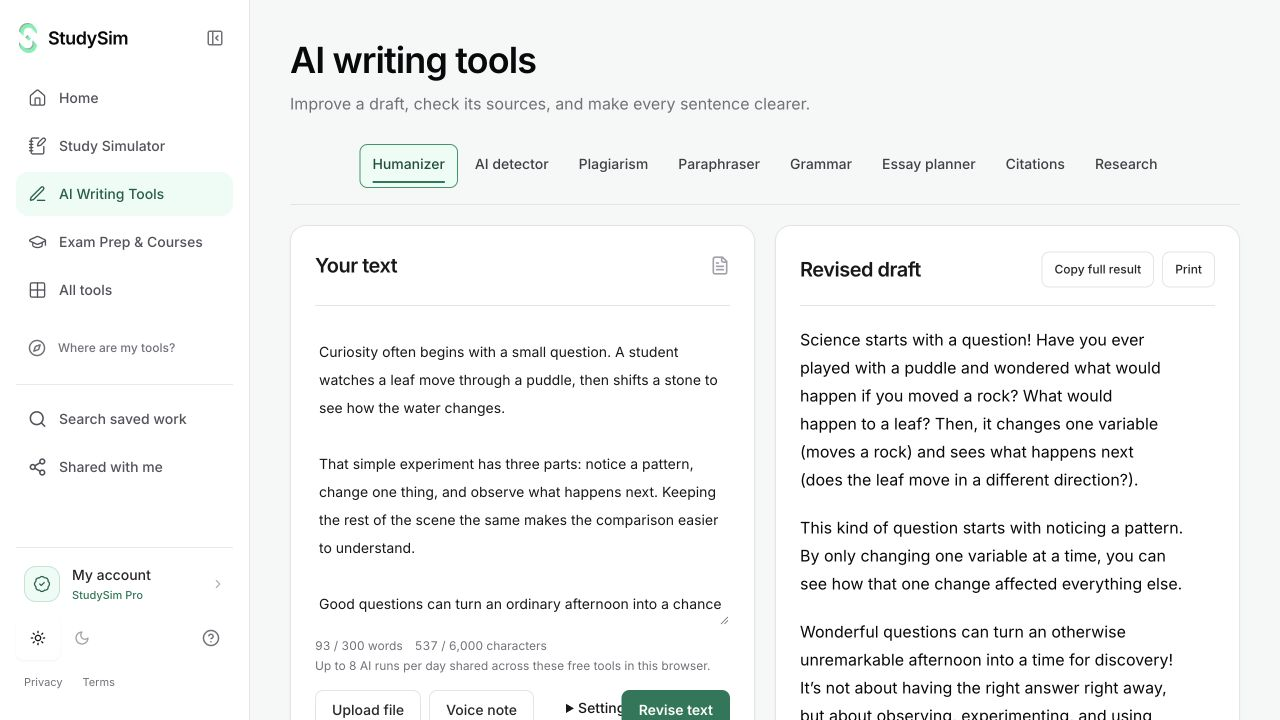
What you get
A revised draft with correction explanations and suggestions you can review.
From your material to your next step.
Bring the current draft
Paste the text you actually want to review and check its word and character counts.
Request grammar review
Choose Grammar and submit the passage when you are ready.
Review each suggestion
Read the correction and explanation, then copy or apply a revision you agree with.
Make it part of the way you work.
A final editing pass
Review sentence structure and grammar before sharing a draft.
Learn from the revision
Use the explanations to understand what changed rather than accepting every suggestion without review.
Start here. Save what helps.
Use a complete bounded result before signing up. Your draft stays in the editor when you change tools, and each tool keeps its own result. AI tools share a daily browser allowance; signing in or subscribing does not automatically remove that allowance.
See the current free and Pro offerKnow the scope
Suggestions can miss context or alter a meaning. You remain responsible for the final draft, factual details, and required style conventions.
Open the standalone toolA few useful details.
Can I keep my original?
Yes. The source remains in the editor until you explicitly choose to use revised text.
Is grammar checking unlimited?
No. It is part of the bounded AI tool suite and shares the displayed daily browser allowance.
Keep going.
All featuresParaphraser
Make a bounded revision of a passage, then compare the wording with your original. Keep your intended meaning and sources in view as you edit.
Natural writing editor
Use StealthGPT Super to make a bounded natural-language rewrite. Review the wording alongside your original, with paragraph breaks and supported list structure carried through the request.
Essay planner
Bring a topic and source notes, then make an outline you can build on. Use the plan to see the argument and decide what evidence is still missing.