Essay planner
Find the structure before writing the draft.
Bring a topic and source notes, then make an outline you can build on. Use the plan to see the argument and decide what evidence is still missing.
Try a complete bounded result. Sign in when you want to save it.
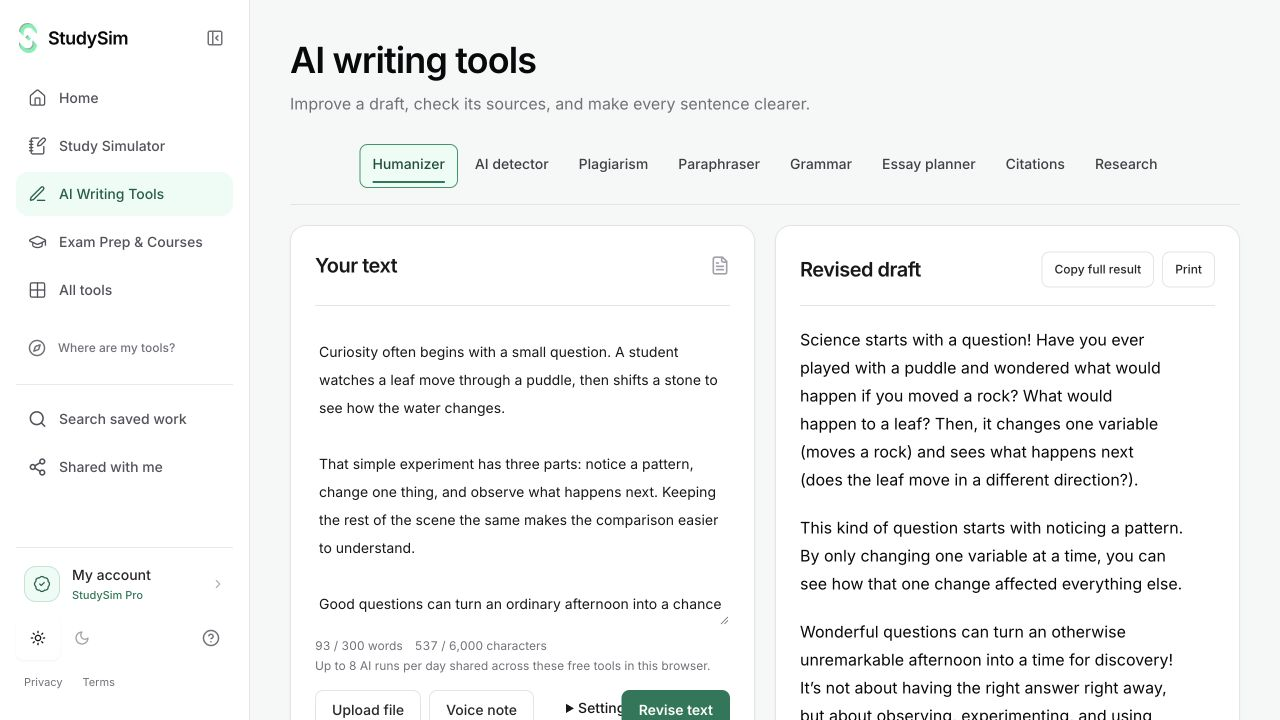
What you get
An essay outline and source-based drafting prompts for the material you submit.
From your material to your next step.
Add your topic and notes
Include the assignment’s purpose and the relevant source material you want the plan to use.
Create an outline
Review the bounded plan and see how the proposed sections connect.
Develop the argument
Revise the outline, check the evidence, and write the draft in your own process.
Make it part of the way you work.
Start a rough structure
Turn notes into a first plan instead of staring at an empty document.
Spot evidence gaps
Use the outline to decide where you need a stronger source or a clearer explanation.
Start here. Save what helps.
Use a complete bounded result before signing up. Your draft stays in the editor when you change tools, and each tool keeps its own result. AI tools share a daily browser allowance; signing in or subscribing does not automatically remove that allowance.
See the current free and Pro offerKnow the scope
The planner provides an outline and drafting prompts, not verified original research or a guarantee that the argument meets your assignment requirements.
Open the standalone toolA few useful details.
Will it find sources for every claim?
The planner works with the material you provide. Use the research and citation tools to look up records and review sources separately.
Can I add assignment instructions?
Supported tool settings include optional instructions. Review the final outline against the actual assignment.
Keep going.
All featuresResearch assistant
Search for scholarly publication records related to a question or topic. Use the titles, metadata, and source links to decide which originals are worth opening.
Citation generator
Look up a DOI or publication title and use the returned metadata to draft a reference. Open the original source and check the details before submitting your work.
Grammar checker
Review grammar and sentence-level suggestions alongside your draft. Read the explanation before you decide whether a change belongs in your writing.