PhysicsRead tutorial
AI cheat sheet maker for formulas, key concepts and common mistakes
StudySim's cheat sheet maker (some call it a cheatsheet maker or cheat sheet generator) turns pasted notes or an uploaded PDF, Word, PowerPoint or text file into a compact study sheet of formulas, key concepts and common mistakes. Check it against your notes, then copy or print it.
Cheat sheet maker examples
Explore a prepared example, follow the steps, and try the controls.
Cheat sheets in StudySim
Keep the essentials within reach.
A complete compact reference sheet based on the source you submit.
How to make a one-page cheat sheet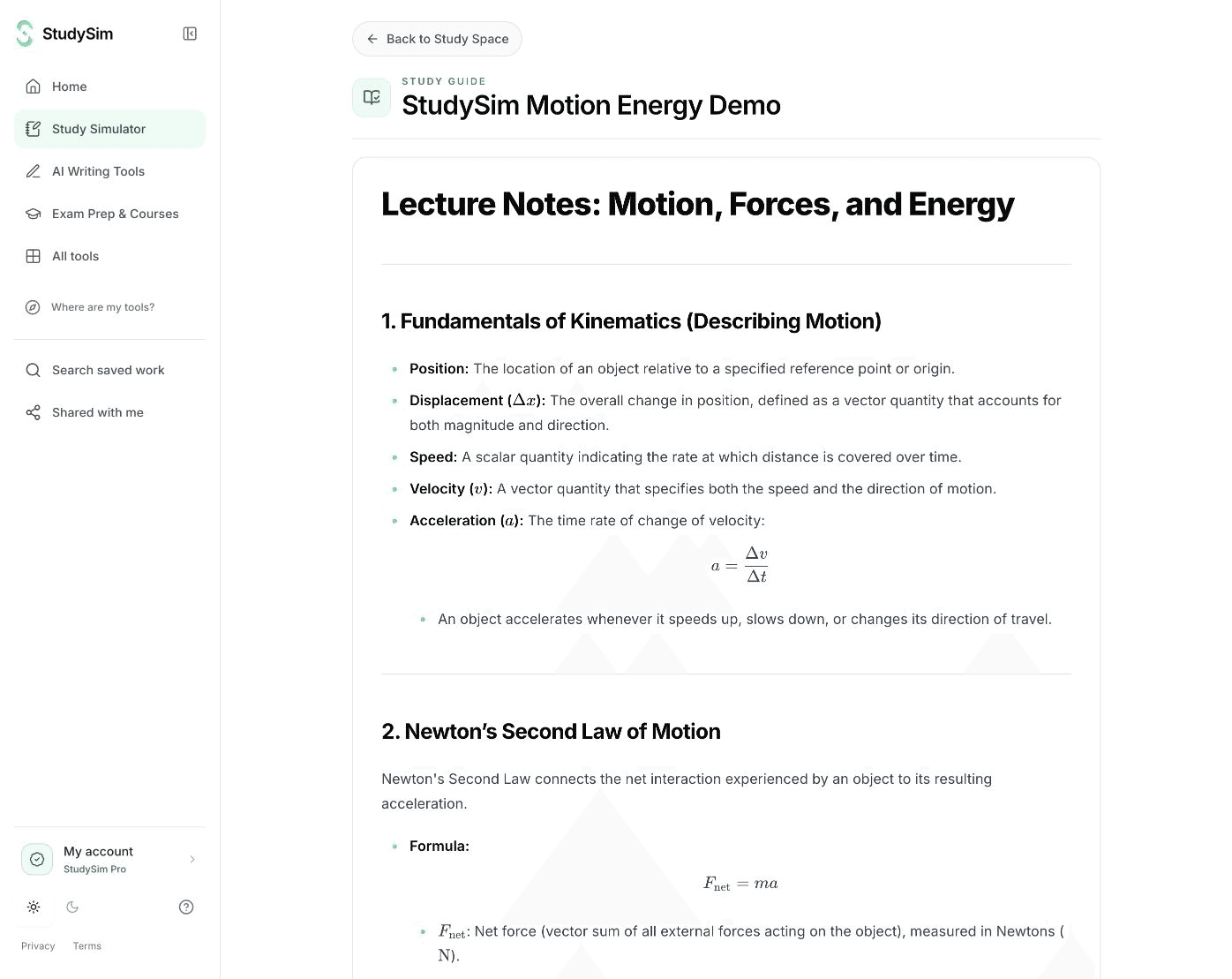
Step 1
Choose a focused source
Start with the notes for one topic, unit, or kind of problem.
Step 2
Make the compact reference
Make your sheet, then check the concepts and formulas against your notes.
Step 3
Use it for review
Copy or print the result, or save it to a course when you want to return to it.
Access and saving
Sign in to generate one result per account. More results need StudySim Pro, $1 for your first 3 days.
What to keep in mind
Paste text or upload a PDF, Word, PowerPoint or text file (up to 3 MB). Photos and scanned PDFs won't work. Follow your class and exam rules for any reference material you use.
How does the cheat sheet maker work?
Paste notes or upload a PDF, Word, PowerPoint or text file up to 3 MB, pick a style, and select Make cheat sheet. StudySim lays out the formulas, key concepts and common mistakes from your source as a compact reference. Check it against your notes, then copy or print it.
Can I print the sheet?
Yes. Select Print, then choose "Save as PDF".
What does a cheat sheet from my notes look like?
It is a compact reference built from your source. In the prepared example, notes on a 0.5 kg cart pushed from rest by a 2 N net force become a sheet that keeps the motion formulas next to the conditions they depend on. Open the example tutorial to see it step by step.
Is this an AI cheat sheet maker?
Yes. StudySim uses AI to organize the source you submit, and your text goes to the service that powers the tool. Photos and scanned PDFs will not work. A compact sheet is a review aid, so check formulas and details against your original material.
Is the cheat sheet maker free?
Sign in to make a complete compact reference sheet with this cheat sheet maker (some call it a cheatsheet maker). More results need StudySim Pro, $1 for your first 3 days. Input limits and availability apply.
How is a cheat sheet different from flashcards?
A cheat sheet puts what you need on one reference you can scan. Flashcards quiz you one question at a time. Use the sheet to review, then the flashcard maker to test yourself.
What is the fake cheat sheet method?
You write a cheat sheet as if you could bring it into the exam, then study from it and leave it at home. Deciding what fits on one page makes you sort out what matters, and writing it helps you remember it. Use a StudySim sheet as a first draft, then rewrite it by hand in your own words.
Choose your next step
Study guide generator
A concise guide and three self-checks
Quiz generator
Five questions with answers and explanations
Flashcard maker
Eight complete question-and-answer cards
Study notes generator
Structured notes and three review prompts
Step-by-step solver
A worked answer with steps
Visual tutor
A short visual lesson with a checkpoint
Study podcast generator
A short narrated review and its transcript