PhysicsRead tutorial
PDF to podcast: turn a source into a spoken review
StudySim turns a PDF or your notes into a short spoken review with a readable transcript.
Study podcast generator examples
Explore a prepared example, follow the steps, and try the controls.
Study podcasts in StudySim
Take the review with you.
A short narrated review and transcript from the quick tool. Existing Pro course podcasts support the course workflow and its voice and length controls.
Explore study podcasts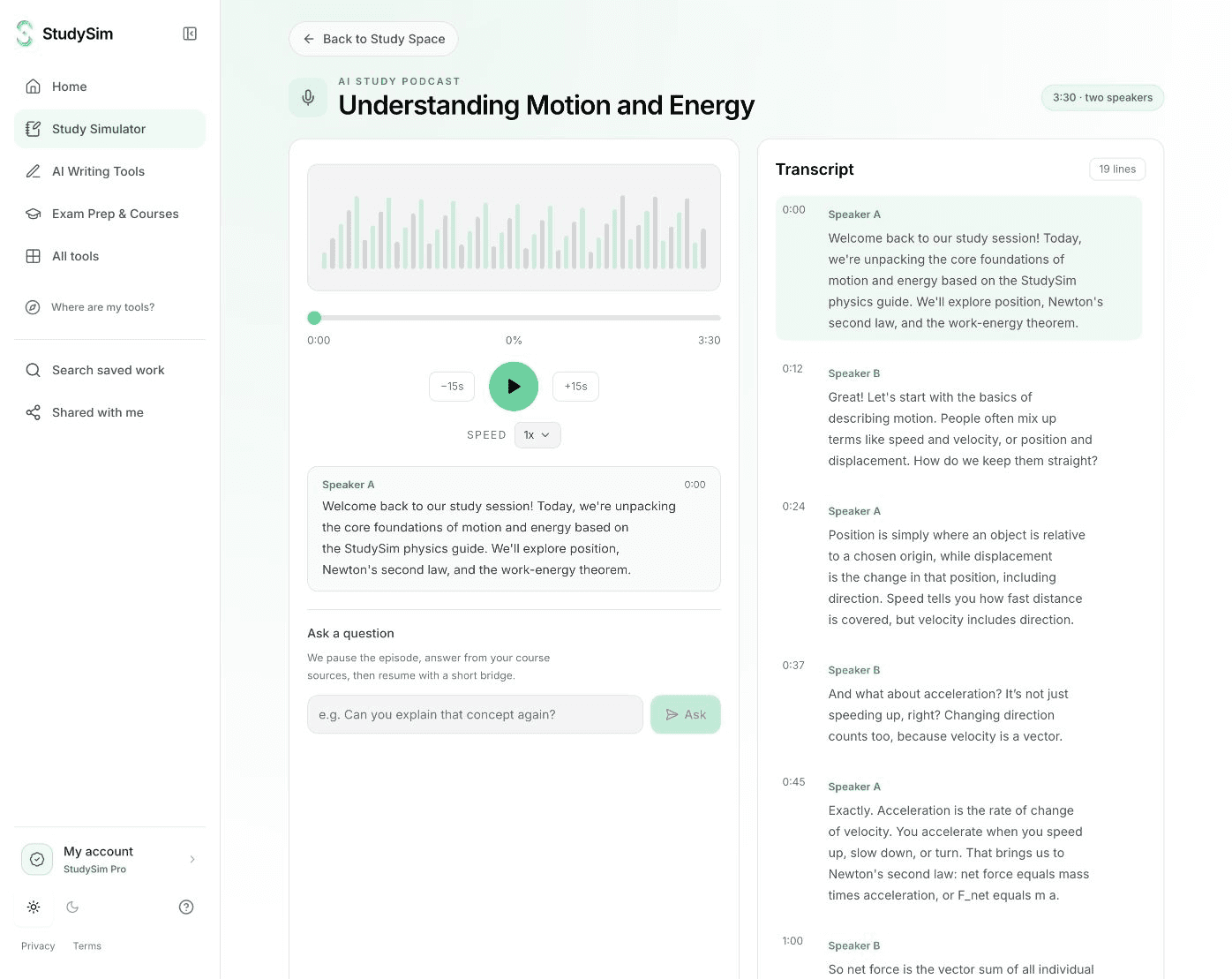
Step 1
Choose the material
Submit a focused set of notes or use ready materials from an owned course in the course workflow.
Step 2
Create the review
Review the source and choose a supported style before generating the audio.
Step 3
Listen and revisit
Use playback controls and the transcript, and save a useful result to a course.
Access and saving
Try it free, no sign-up needed. Sign in to save a result to a course. Go Pro to build study sets from everything in a course.
What to keep in mind
The free tool makes a short audio review. In a Pro course you get more podcast options. It's a recording, not a live chat.
Does it include a transcript?
Yes. The quick study podcast includes a transcript alongside its audio player.
Can I use gossip style?
Gossip style turns your review into a chatty story, and the facts still come from your notes.
Choose your next step
Study guide generator
A concise guide and three self-checks
Quiz generator
Five questions with answers and explanations
Flashcard maker
Eight complete question-and-answer cards
Cheat sheet maker
A complete compact reference sheet
Study notes generator
Structured notes and three review prompts
Step-by-step solver
A worked answer with steps