Fraction calculator
This fraction calculator adds, subtracts, multiplies or divides fractions and simplifies the answer.
Your result
The fields contain an example. Change them to your values, then select Calculate.
Calculated on your device. This tool does not send your entries to a calculation service or save them. Reloading clears your entries.
Create a visual lesson from your notes
Worked examples
Add fractions with unlike denominators
1/2 + 1/3 = 5/6
Rewrite both fractions with a common denominator of 6: 3/6 + 2/6. Add the numerators to get 5/6, which is already in lowest terms.
Subtract fractions and simplify
5/6 - 1/4 = 7/12
Rewrite both fractions with a common denominator of 12: 10/12 - 3/12. Subtract the numerators to get 7/12.
Multiply fractions and simplify
2/3 × 3/4 = 1/2
Multiply the numerators and the denominators: 2 × 3 = 6 and 3 × 4 = 12. Then 6/12 simplifies to 1/2.
Divide fractions and write a mixed number
3/4 ÷ 2/5 = 15/8, or 1 7/8
Multiply 3/4 by the reciprocal of 2/5, which is 5/2. That gives 15/8, shown as the mixed number 1 7/8.
Fraction calculator FAQ
How do I add fractions with unlike denominators?
Rewrite each fraction with a common denominator, add the numerators, then simplify. This fraction calculator does that rewrite and reduces the result, including a mixed number when the answer is an improper fraction.
Does this fraction calculator simplify the answer?
Yes. After the operation it divides the numerator and denominator by their greatest common divisor and moves a negative sign to the numerator. If the result is an improper fraction, it also shows a mixed number.
Can I subtract, multiply and divide fractions here?
Yes. Choose subtract, multiply or divide, then enter each value as an integer or as a/b, such as 3/4. Division by zero is rejected.
How do I enter a whole number or a negative fraction?
Enter a whole number as an integer, such as 4. Enter a negative fraction as -3/4. Numerators and denominators must be whole numbers with magnitude up to 1,000,000.
Does the fraction calculator use AI or need an account?
No. The calculation runs in your browser. It does not send an AI request and does not count toward StudySim AI tool limits.
Student calculators in StudySim
Get the number. Keep studying.
Six free calculators for grades, GPA, fractions, percentages and more. Results appear instantly in your browser.
Explore student calculators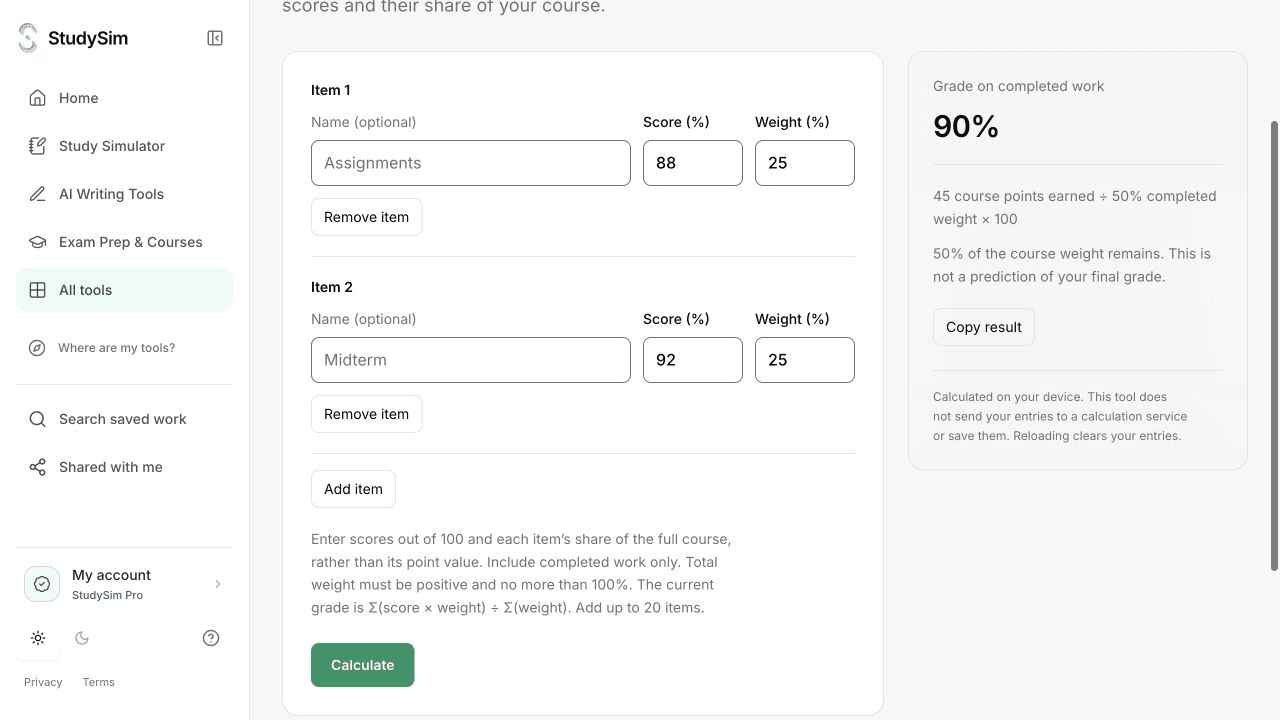
Step 1
Choose the calculation
Pick the calculator that fits your problem.
Step 2
Enter the values
Use the fields and supported syntax shown by that calculator.
Step 3
Read and check the result
Inspect the result and make sure the inputs and assumptions fit your use.
Access and saving
All six calculators are free, need no sign-up, and run right in your browser.
What to keep in mind
The grade and GPA tools use the stated assumptions rather than every school’s grading policy. The algebra tool handles supported simple linear equations, not general symbolic mathematics.
Do calculations use an AI API?
No. Everything is calculated in your browser. Nothing is sent to an AI.
Do calculators count toward the AI tool limit?
No. The calculators are always free to use.