Study researchRead tutorial
AI research assistant: sources with links to the original work
StudySim's AI research assistant finds scholarly sources with publication details and links to the original work.
Your text
Research results
Your research results will appear here
Add a question or topic to find relevant scholarly sources.
Research assistant examples
Explore a prepared example, follow the steps, and try the controls.
Research assistant in StudySim
Find a useful place to start reading.
A short list of real scholarly sources with links to the originals.
Explore research assistant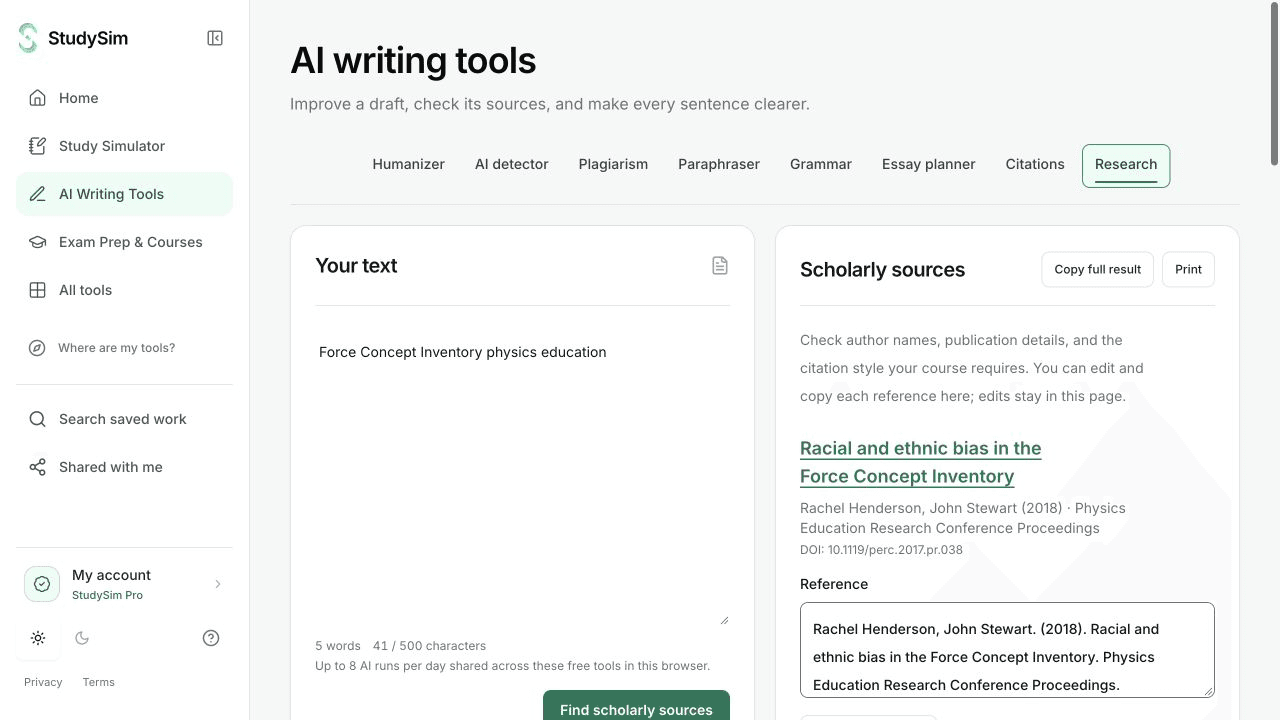
Step 1
Ask a focused research question
Describe the topic and the relationship you want to investigate.
Step 2
Read the source list
Review returned publication titles and metadata before deciding what to read.
Step 3
Open and assess the originals
Check relevance, methods, evidence, and publication context in the actual source.
Access and saving
Sign in to generate one result per account. More results need StudySim Pro, $1 for your first 3 days. Your draft stays put when you switch tools, and each tool keeps its own result.
What to keep in mind
This is scholarly metadata search, not general live-web browsing or a guarantee that every result is relevant, available in full text, or suitable evidence for your claim.
Does StudySim write a verified literature review?
The research assistant gives you a short list of sources. Open and read them before you rely on them.
Can I use the results without an account?
No. Sign in to generate one result per account. More results need StudySim Pro, $1 for your first 3 days.