Visual tutor
See an explanation unfold on a board with captions, optional narration and a checkpoint.
Visual tutor in StudySim
Watch the explanation take shape.
An animated board with narration, synchronized captions, a short checkpoint, and questions you can ask about the explanation.
Explore visual tutor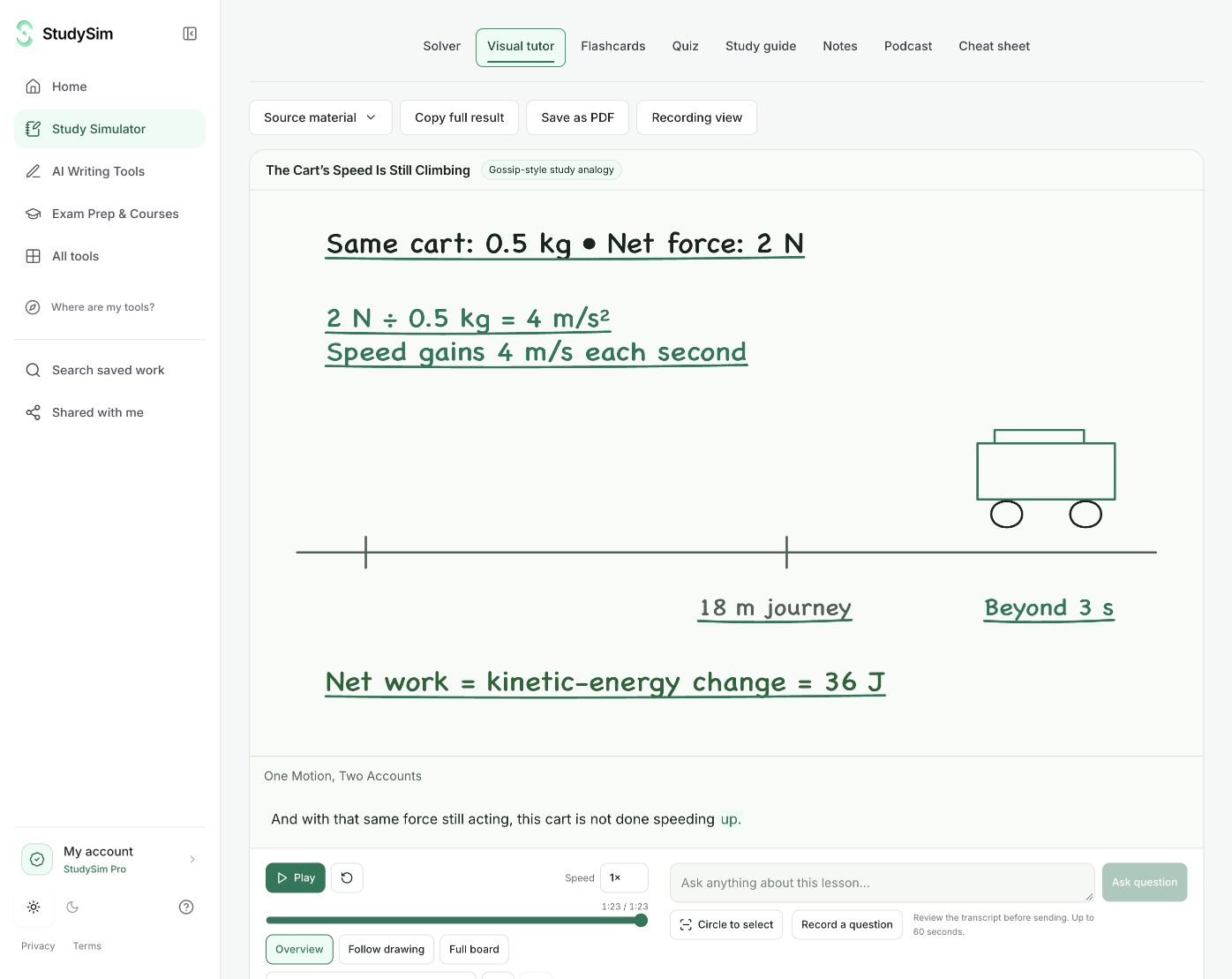
Step 1
Ask about one topic
Paste a question or source notes, or review text extracted from a supported document.
Step 2
Follow the lesson
Play, pause, seek, and change the playback speed. Follow the drawing or view the complete board.
Step 3
Check and explore
Answer the checkpoint, select supported diagram elements, and ask a focused follow-up question.
Access and saving
Try a complete small result before signing up. AI tools share a daily browser allowance and show their input limits before submission. Sign in when you want to save a useful result to a course. Pro course generators have their own existing access and allowances.
What to keep in mind
Generation time and visual quality vary by topic. Interactive models appear only where the source supports a defined relationship. This is not a general 3D simulator, a live voice call, or a direct MP4 export service.
Can I ask about something on the board?
Yes. Supported drawn elements can be selected and added to a focused question. Voice questions use recording, transcription, review, and send rather than continuous conversation.
Can I save the lesson?
Sign in to save a completed result to an owned course. The saved lesson and its playback remain available through that course.
Choose your next step
Study guide generator
A concise guide and three self-checks
Quiz generator
Five questions with answers and explanations
Flashcard maker
Eight complete question-and-answer cards
Cheat sheet maker
A complete compact reference sheet
Study notes generator
Structured notes and three review prompts
Step-by-step solver
A worked answer with steps
Study podcast generator
A short narrated review and its transcript